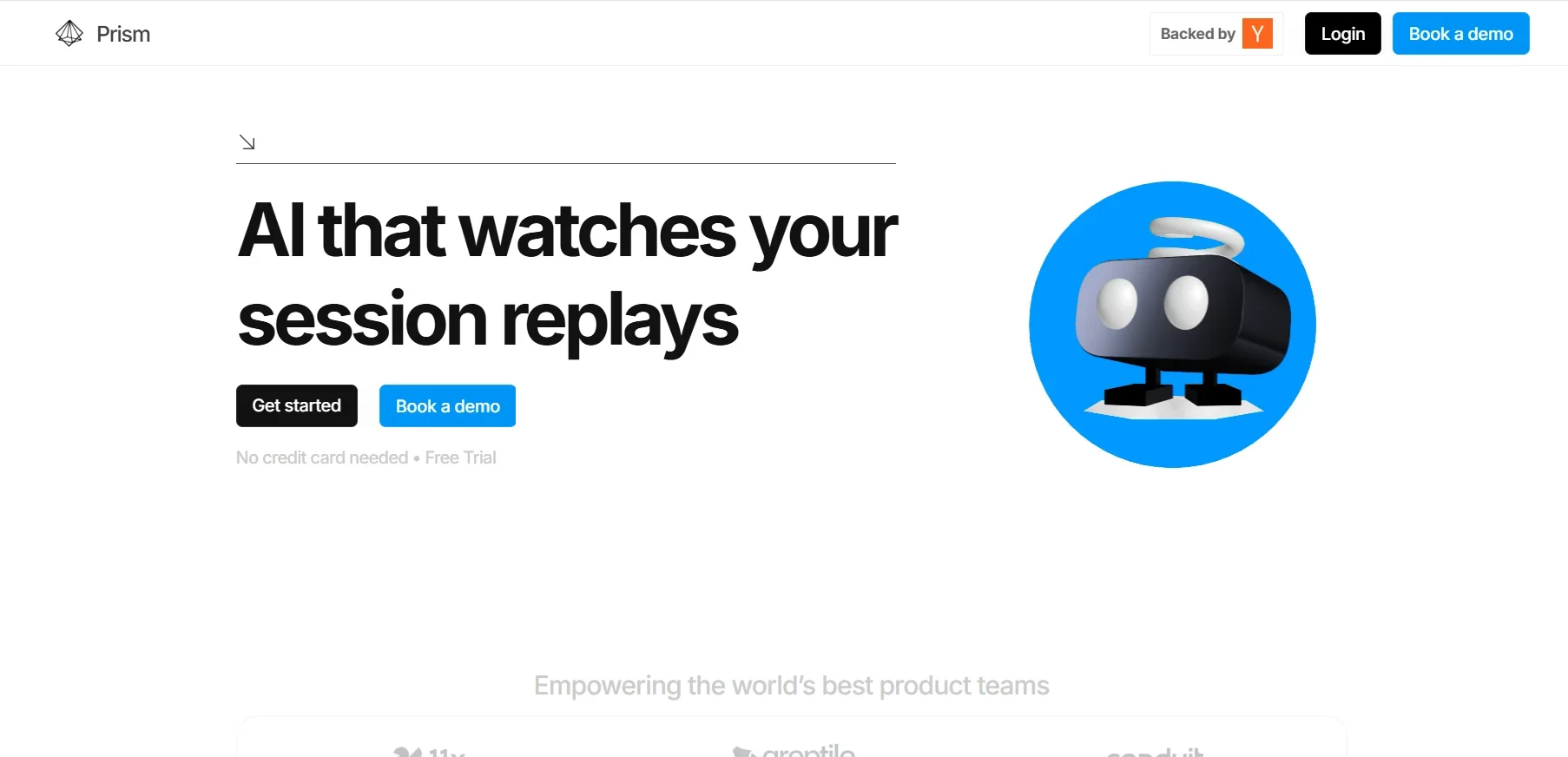
️ 🖼Tool Name: Prism Replay
Tool Category: Session Replay Analytics, a smart analytics platform for user session recordings 🔖
️ What does this tool offer? ✏
Prism Replay is a tool that uses artificial intelligence to analyze user session recordings in websites or apps, with the goal of detecting obstacles or issues such as unclear buttons, form hang-ups, angry or hesitant clicks, while automatically summarizing key moments and explaining the causes of frustration or breakdowns, making it easier for technical teams to improve the user experience.
What does the tool actually deliver based on user experience? ⭐
The tool analyzes entire sessions, identifies hesitation or abandonment points, uses visual and linguistic models (VLMs/LLMs) to summarize user journeys, identify recurring behavioral patterns, automatically detect bugs, and generate clear summaries that can be easily shared with development teams or via tools like GitHub and Linear, accelerating issue resolution and product improvement.
Does it include automation? 🤖
Yes, the tool is fully automated. It monitors sessions without any manual setup or tagging, summarizes them automatically using AI techniques, and has a "smart chat assistant" that allows direct interaction with session recordings to ask questions and get immediate answers.
Pricing Model: 💰
Usage-Based pricing model with a free plan suitable for small teams or startups.
🆓 Free Plan Details:
Completely free up to 5,000 sessions per month, including AI analytics, filters, search, chat with sessions, barrier detection, and 30 days of data storage.
Paid Plan Details: 💳
After exceeding 5,000 sessions, an additional cost of approximately $0.05 per session is charged, and billing is flexible based on the number of additional sessions above the free plan limit.
Access Method: 🧭
Sign up at prismreplay.com, either go live or book a demo, then install a light SDK (line of code) or connect with tools like Posthog or Sentry to start collecting and analyzing sessions.
Experience Link: 🔗
https://prismreplay.com