SpellBox
Description
️ Tool Name: 🖼
SpellBox
Tool Category: 🔖
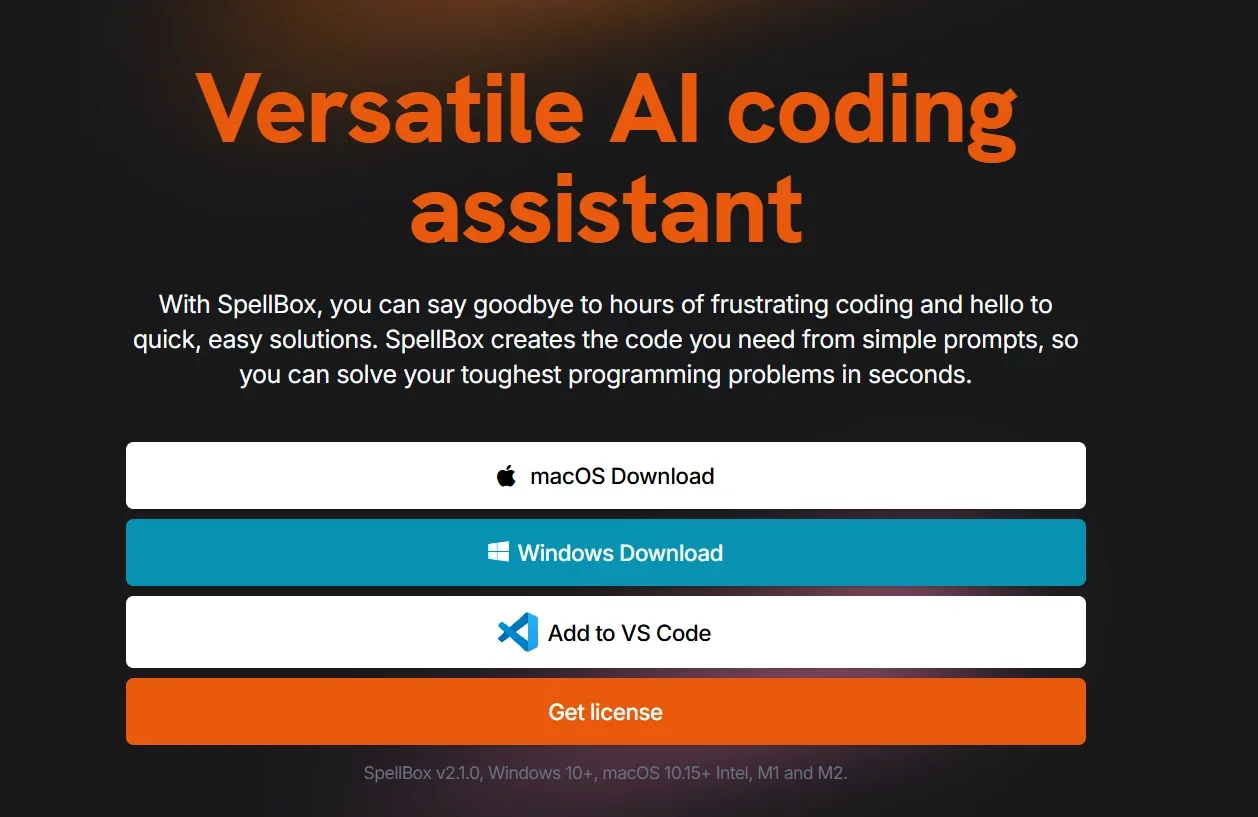
AI Coding Assistant (AI Coding Assistant) Works as a standalone app or as an add-on for VS Code and other applications, converts simple text commands into code and explains existing code.
️ What does this tool offer? ✏
Generate unlimited code from simple text commands.
Explain the code line by line for easy understanding.
Save generated code as Bookmarks for later reference.
Supports all popular programming languages.
Work on an unlimited number of machines with the same license.
Direct integration with VS Code and JetBrains or run it as a separate program on Windows and Mac.
What does the tool actually deliver based on user experience? ⭐
Reduces coding time, especially for repetitive tasks.
Suitable for beginners and professionals thanks to the clear explanation of the code.
Simple and responsive interface.
The feature of saving sections makes it easy to refer to the ready-made code when needed.
Does it include automation? 🤖
Yes, the tool is fully automated - from generating codes to explaining and saving them without any complicated steps.
Pricing Model: 💰
One-Year License with a direct purchase option.
🆓 Free Plan Details:
No free plan.
Money-Back Guarantee within 5 days of purchase.
Paid Plan Details: 💳
Early Bird offer: $40/year instead of $65.
Regular price: $65/year.
Features:
Unlimited code generation.
Unlimited device licensing.
Save generated codes as Bookmarks.
Works on all supported operating systems.
Access Method: 🧭
Download the program from the official website or install the extension on VS Code, then activate the license and start generating and running codes directly.
Experience Link: 🔗
https://spellbox.app