VibeScan
Description
️ 🖼Tool Name:
VibeScan
🔖 Tool Category:
AI-generated code inspection and debugging tool
️ ✏What does this tool offer?
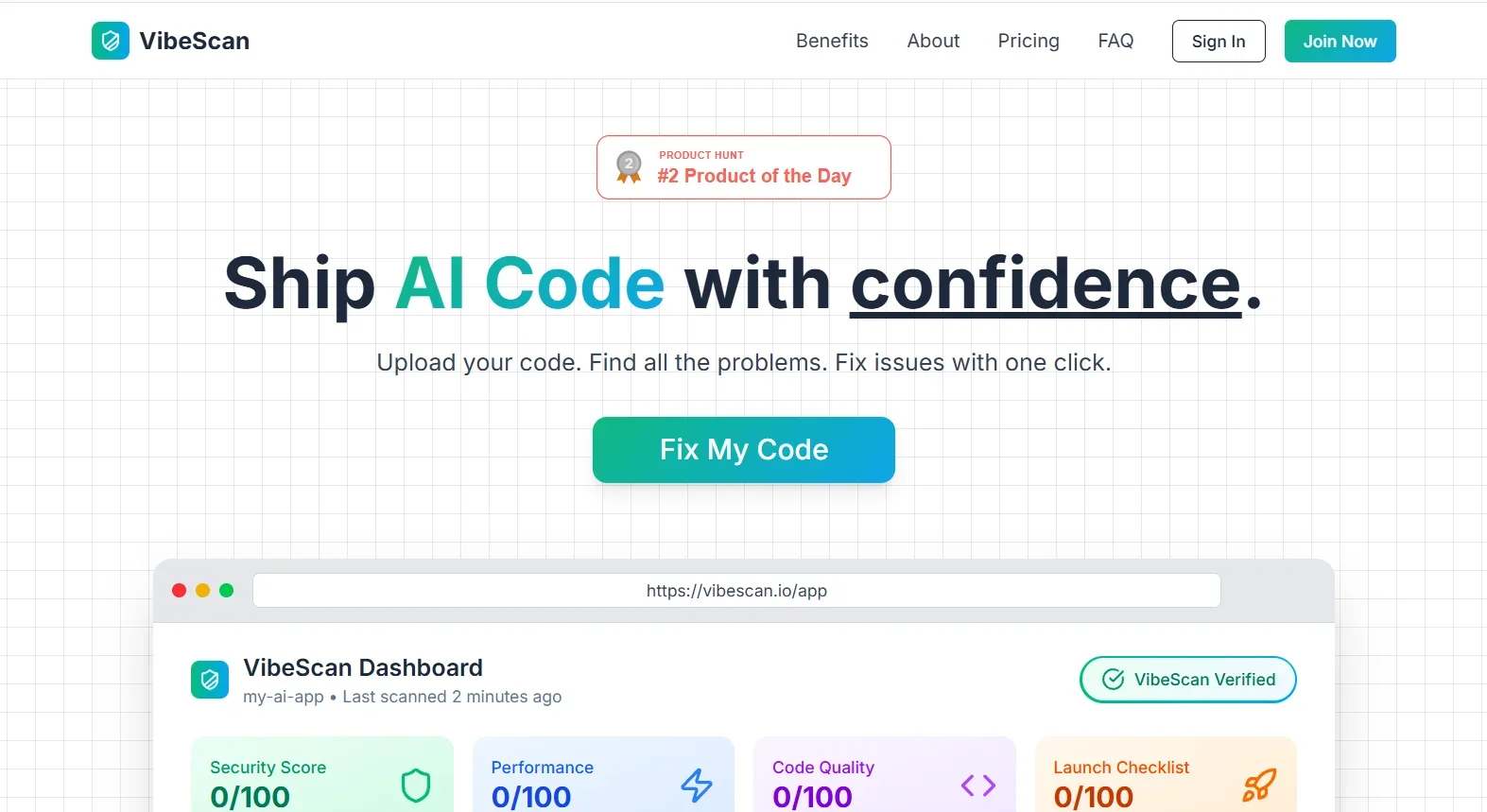
VibeScan provides a specialized service for software developers, analyzing code generated by AI tools. Its mission is to detect:
Potential security vulnerabilities
performance issues
Errors or deficiencies in code quality
Actual pre-launch readiness
The tool also provides automatic fixes or smart tips to help developers optimize code quickly and with minimal effort.
⭐ What does the tool actually deliver based on user experience?
Based on user experience, the tool works directly in the browser without any complicated installation or setup. Simply upload the code to the platform and it will be scanned immediately, displaying a full report of the detected issues. The user can then fix the errors with a single click, making the process very quick and easy.
🤖 Does it include automation?
Yes - the tool relies on automation for common fixes, and in the Ultra plan it adds an automatic scanning feature with every modification to the code, a feature currently in launch.
💰 Pricing Model:
The pricing model is based on a monthly subscription. There is no free or trial plan, and all paid plans start at $13.3 per month.
🆓 Free Plan Details:
There is no free plan available at this time.
💳 Paid Plan Details:
Starter - $13.30/month:
- Up to 5 projects
- 50 scans per month
- All analytics and AI fixes
- Code support up to 100,000 lines
- Ability to purchase additional scans at $0.50 per scan
- Email supportPro - $34.30/month:
- Unlimited projects
- 100 scans per month
- All the benefits of the Starter plan + full auto-repair
- Code support up to 250,000 lines
- Priority user supportUltra - $69.30/month:
- Unlimited projects
- 500 scans per month
- All the benefits of the Pro plan + auto-check on every modification (pending launch)
- API access (pending launch)
- MCP Server
- Code support up to 500,000 lines
- Support via Discord
🧭 Access Method:
The tool is used directly through the browser by uploading the code on its official website, with no download or setup required.
🔗 Experience Link:
vibescan.io/app
️ 🖼Tool Name:
VibeScan
🔖 Tool Category:
A tool for checking and debugging AI-generated code
️ ✏What does this tool offer?
VibeScan provides a specialized service for software developers, analyzing code generated by AI tools. Its mission is to detect:
Potential security vulnerabilities
performance issues
Errors or deficiencies in code quality
Actual pre-launch readiness
The tool also provides automatic fixes or smart tips to help developers optimize code quickly and with minimal effort.
⭐ What does the tool actually deliver based on user experience?
Based on user experience, the tool works directly in the browser without any complicated installation or setup. Simply upload the code to the platform and it will be scanned immediately, displaying a full report of the detected issues. The user can then fix the errors with a single click, making the process very quick and easy.
🤖 Does it include automation?
Yes - the tool relies on automation for common fixes, and in the Ultra plan it adds an automatic scanning feature with every modification to the code, a feature currently in launch.
💰 Pricing Model:
The pricing model is based on a monthly subscription. There is no free or trial plan, and all paid plans start at $13.3 per month.
🆓 Free Plan Details:
There is no free plan available at this time.
💳 Paid Plan Details:
Starter - $13.30/month:
- Up to 5 projects
- 50 scans per month
- All analytics and AI fixes
- Code support up to 100,000 lines
- Ability to purchase additional scans at $0.50 per scan
- Email supportPro - $34.30/month:
- Unlimited projects
- 100 scans per month
- All the benefits of the Starter plan + full auto-repair
- Code support up to 250,000 lines
- Priority user supportUltra - $69.30/month:
- Unlimited projects
- 500 scans per month
- All the benefits of the Pro plan + auto-check on every modification (launching)
- API access (pending launch)
- MCP Server
- Code support up to 500,000 lines
- Support via Discord
🧭 Access Method:
The tool is used directly through the browser by uploading the code on its official website, with no download or setup required.
🔗 Experience Link:
vibescan.io/app