Blink.new
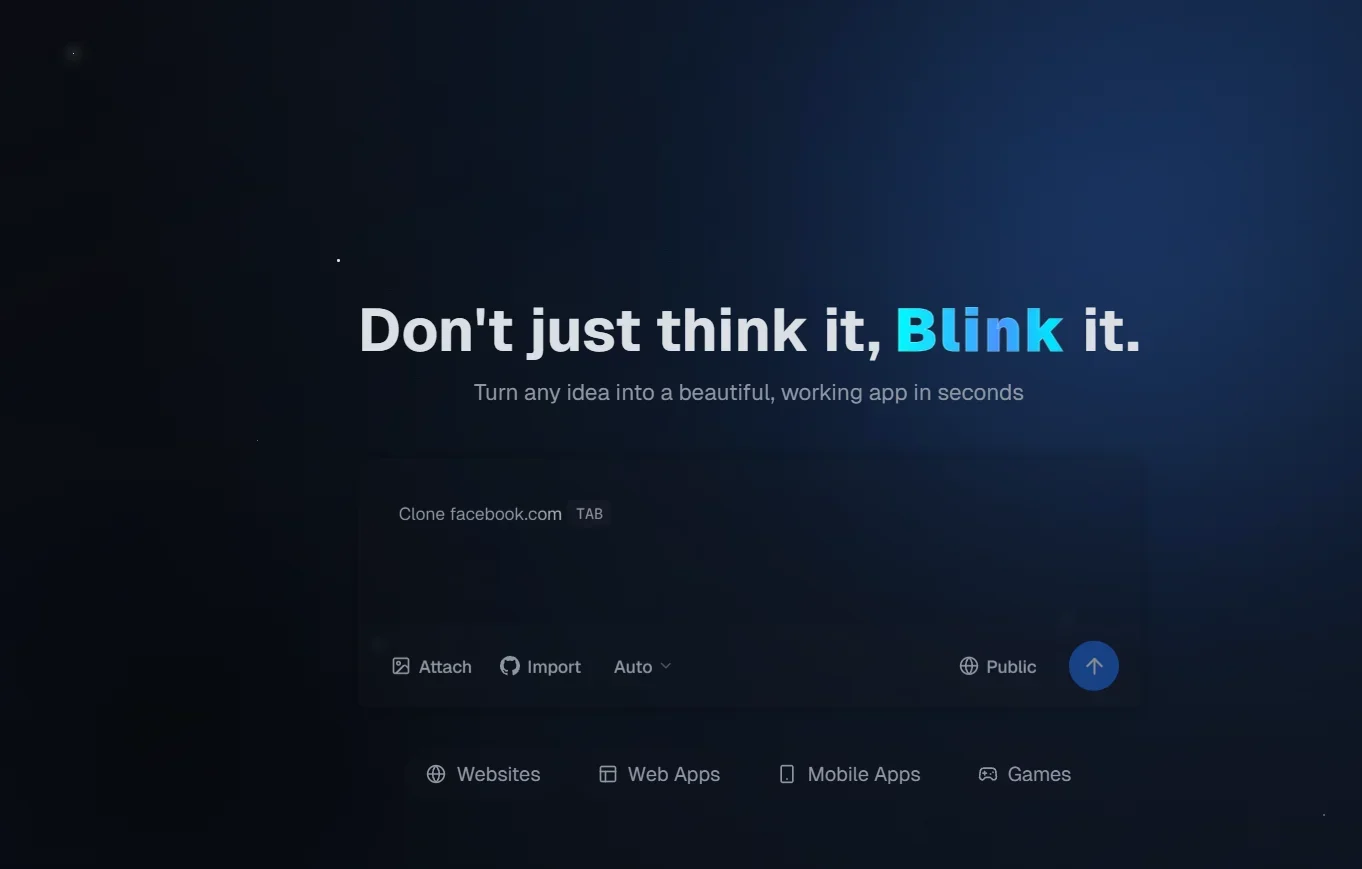
Description
️ 🖼Tool Name:
Blink.new
🔖 Tool Category:
Artificial Intelligence tool to build apps, websites and games without the need for code
️ ✏What does this tool offer?
The tool allows you to turn any idea - be it a website, mobile app, web app, or even a game - into a live working project. Just write a description of the idea (in Arabic or English), and Blink.new takes care of writing the code, organizing the database, setting up hosting, providing a subdomain, and configuring the entire project in seconds.
⭐ What does the tool actually deliver based on user experience?
Once the idea is entered, the tool creates a real app complete with hosting, SSL, and CDN support for speed.
It creates the project structure, design, and database automatically.
You can edit the project later, add custom code, or convert it from a prototype to a full-fledged website or app.
Supports free trials as a starter, with the ability to upgrade to advanced paid plans.
🤖 Does it include automation?
Yes - all processes are fully automated: Writing code, creating databases, deploying to hosting, and adjusting settings, without manual intervention.
💰 Pricing Model:
It follows a Freemium model with a limited free plan and paid monthly subscription plans.
🆓 Free Plan Details:
Price: $0/month
10 Credits per month
Create public projects
Community Support
💳 Paid Plan Details:
Starter - $20/month
- 100 Credits
- Public projects
- Custom domains
- Downloadable code
- Remove Blink's brandingPro - $50/month
- 250 credits
- All Starter plan features
- Advanced AI models
- Prioritized supportMax - $200/month
- 1,200 credits
- All Pro plan features
- Early access to Beta features
- Premium Support
🧭 Access Method:
No need to install - just open your browser (Chrome, Firefox, Safari).
Go to blink.new and select "Get Started" or "Create Your Project".
Register with an email address and then write a description of the idea (e.g. "personal blog" or "online store").
A live preview of the app appears as it's being created, and you can later download the code or link it to your own domain when you sign up for a paid plan.
🔗 Experience Link:
https://blink.new