Kiro
Description
️ 🖼Tool Name:
Kiro.dev
🔖 Tool Category:
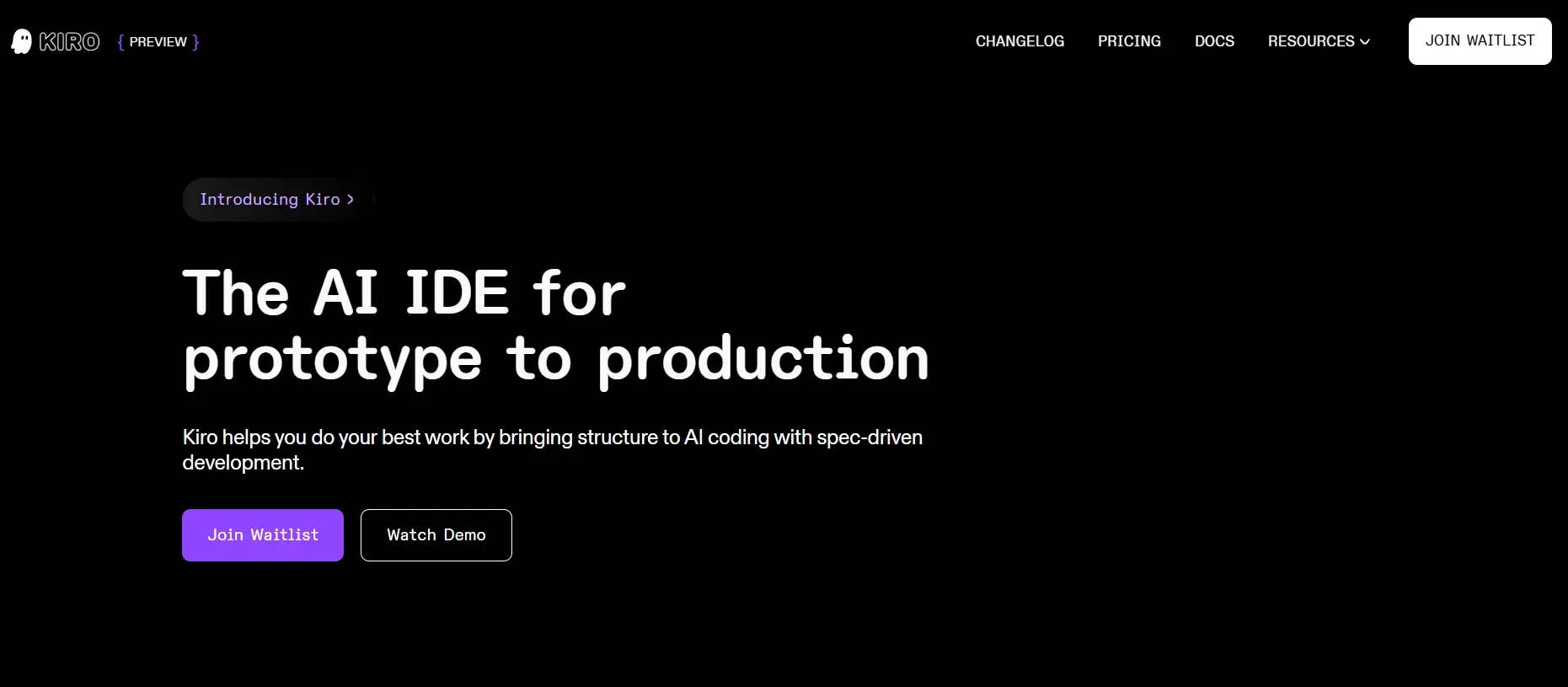
An AI-based integrated development environment (IDE) that uses spec-driven coding to avoid chaos and turn ideas into organized execution.
️ ✏What does this tool offer?
Kiro allows developers to enter a simple prompt or even an image, and it transforms it into:
Detailed requirements
An organized design document with diagrams and drawings (design docs)
Implementation tasks with unit/integration tests
All of this happens inside an AI-powered IDE, giving a clear structure instead of chaos.
⭐ What does the tool actually deliver based on user experience?
A developer starts with an idea (such as adding a review system), Kiro automatically generates user stories, acceptance criteria, architecture diagrams (API, data flow, UI), as well as task breakdowns with logical steps.
Tasks can be executed unit by unit with diffs previewed before approval, providing high control and structure.
There are also agent hooks that automatically perform actions such as writing tests on save, updating README, or performing a security check, and everything stays in sync.
It supports integration with VS Code and plugins, and uses Model Context Protocol to connect it with other tools.
🤖 Does it include automation?
Yes, automation is an essential part: Generating requirements and designs, distributing tasks, executing them step by step, logging activities, and running hooks on save or commit. Code, documentation, and tests speak in synchronization and automation.
💰 Pricing Model:
Kiro adopts a freemium model with a limited free plan and monthly paid plans with different tiers.
🆓 Free Plan Details:
Price: $0/month
50 vibe requests per month
Does not always include spec requests
14-day free trial granted: 100 vibe + 100 spec
💳 Paid Plan Details:
Pro - $20/month: 225 vibe + 125 spec
Pro+ - $40/month: 450 vibe + 250 spec
Power - $200/month: 2,250 vibe + 1,250 spec
Surcharge (overage): $0.04/vibe and $0.20/spec
🧭 Access Method:
You can register via the website to join the waiting list or start the trial. After account activation, you can launch an IDE (local or cloud) and integrate with VS Code and your tools.
🔗 Experience Link:
https://kiro.dev