Notability
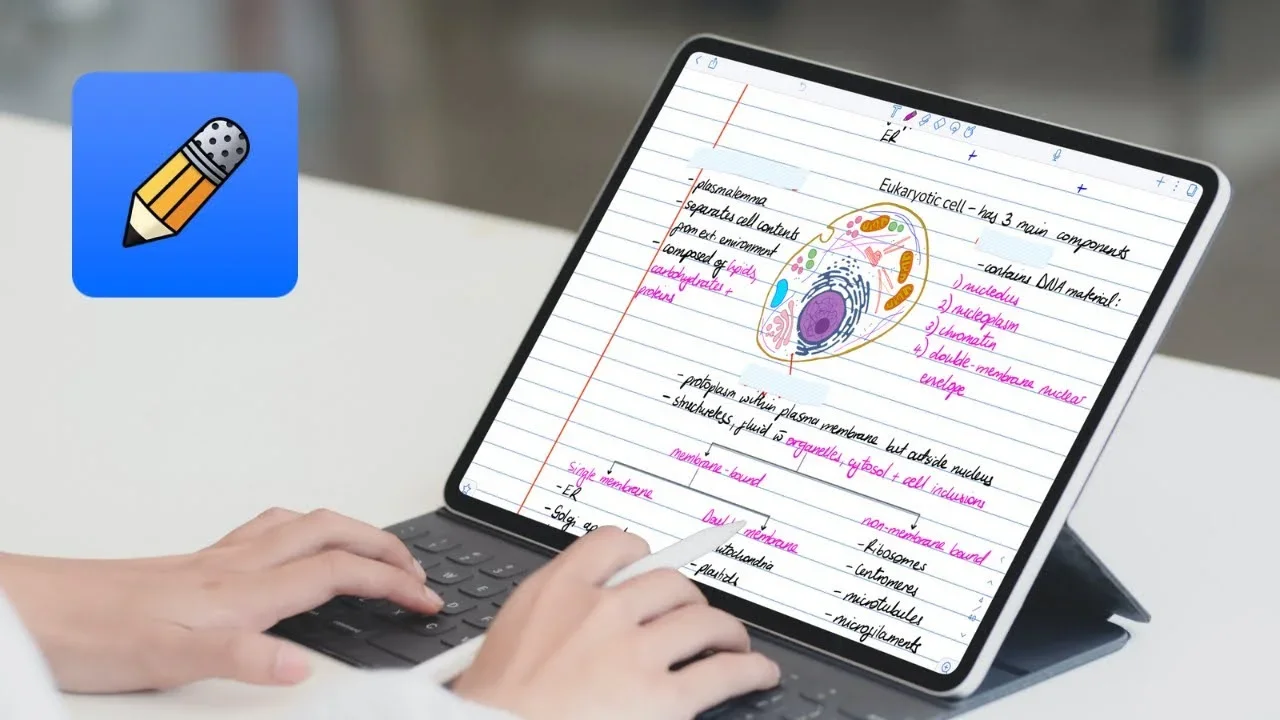
Description
🖼️ Tool Name:
Notability
🔖 Tool Category:
AI-enhanced note-taking & study assistant; belongs to Education & Training, Productivity & Automation, Content Creation & Communication, and General Tools.
✏️ What does this tool offer?
Notability is a versatile note-taking app combining typing, handwriting, drawing, audio recording, and PDF annotation with AI-powered study tools. It transforms notes into interactive learning materials—like summaries, quizzes, and flashcards—helping users study smarter and stay organized across Apple devices.
⭐ What does the tool actually deliver based on user experience?
• Rich note-taking modes: handwriting, text, sketches, audio, PDF annotation, and image embedding
• Seamless syncing across iOS and macOS, with iCloud support
• Innovative AI-powered “Learn” feature that instantly generates summaries, quizzes, and flashcards from notes, PDFs, and recordings
• Audio transcription synced to notes, handwriting-to-text conversion, math equation handling, and smooth Apple Pencil support
• Organized workspace with subjects, dividers, and customizable layouts
🤖 Does it include automation?
Yes — Notability automates:
• Audio recording transcription and syncing with notes
• AI-generated summaries, quizzes, and flashcards for faster review
• Handwriting-to-text conversions and shape detection
• Organization of notes via subjects and automatic syncing
💰 Pricing Model:
Freemium with optional subscription for premium features
🆓 Free Plan Details:
• Basic free note-taking with limited tools, PDF annotation, and audio sync
💳 Paid Plan Details:
• Notability Plus subscription unlocks advanced AI study tools and enhanced features
🧭 Access Method:
• Available on iOS and macOS devices via App Store and web interface
🔗 Experience Link: