CodeGate
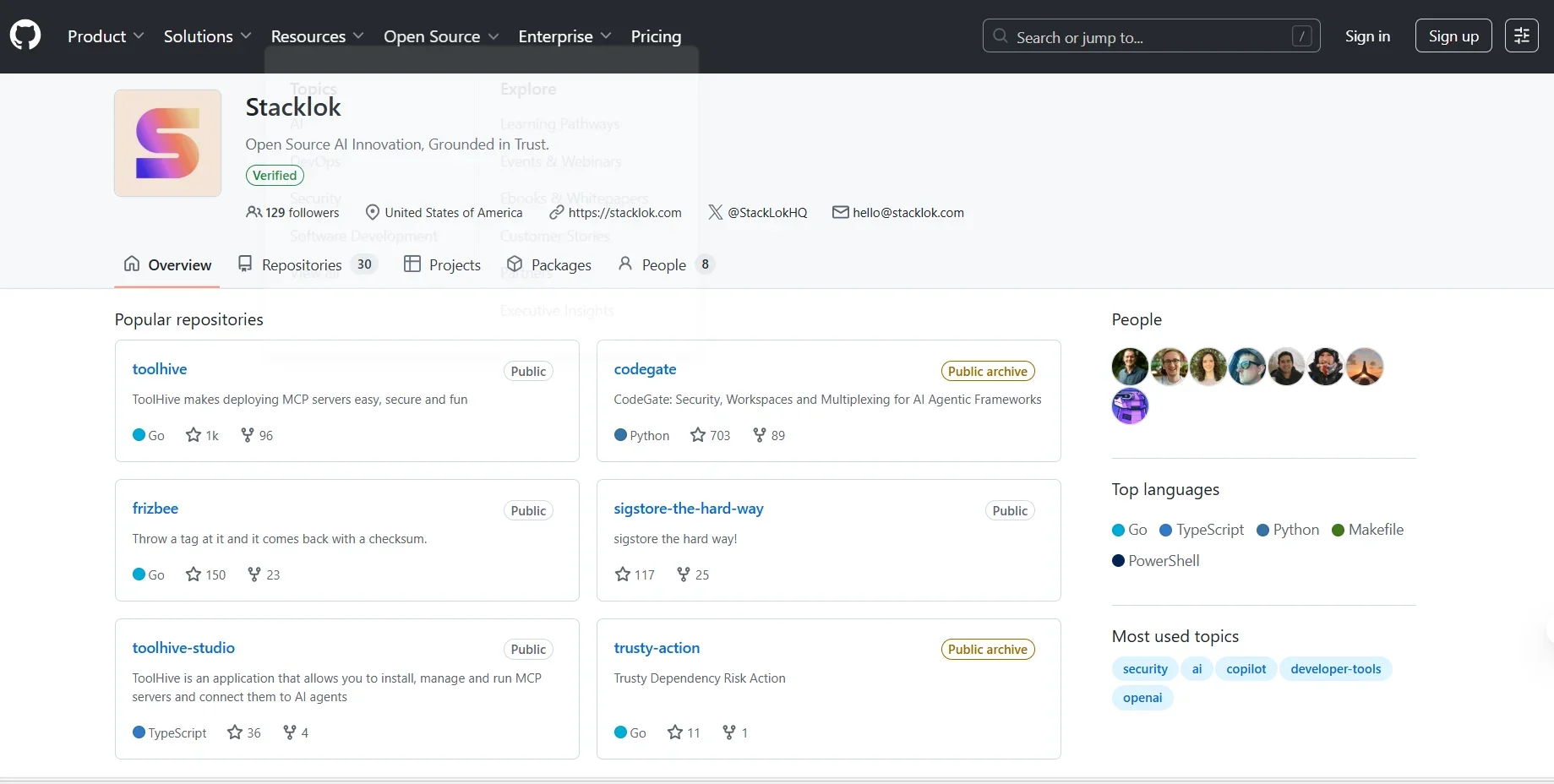
Description
️ 🖼Tool Name:
Stacklok
🔖 Tool Category:
An open source platform and toolkit for AI and software supply chain security, with support for MCP (Model Context Protocol ) and AI agent integration.
️ ✏What does this tool offer?
ToolHive: A tool to securely deploy MCP servers using containers and Kubernetes.
ToolHive Studio & Registry: Manage and connect MCP servers with AI agents, with a secure registry of services.
CodeGate: A protection layer for tools within IDEs that prevents sensitive code or keys from leaking during development.
Minder and Trusty: Additional tools to enhance software supply chain security and source verification.
⭐ What does the tool actually deliver based on user experience?
Easy to create and operate secure MCP environments with direct integration with smart agents.
Real-time protection against in-code leaks and malware in action.
Dashboard to monitor performance and ensure compliance with security standards.
Strong community support led by Craig McLuckie (co-founder of Kubernetes).
🤖 Does it include automation?
Yes - the tool is fully automated: ✅
Automatic deployment and management of MCP servers with built-in protection.
Automatic security monitoring, with continuous updating of package knowledge.
Automatic integration with GitHub/CI/CD and development environments.
💰 Pricing Model:
Open Source: Completely free with self-deployment.
Additional services for organizations: Customized pricing (Enterprise Support + Hosting).
🆓 Free Plan Details:
Fully open source on GitHub.
Can self-deploy via Docker or Kubernetes at no cost.
💳 Paid Plan Details:
Customized enterprise plans that include: Official support, managed hosting, and advanced security integrations.
🧭 Access Method:
Via GitHub: Via the official website: https://stacklok.com
🔗 Experience Link:
https://stacklok.com