Buildglare
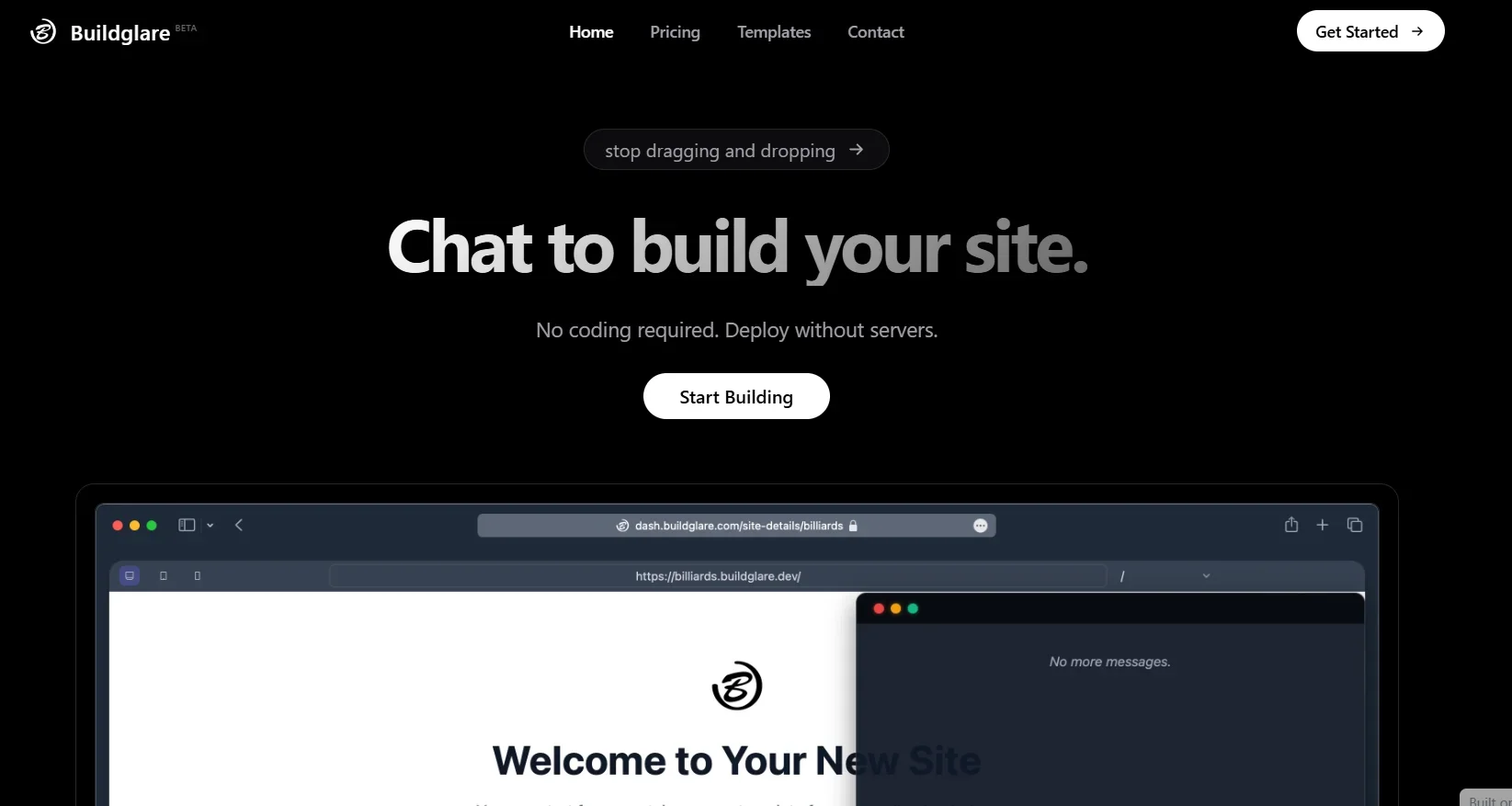
Description
️ 🖼Tool Name:
Buildglare
🔖 Tool Category:
AI low-code platform for building full websites and SaaS applications using text-only conversation.
️ ✏What does this tool offer?
Buildglare allows users to build fully interactive pages, components, and websites through dialog with AI, without the need for any programming. You can create static paths like an "About Us" page, and dynamic paths like a blog or a product showcase. The platform is based on a reusable component architecture to facilitate the development of the interface, and uses AI to generate the user interface and backend, including setting up databases. In addition, the platform provides instant global deployment via the Cloudflare network, and allows for partial modifications without the need to regenerate entire files. Buildglare supports real-time collaboration and version control.
⭐ What does the tool actually deliver based on user experience?
Buildglare boosts the speed of development of MVPs, internal apps or SaaS sites with automatic generation from a simple description. Users praise its ability to accelerate backend and UI development without sacrificing code control and customization. It also offers seamless collaboration between teams and the ability to roll back previous versions when needed.
🤖 Does it include automation?
Yes - automation is fully available:
Automatically convert text into pages, components, and sites.
Generate the entire UI, back-end logic, and databases.
Automatic and instant deployment via the Cloudflare network.
Support for partial modification of files without the need for full regeneration.
Provides integration with teamwork systems and automatic version tracking.
💰 Pricing Model:
Based on a Freemium model, where you can start for free.
It has paid subscription plans for more advanced uses and features, with pricing details not currently widely published.
🆓 Free Plan Details:
Provides a free platform that allows getting started and experimenting at no cost.
Includes page creation, derivative components, and initial deployment, with limited customization capabilities.
🧭 Access Method:
Register on the platform and start a text-based conversation with the AI.
Generate the entire website or app from the text description, then edit as needed.
Instant deployment without the need for any complicated settings.
🔗 Experience Link:
https://www.buildglare.com