Dropbase
الوصف
🖼️ Tool Name (اسم الأداة):
Dropbase
🔖 Tool Category (نوع الأداة):
منصّة ذكاء اصطناعي (AI) لتطوير تطبيقات ويب داخلية (Internal Tools) باستخدام البايثون، تعتمد على نهج Self-hosted و Local-first.
✏️ What does this tool offer? (ماذا تقدم الأداة؟)
بناء أدوات داخلية مثل: لوحات تحكّم، CRM داخلي، أدوات دعم العملاء، أو إدارة البيانات.
إدخال الفكرة باللغة الطبيعية (Natural Language) → يقوم الذكاء الاصطناعي بتوليد واجهة الاستخدام والكود مباشرة.
مزيج بين السحب والإفلات + كتابة كود بايثون لمزيد من التحكم.
Local-first: تعمل محليًا ويمكنك استضافتها بنفسك → بياناتك لا تخرج للخارج.
مكتبة بايثون كاملة متاحة (أي مكتبة PyPI).
مكوّنات واجهة جاهزة (جداول، شريط جانبي).
دعم Smart Tables: استعلام SQL يتحول لجدول قابل للتعديل مثل Excel مباشرة.
⭐ What does the tool actually deliver based on user experience? (التجربة العملية)
التطبيق يُبنى من ملفات بسيطة:
•main.pyللواجهة.
•functions.pyأوproperties.jsonللمنطق.الـAI يولّد كود نظيف وقابل للتعديل + يعرض Diff للتغييرات قبل اعتمادها.
واجهة بسيطة (جدول + Sidebar) مناسبة لمعظم الأدوات الداخلية.
تجارب المستخدمين تشير إلى أنه أسرع من Airplane، ويوفر تحكمًا بالكود أكثر من Retool.
مثالي لمطوري بايثون الذين يريدون بناء أدوات داخلية بسرعة دون الدخول في تعقيدات البنية التحتية.
🤖 Does it include automation? (هل تحتوي على أتمتة؟)
نعم ✅
من وصف المهمة → إلى كود كامل جاهز.
عرض Diff للتغييرات أوتوماتيكيًا.
توفير مكوّنات أساسية جاهزة (Tables, Sidebar).
اختصار كبير في وقت كتابة الكود اليدوي.
💰 Pricing Model (نظام الأسعار):
ليس مفتوح المصدر بالكامل، بل Source-available (بعض المكونات مثل Worker متاحة ككود).
يوجد نسخة مجانية للتجربة محليًا.
الخطط المدفوعة غير معلنة رسميًا → يجب التواصل مع فريق المبيعات.
🆓 Free Plan Details (الخطة المجانية):
نسخة مجانية محلية للتجربة.
يمكن تنزيلها وتشغيلها على جهازك مباشرة.
إمكانية استضافة الـWorker ذاتيًا لمزيد من الأمان والتحكم بالبيانات.
💳 Paid Plan Details (تفاصيل الخطط المدفوعة):
غير معلنة رسميًا.
التفاصيل تُقدّم فقط عبر التواصل مع فريق Dropbase.
🧭 Access Method (طريقة الوصول):
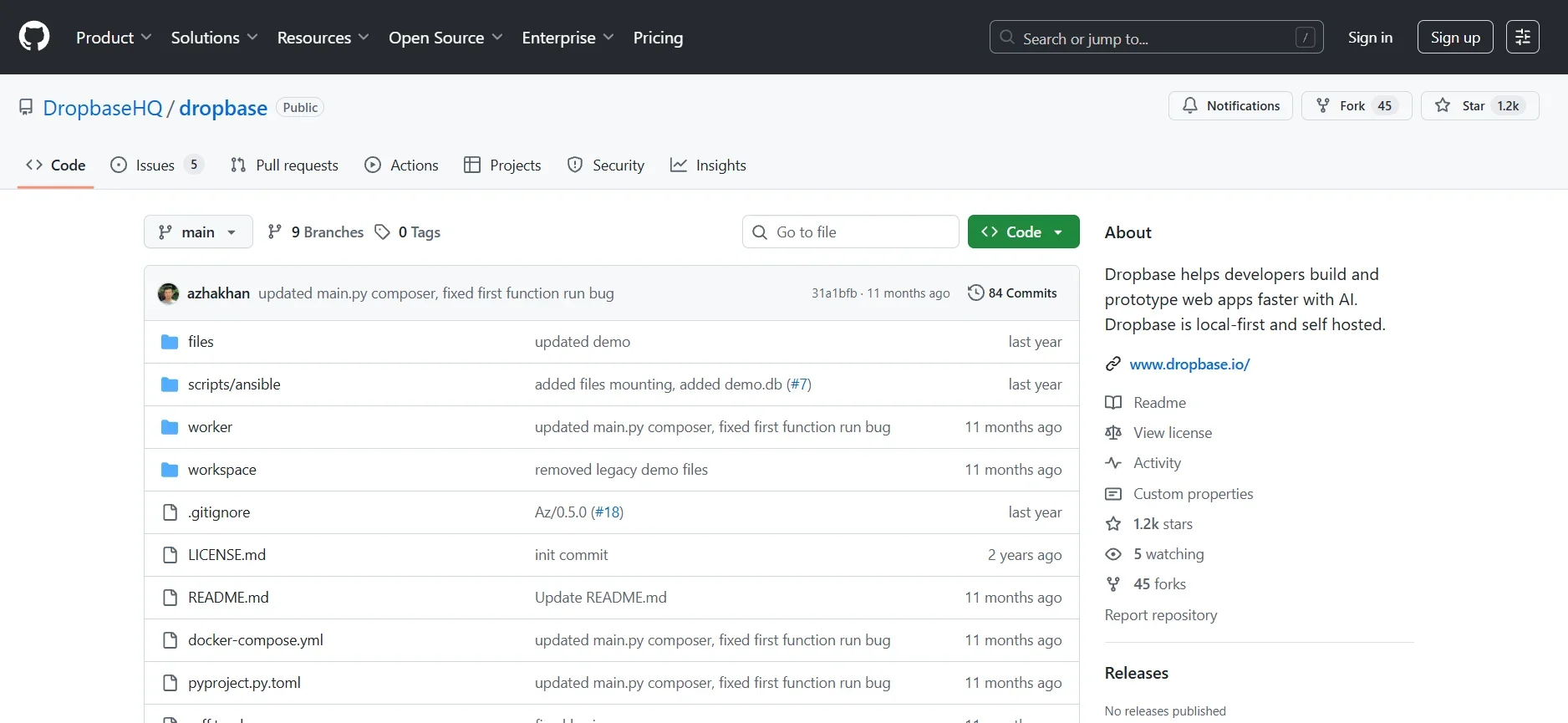
بدء الاستخدام من GitHub.
تشغيل محليًا ثم الدخول عبر المتصفح:
localhost:3030/appsلإنشاء أول تطبيق.لإضافة مزايا الذكاء الاصطناعي: إدخال مفتاح OpenAI أو Anthropic في ملف الإعدادات (
server.toml).ربط APIs أو قواعد بيانات عبر ملف
worker.toml.من واجهة Dropbase: كتابة الأوامر النصية أو تعديل الكود مباشرة.
🔗 Experience Link (رابط التجربة):
https://github.com/DropbaseHQ/dropbase?ref=