Description
Pricing Details
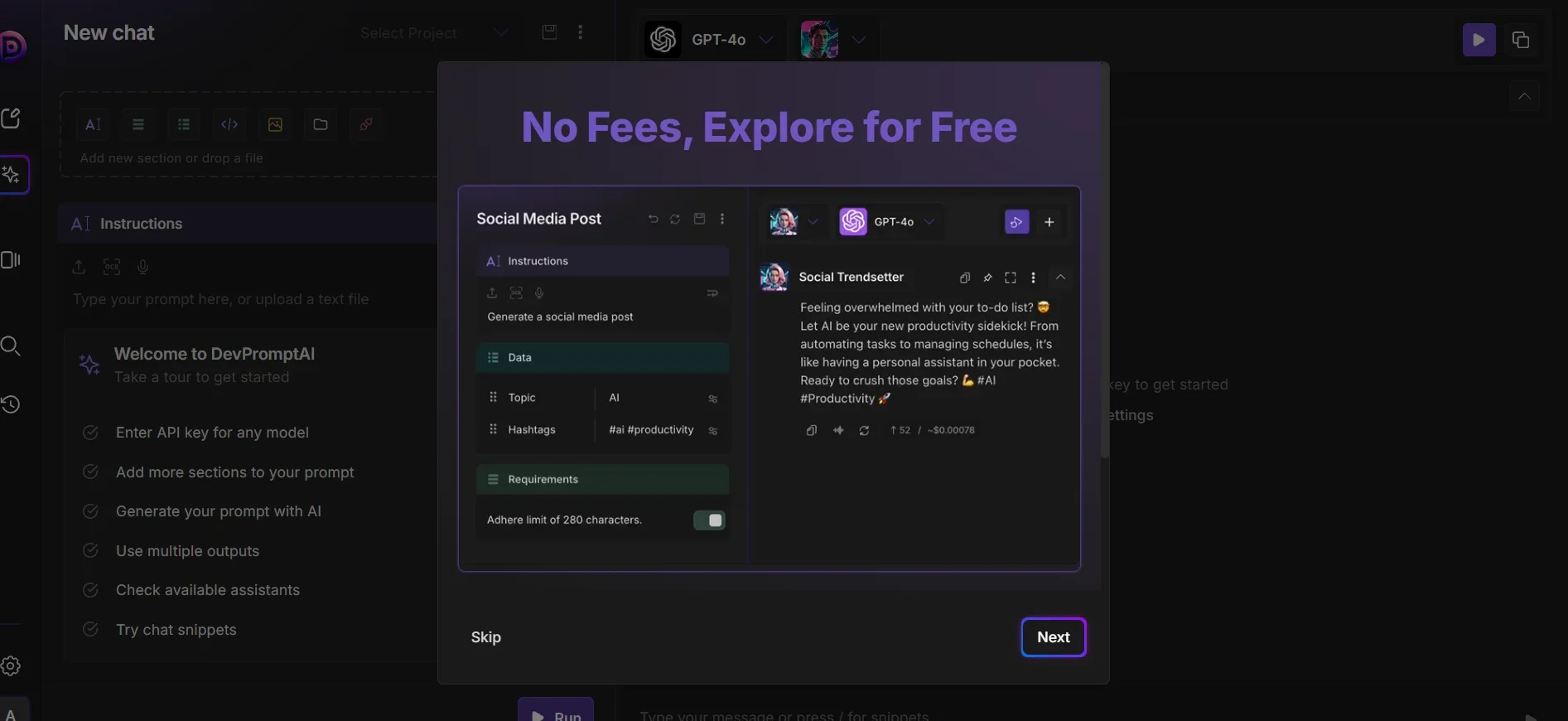
The pricing model is based on a subscription system with a Freemium option, where the free plan allows limited use of the platform—including a specific number of prompts or operations—along with access to a basic library of prompts, but with daily or monthly usage limits and no access to advanced features such as APIs or advanced team collaboration tools. Paid plans start with the Basic or Starter plan, which offers an increased number of prompts along with better editing and refinement tools, followed by the Pro plan, which offers greater or nearly unlimited usage along with a history library, as well as enhanced organization and export capabilities. Next comes the Team plan, which focuses on cross-team collaboration through shared management and collective organization of prompts, leading up to the Enterprise plan, which offers integrated enterprise solutions including permissions management, advanced integrations, API support, and support for large teams.