Description

️ Tool Name: 🖼
Formula Bot

Categories: 🔖
Data and Analytics
Data Preparation and Cleaning
Analytics and Dashboards
Programming and Development
Integrations and APIs
Finance, Forecasting, and Dashboards
Smart Calendars and Personal Assistant

️ What does this tool offer? ✏
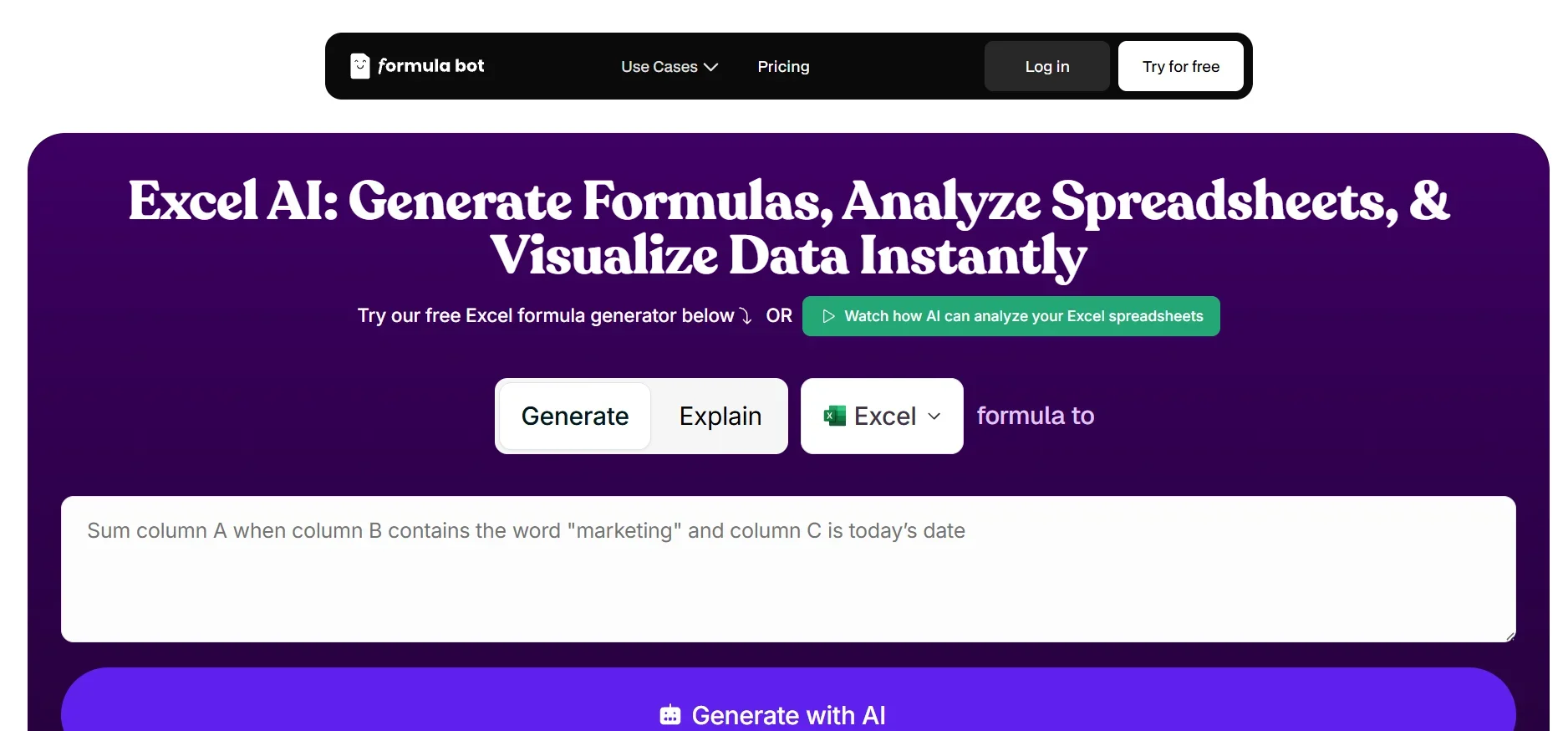
Formula Bot is an AI platform designed for data analysts, allowing users to upload data or connect various sources and then ask questions in natural language to obtain instant analytical results.

The platform converts questions into analytical outputs within seconds, including charts, tables, dashboards, and ready-made reports. It also supports the automatic creation of dashboards simply by describing what is needed, with a variety of customizable templates.

It also provides powerful data processing tools such as cleaning unstructured data, merging files, filtering rows, and reshaping data. In addition, it supports text analysis such as sentiment analysis, keyword extraction, and comment categorization.

The platform enables the creation of professional visualizations, transforming raw data into clear charts, with support for connecting to multiple sources such as Excel, Google Sheets, PDFs, and APIs, as well as the ability to run scheduled reports automatically.

It also offers a feature for exploring pre-prepared data from public sources such as economic indicators, weather, and markets, with the ability to analyze it directly. It also supports embedding analytics within websites via iframes, along with tools such as web scraping and data extraction from the web.

What does it actually offer based on user experience? ⭐

  • Converting natural language queries into instant analytics
  • Automatically generate charts and dashboards
  • Easily analyze and clean data
  • Support for text and sentiment analysis
  • Connect multiple data sources in one place
  • Automatically generate scheduled reports
  • View the code (Python / SQL / R) for each analysis
  • Export data to Excel and generate ready-to-use reports
  • Support for website embeds
  • Explore and analyze ready-to-use data directly

Does it include automation? 🤖
Yes, Formula Bot relies heavily on automation, automatically performing the following:

  • Converting questions into analyses and results
  • Create automated dashboards
  • Cleaning and organizing data
  • Running daily/weekly/monthly scheduled reports
  • Extracting data from various sources
  • Performing complex analyses without manual intervention

Pricing model: 💰
Subscription (Freemium + Paid Plans)

🆓 Free plan details:

FeatureDetails
PriceFree
Getting StartedNo credit card required
UsageExperiment with data analysis and ask questions about the data
OutputsBasic analytical results + limited visualization
LimitationsLimited advanced features + usage limits

Paid plan details: 💳

PlanPriceBenefits
Starter$18/month250 messages, 2 dashboards, 2,500 AI actions, data analytics, file uploads, integrations, advanced support
Max$29/user per monthUnlimited messages, 10 dashboards, shared workspace, 5,000 AI actions, higher performance, more playbooks
Enterprise$149/user/month15,000 AI Actions, powerful computing, full customization, white-label, direct founder support

How to access the tool: 🧭

TypeAvailability
WebFully accessible via browser
AppNot specified
APIAvailable via integrations and data interfaces
Add-onsGoogle Sheets, Excel, other data integrations

Demo link or official website: 🔗
https://www.formulabot.com/

Pricing Details

Formula Bot uses a simple and transparent pricing model, allowing users to start for free and then upgrade later as needed to access higher usage limits. Plans are available on a monthly or annual basis, with savings of up to about 30% for annual subscriptions. The Starter plan starts at $18 per month and is designed for users who are just getting started with AI-powered data analysis. The plan includes 250 messages per month, the ability to create two automated dashboards, and 2,500 AI Actions, including PDF-to-Excel conversion, data enrichment, web scraping, and formula generation. It also provides access to advanced AI models, enhanced memory for deeper contextual understanding, and higher computing power for complex data analysis (4 CPUs and 2 GB), with a code execution time of up to 15 minutes. It also includes unlimited file uploads, with a size limit of up to 200MB per file, the ability to upload up to 20 files per conversation, as well as unlimited knowledge bases, 25 Playbooks (including 2 scheduled ones), Excel and Google Sheets integrations, unlimited data storage, two-factor authentication (2FA) support, and priority support. The Max plan costs $29 per user per month; it is the most popular plan and offers all the features of the Starter plan plus an unlimited number of messages, a Shared Workspace that includes conversations, Playbooks, files, and Connectors. It also provides 10 automated dashboards and 5,000 AI Actions per user, with higher computing power (6 CPU and 4 GB) and a code execution time of up to 20 minutes. It also supports 50 Playbooks, 10 of which can be scheduled, and allows uploading up to 25 files per conversation, each up to 500 MB in size, in addition to 3 custom (Embeds) for an additional $10 per user per month, with multi-device support and centralized billing management. The Enterprise plan costs $149 per user per month; it is designed for large-scale use and enterprises, and includes all the features of the Max plan plus 15,000 AI Actions per user, 20 automated dashboards, and maximum computing power for heavy workloads (8 CPUs and 8 GB), with a code execution time of up to 30 minutes. It also allows for uploading up to 60 files per conversation, with each file up to 1 GB in size, and supports an unlimited number of white-label embeds with full brand customization in terms of logo and colors, in addition to providing 3 free users initially for embedding (with additional fees later), unlimited Playbooks (20 scheduled), and direct, dedicated support via chat with the founders (Founder Chat Support).