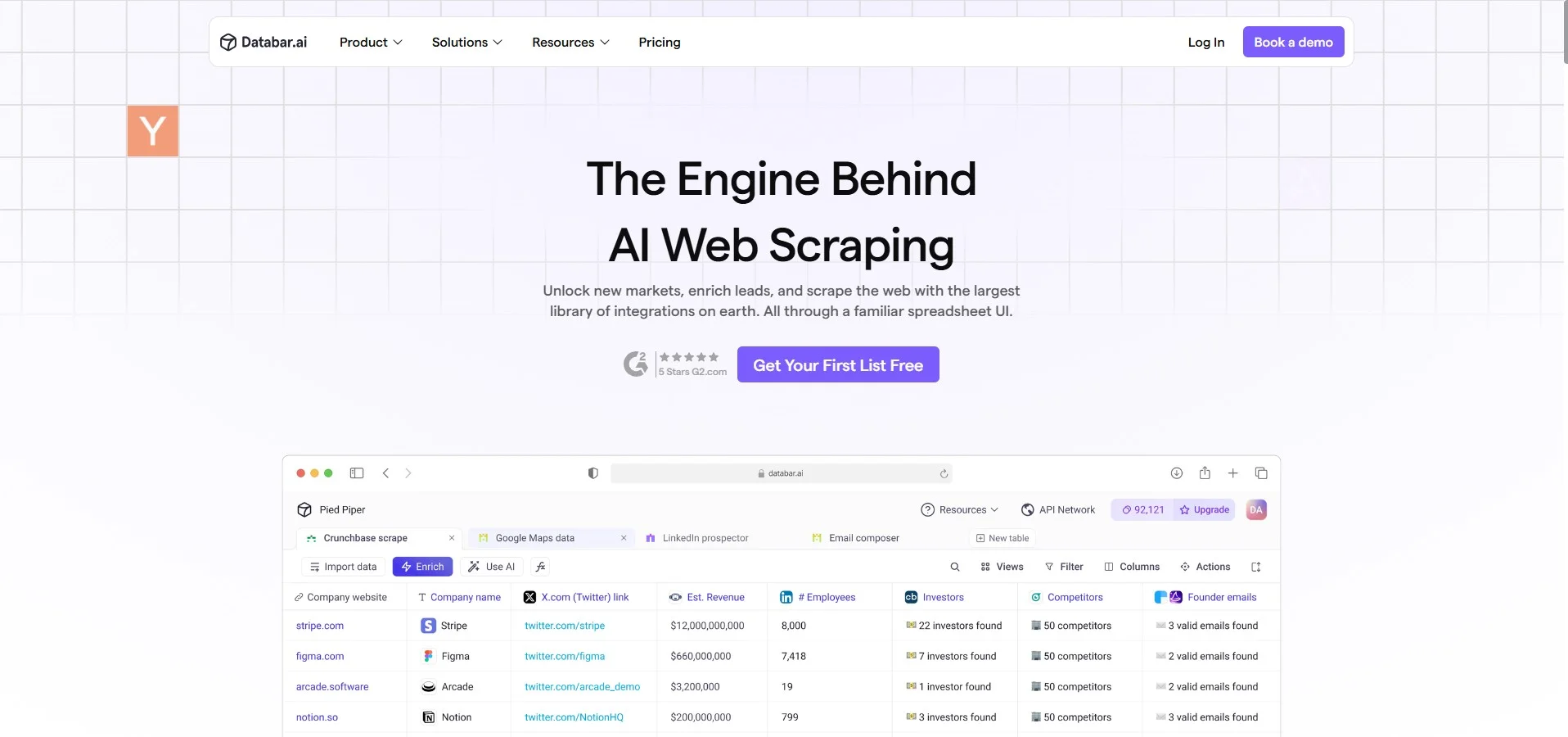
Description
🖼️ Tool name:
DataBar AI
🔖 Tool classification:
An artificial intelligence platform for analyzing text and digital data and generating interactive reports, part of the Business Intelligence and DataAnalytics tools for non-technical teams.
✏️ What does it do?
DataBar AI enables you to upload text files and tables (CSV, Excel, JSON) or link directly to multiple databases, then analyze them automatically via AI. The tool eliminates lengthy data preparation processes and manual queries, and generates automatic insights and recommendations through an interactive chat interface or ready-made dashboards. Functions include extracting summaries, detecting patterns and trends, creating interactive charts, and generating Pivot Tables or statistical description of data with a single click.
🛠️ How do you use it?
Visit the official website: https://databar.ai
Register a new account and start your free trial without a credit card
Upload your data by uploading a file or connecting a database (MySQL, PostgreSQL, Google Sheets...)
Use the chat interface to ask questions like "Show me the top five trends in monthly sales" or "Create a Pivot Table by region"
See interactive charts and reports that are automatically generated and can be edited directly
Export results in PDF or PNG formats or share them via a direct link with your team members
⭐ Tool review:
DataBar AI cuts down on traditional data analysis time and enables any user, even those with no analytical experience, to gain instant insights. The AI chat interface makes querying data more like talking to an expert, while ready-made dashboards provide a visual layer that enhances understanding. Some users point out the limited deep customization of charts, but it's offset by the speed of results and ease of use.
🤖 Does it have automation?
Yes, automation is essential at all stages of the workflow: From cleaning the raw data, generating and analyzing queries, to creating charts and recommendations without manual intervention.
💵 Type of tool (in terms of cost):
Freemium with a limited free plan and monthly and annual paid plans.
🎁 What does the free version offer you?
Upload a limited number of files (e.g. up to three files of a certain total size)
Ability to use the chat interface for basic analysis and limited queries per day
Create and export charts in low-resolution formats
Support for Google Sheets connectivity only within external platforms
🎁 What does the paid version offer you?
Pro plan allows unlimited file uploads and linking multiple databases
Unlimited chat queries and faster analysis performance
High-quality, deeply customizable charts and reports
Ability to schedule periodic reports and automatically send them via mail
API integration for automated access to results and aggregation into external tools
Dedicated technical support and priority response
⚙️ access method or source:
SaaS web platform available via browser, does not require any local installation, and supports cloud integration with databases and spreadsheet tools.
🔗 Link to try the tool:
👉 https://databar.ai