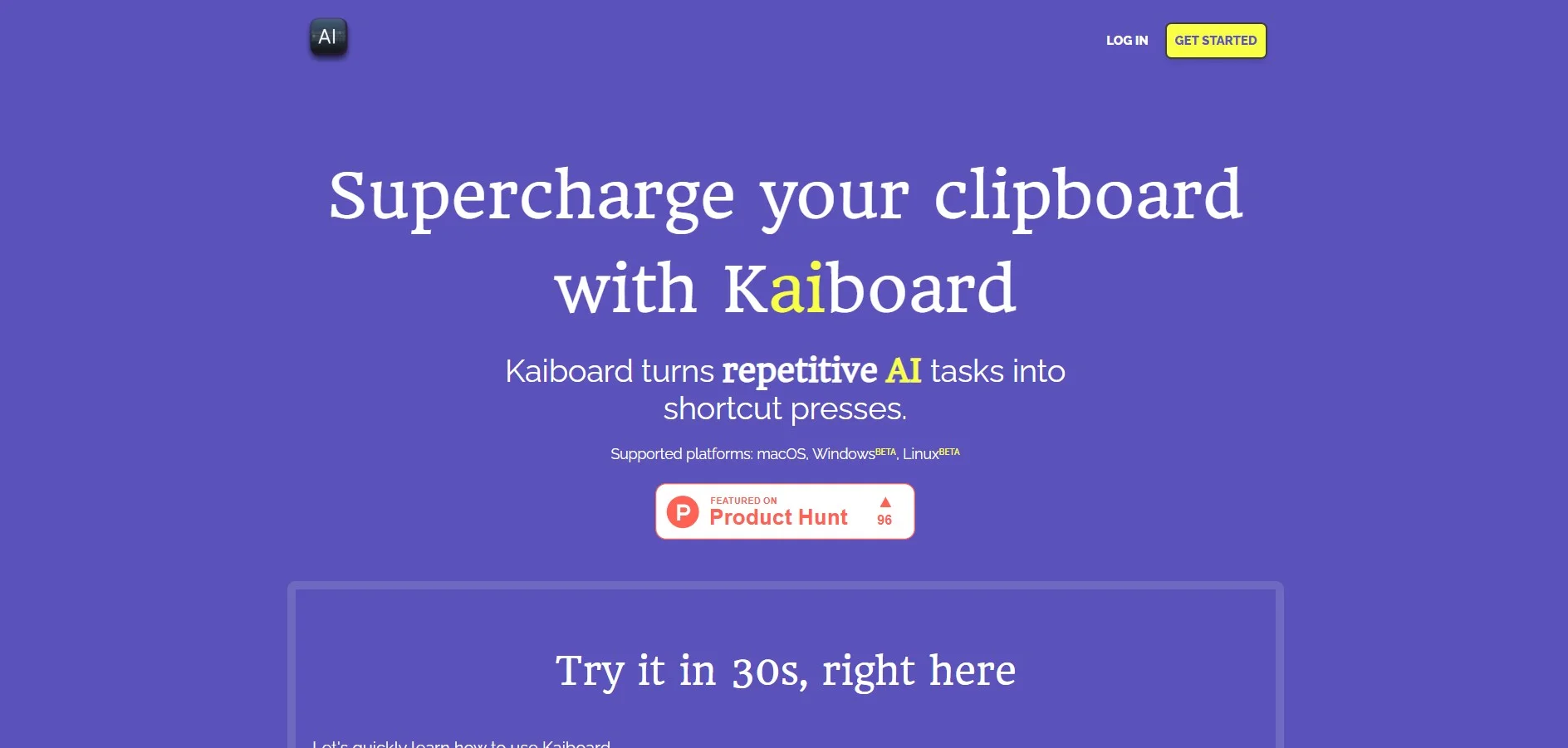
Description
🖼️ Tool name:
KaiBoard
🔖 Tool classification:
An AI-powered platform for interactive collaboration on whiteboards, part of the AI-powered productivity and visual collaboration tools.
✏️ What does it do?
KaiBoard combines digital whiteboards with AI tools to help teams think creatively, plan, and document ideas. It allows you to manually draw diagrams and mind maps, then uses AI to suggest improvements, automatically arrange items, and generate explanatory text or summaries of the content on the board. Supports importing images and files, and linking with calendars and tools like Jira and Notion to automatically update tasks from the board.
🛠️ How do you use it?
Visit the official website: https://kaiboard.com
Sign up for a new free account to start collaborating on a single board
Open a new board and start drawing, handwriting, or adding ready-made shapes
Use the AI feature to turn your notes into neat text or to suggest an automatic outline structure
Import images or documents to annotate or merge them into the board
Connect the board to apps like Jira or Notion via automated integration settings
Share a link to the board with your team to work together in real-time
⭐ A review of the tool:
KaiBoard offers a unique experience by combining freehand drawing with AI that helps with organization and documentation. Users praise AI's ability to turn visual chaos into organized content and clear action steps. Especially in remote brainstorming sessions, the tool provides a bridge between manual creativity and effective automated organization.
💵 Type of tool (in terms of cost):
Freemium with a permanent free plan and paid plans to add advanced features.
🎁 What does the free version offer you?
One whiteboard for unlimited collaboration
Basic drawing tools, adding text and shapes
AI feature to turn notes into anchor texts and organize items
Real-time sharing and messaging with one or more colleagues
Limited integration with external tools (e.g. Notion)
🎁 What does the paid version offer you?
Unlimited boards and multiple workspaces for teams
Advanced AI suggestions including summaries and content indexing
Deeper integrations with Jira, Notion, Slack, and automatic task updates
Brand customization (company logos and colors)
Export boards in high-resolution PDF and PNG formats
Dedicated technical support and faster response time
⚙️ Access or source:
SaaS web platform available via browser with no software installation required, with future desktop applications planned.
🔗 Link to try the tool:
👉 https://kaiboard.com