Description
️ Tool Name: 🖼
Rotor Videos
Categories: 🔖
Video, Editing, and Motion
Motion Graphics, Titles, and Subtitles
Social Media Templates and Editing Automation
Automation and Smart Agents
Design and Image Creation
️ What does this tool offer? ✏
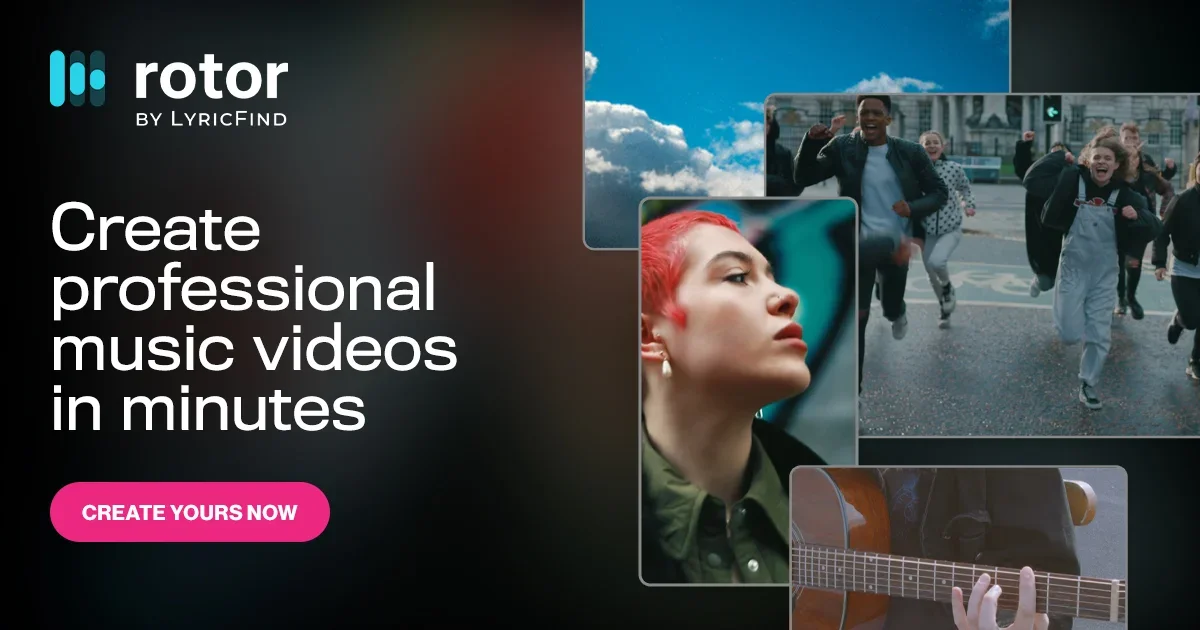
Rotor Videos is an AI-powered platform for creating professional, customized videos for artists, musicians, and content creators—no editing skills or video production experience required. The platform operates on a pay-per-download model, using a credit system.
The platform provides tools for creating:
Music videos.
Lyric videos.
Spotify Canvas videos.
Apple Music Album Motion videos.
Album artwork videos.
Videos tailored for social media.
Rotor has also launched an AI-powered tool for creating lyric videos.
The platform uses an engine that automatically analyzes the selected music and clips, then creates a professional video synchronized to the music’s beat in just minutes.
Rotor offers:
A library of over 9 million ready-to-use video clips.
The ability to upload your own clips.
Over 150 professional video editing styles.
Visual effects and filters that interact with the music.
The ability to add text and promotional messages.
Recrop videos to fit various social media platforms.
Prepare videos for publication on Spotify Canvas or use them in promotional campaigns.
The platform also offers solutions for businesses, including:
Enterprise Plug-In.
Enterprise Accounts.
Affiliate Marketing Program.
Rotor collaborates with a number of partners, including:
Amuse, CD Baby, EmuBands, Groover, Horus Music, OpenPlay, Sony Music, SoundCloud, SwaLay, The MLC, TuneCore, and Universal Music Group.
What does it actually offer based on user experience? ⭐
Create music videos in minutes.
Create lyric videos using artificial intelligence.
Convert album covers into shareable videos.
Create Spotify Canvas and Apple Music Album Motion videos.
Access a huge library of ready-made clips.
Customize videos with professional styles and effects.
Easily add promotional messages and text.
Resize videos to fit social media platforms.
Improve the quality of your results by using more clips.
Does it include automation? 🤖
Yes.
Rotor uses artificial intelligence to analyze music and video clips, then automatically create professional videos that sync with the music’s beat. It also offers a tool for creating lyric videos and automates the video production process in minutes.
Pricing model: 💰
Pay-as-you-go Credits.
There is no mandatory monthly subscription; instead, users pay to purchase credits, which are only used when downloading a video.
🆓 Free Plan Details:
| Feature | Details |
|---|---|
| Video Creation | Available |
| Video preview | Available |
| Payment | Only when the video is downloaded |
| Credit card | Not specified |
Paid plan details: 💳
Credit Plans
| Plan | Price | Balance Value | Savings |
|---|---|---|---|
| 5 Credits | $44.99 | Approximately $9 per credit | $4.96 |
| 10 Credits | $79.99 | $8 per credit | $19.91 |
| 50 Credits | $299.99 | $6 per credit | $199.51 |
Credit Usage
| Service | Number of credits |
|---|---|
| Spotify Canvas | 1 Credit |
| Apple Music Album Motion | 2 Credits |
| Album Artwork Video | 2 Credits |
| Music Video | 3 Credits |
| Lyric Video | 4 Credits |
| Premium Content | +1 Additional Credit |
How to access the tool: 🧭
| Method | Status |
|---|---|
| Web | Available ✅ |
| Enterprise Plug-In | Available ✅ |
| Enterprise Accounts | Available ✅ |
| API | Not specified |
| App | Not specified |
| Browser extension | Not specified |