Description
️ Tool Name: 🖼
Cliplama
Categories: 🔖
- Text and Photos to Video
- Video, Editing, and Motion Graphics
- Video Ideas and Scripts
- Social Media Templates and Editing Automation
- Audio, Voice-Overs, and Music
- Marketing and Sales
️ What does this tool offer? ✏
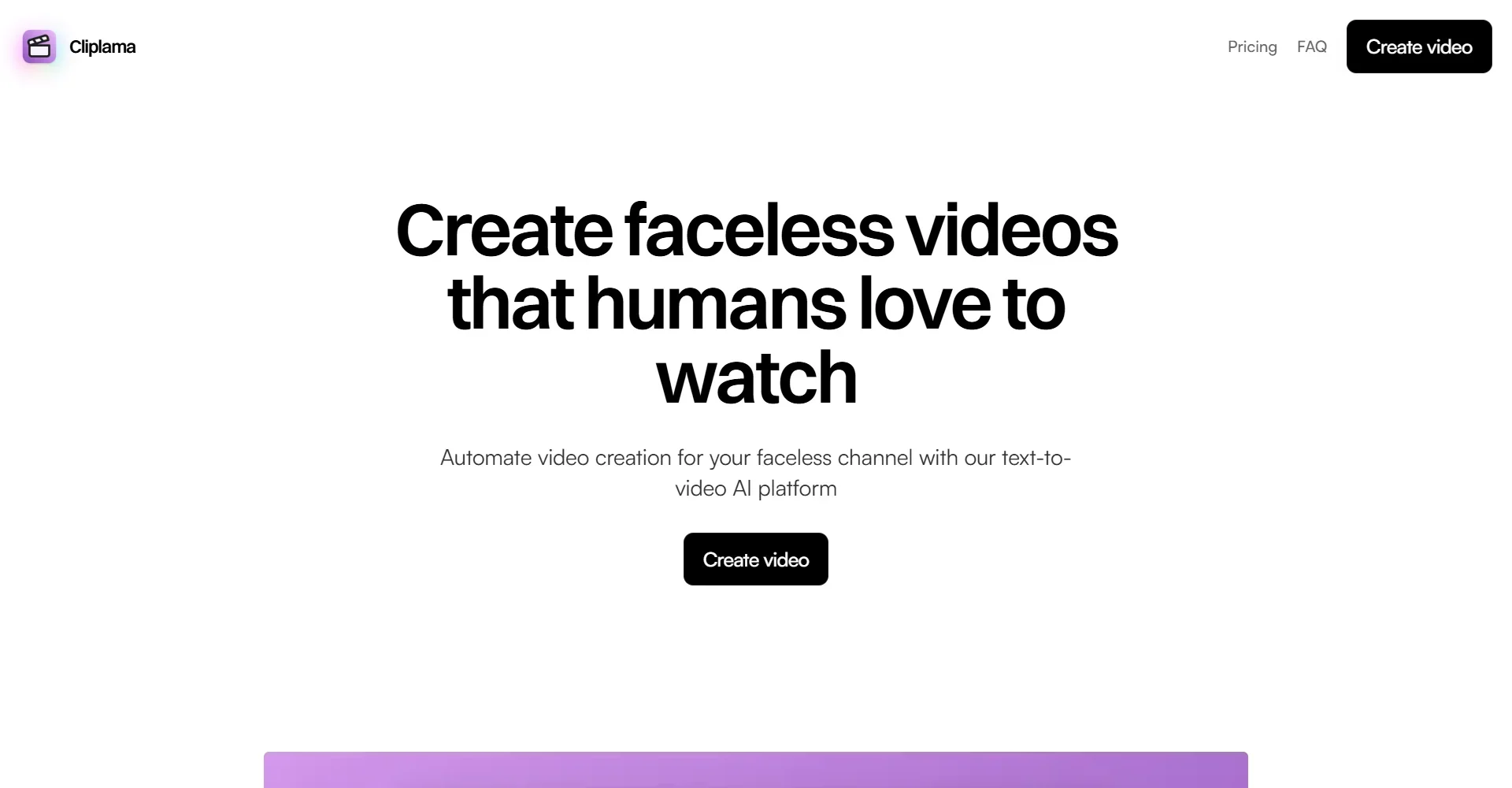
Cliplama offers an AI-powered platform for creating facelessvideos ,helping users automate content creation for their TikTok and YouTube channels using Text-to-Video AI technology.
The platform allows you to automatically create videos in seconds by:
- Entering a description or idea for the video using text.
- Selecting an audio style.
- Generating a unique video without any people appearing in it.
The platform aims to help users build video channels that operate more automatically by:
- Creating short, engaging videos.
- Scheduling videos in advance on TikTok and YouTube (YouTube coming soon).
- Automatically tracking channel growth.
- Saving time and effort in content production.
Cliplama also provides tools for creating content based on:
- Converting SEO keywords into stories and videos.
- Adding voice-overs.
- Adding background music using artificial intelligence.
- Automatically adding subtitles.
- Creating automatic video series using the Auto Series feature.
- Create short videos using Auto Shorts.
What does it actually offer based on user experience? ⭐
According to user testimonials posted on the platform:
- TommyD mentioned that he had been using Cliplama for several months and was very satisfied with the service. He praised developer Igor for his quick responsiveness to users, described the experience as a “5-star experience,” and recommended trying the free plan.
- KEVIN D explained that he had been using the platform for about a week and achieved excellent results, noting that the developer responds quickly to technical issues, which are often resolved within minutes.
- Annette Thomas noted that she had tried several AI video creation tools but found Cliplama to stand out because of:
- its direct customer service.
- Quick communication with the platform’s developer.
- Video quality.
- Audio quality.
- Adding music and creating stories.
- Converting SEO keywords into full-length video content.
- Affordable pricing compared to some other tools.
- Michael noted that the tool produces short clips with appropriate images and good quality, while pointing out that the cost may be high for those who want to quickly create a very large number of videos.
- Carmen M. Colon explained that the platform stands out among AI-powered video tools due to its features, customer service, and continuous development.
- Susan noted that Cliplama differs from other short-form video generators in that it allows users to create a video using a simple prompt, including:
- a choice of voiceover.
- Automatically adding subtitles.
- Using high-quality images and graphics.
- Adding music.
- Receiving quick support within about 30 minutes.
- Ralph David Maigue confirmed that the tool is easy to use and intuitive.
Does it include automation? 🤖
Yes, Cliplama includes automation for creating and managing video content, including:
- Automatically generating videos from text.
- Scheduling videos in advance on platforms.
- Automated creation of channel videos without on-camera appearances.
- Creating automated video series via Auto Series.
- Automatically creating short clips via Auto Shorts.
- Turn keywords or ideas into stories and videos.
- Automatically add sound, music, and subtitles.
Pricing model: 💰
Freemium (free plan + paid subscription plans + one-time purchase of additional credits).
🆓 Free Plan Details:
| Feature | Details |
|---|---|
| Plan Name | Free |
| Price | $0/mo |
| Credit Card | Not required (No credit card required) |
| Create videos | 1 video |
| Schedule videos | Available |
| Remove watermark | Available |
| Download Videos | Available |
| AI-Generated Background Music | Available |
| Auto Series | Available |
Paid Plan Details: 💳
| Plan | Monthly Price | Features |
|---|---|---|
| Basic | $19/mo | Cancel anytime, 25 credits per month, video scheduling, watermark removal, video downloads, AI-generated background music, Auto Shorts, ElevenLabs Voices. |
| Creator | $39/mo | Most popular plan, 60 credits per month, all Basic features. |
| Pro | $59/mo | 150 credits per month, all previous features such as scheduling, watermark removal, downloads, AI-generated background music, Auto Shorts, and ElevenLabs Voices. |
Purchase Additional Credits (One-time payment):
| Credits | Price |
|---|---|
| 15 credits | $19 |
| 30 credits | $39 |
| 60 credits | $59 |
Credit Usage:
| Usage | Cost |
|---|---|
| Short video up to 1 minute | 1 credit |
| Medium-length video (2–3 minutes) | 2 credits |
| Long video (4–6 minutes) | 3 credits |
How to access the tool: 🧭
| How to | Available |
|---|---|
| Web | ✅ |
| App | Not specified |
| API | Not specified |
| Add | Not specified |
Link to the demo or official website: 🔗
Pricing Details
Cliplama uses a pricing model that offers monthly plans and an annual payment option with up to 5 months free. The Free plan costs $0/mo and requires no credit card, It allows you to create 1 video, schedule videos, remove the watermark, download videos, add background music using AI, and use the Auto Series feature. The Basic plan costs $19/mo and can be canceled at any time, and includes 25 credits per month, video scheduling, no watermark, video downloads, AI-generated background music, the Auto Shorts feature, and ElevenLabs Voices. The Creator plan, which is the most popular plan, is priced at $39/mo and includes 60 credits a month along with all the features of the Basic plan. The Pro plan is also available for $59/mo and gives users 150 credits a month in addition to all the previous features, such as video scheduling, watermark removal, video uploads, AI-generated background music, the Auto Shorts feature, and ElevenLabs Voices. Cliplama also allows users to purchase additional credits via a one-time payment, where they can buy 15 credits for $19, 30 credits for $39, or 60 credits for $59. The platform explains that credits are used to create videos, where 1 credit equals 1 short video (up to 1 minute), 2 credits equal 1 medium video (2–3 minutes), and 3 credits equal 1 long video (4–6 minutes). The platform’s FAQs include inquiries about purchasing additional credits, editing videos, scheduling videos, the time required to create a video, the presence of a watermark, and the ability to cancel the subscription at any time. The platform features a call to action to “Create a video today” to save time and money and automate your channel without appearing on camera, The page also includes sections for Pricing, FAQ, Terms of Service, Privacy Policy, Affiliates, Blog, and Use Cases, in addition to the AI TikTok Video Generator tool—“Create Viral Videos in Seconds”—with copyright © 2025. All rights reserved.