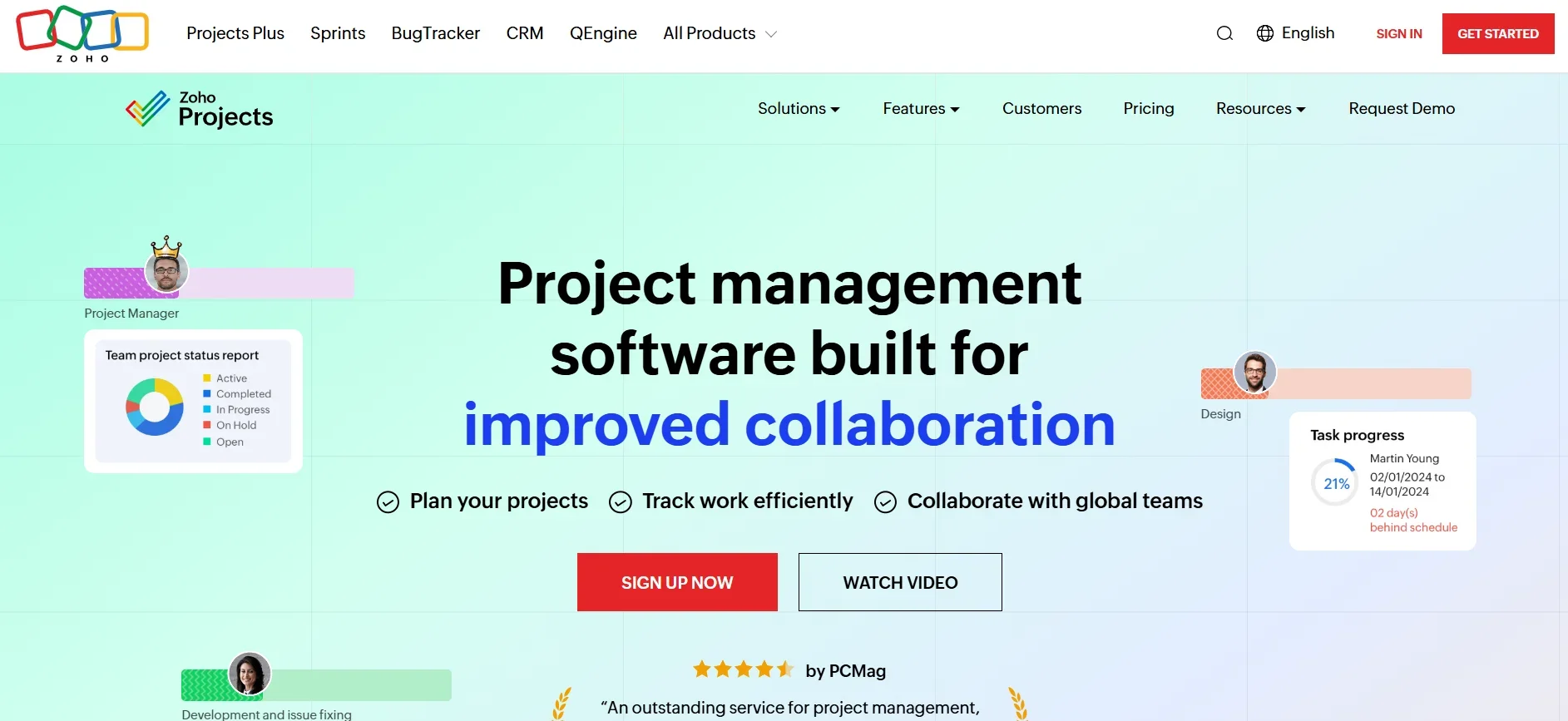
Description

️ 🖼Tool Name:
Zoho Projects

🔖 Tool Category:
Project Management and Team Collaboration Software

️ ✏What does this tool offer?

  • Task management: Master, sub, duplicate, and task lists.

  • Gantt chart to visualize schedule and dependencies.

  • Team collaboration: Comments, discussions, attachments, forums, activity feeds.

  • Time Tracking and Timesheets.

  • Workflow customization: Custom fields and statuses, templates, automatic notifications.

  • Reports and graphs to monitor performance and workloads.

  • Integration with external tools such as mail and cloud storage.

What does the tool actually deliver based on user experience?

  • An intuitive interface that helps to divide projects into clear phases.

  • Timeline and dependencies tools give an accurate view of the impact of tasks on each other.

  • Time tracking provides greater transparency between planned and actual time.

  • Seamless collaboration between team members through discussions and updates.

  • Advanced features are present but take some time to learn.

🤖 Does it include automation?
Yes, through:

  • Automated notifications for appointments and changes.

  • Workflow automation with Blueprints and Workflows.

  • Integration with Zoho Zia smart assistant to optimize analytics and suggestions.

💰 Pricing Model:
Freemium model with a free plan and monthly or annual paid plans.

🆓 Free Plan Details:

  • Up to 3 users.

  • Only 2 projects.

  • 5GB storage space.

  • Basic features: Task management, simple calendar, mobile apps.

💳 Paid Plan Details:

  • Premium: $4/user/month (yearly) - Unlimited projects, project templates, time tracking, basic automation tools.

  • Enterprise: $9/user per month (per year) - Custom fields, advanced roles and permissions, higher security, full workflow customization.

🧭 Access Method:

  • Directly through the browser.

  • Mobile Apps (iOS and Android).

🔗 Experience Link:
https://www.zoho.com/projects/

Pricing Details

The system is based on a freemium model that offers a free plan and monthly or annual paid plans. The free plan allows up to 3 users, a maximum of 2 projects, 5GB of storage space, and includes basic features such as task management, a simple calendar, and smartphone apps. Paid plans start with the Premium plan at $4 per user per month when paid annually, offering unlimited projects, project templates, time tracking, and basic automation tools. The Enterprise plan is $9 per user per month when paid annually and offers custom fields, advanced roles and permissions, higher security, and full workflow customization.