Description

️ 🖼Tool Name:
Spikes Studio

🔖 Categories:

  • Video, Editing, and Motion Graphics
  • Text and Photos to Video
  • Video Summaries and Clips
  • Video Ideas and Scripts
  • Social Media Templates and Editing Automation
  • Content Management and Publishing
  • Analytics and Dashboards
  • Automation and Smart Agents
  • Editing/Optimization/Resolution Enhancement
  • Motion Graphics, Titles, and Subtitles

️ ✏What does this tool offer?

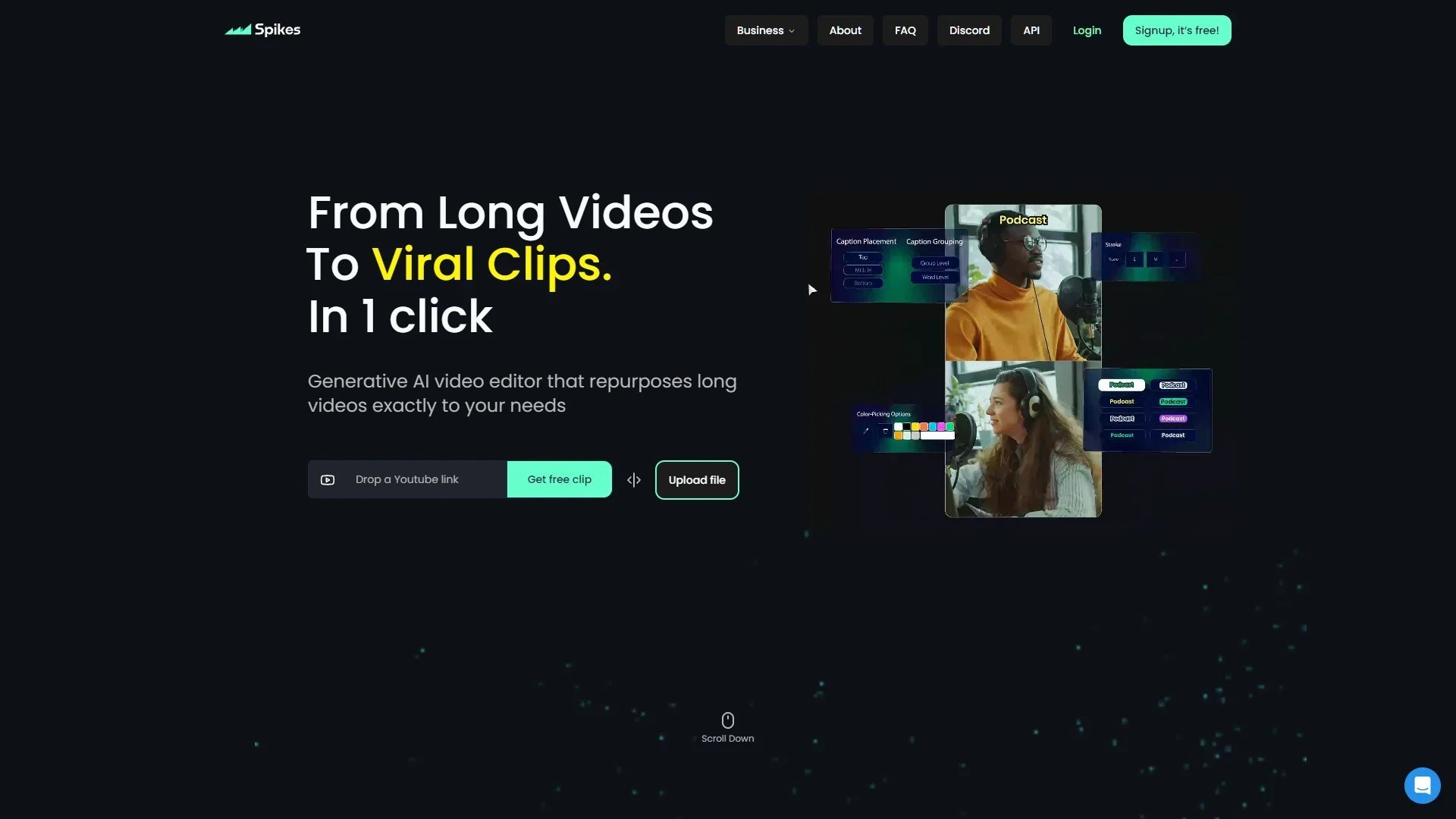
Spikes Studio is an AI-powered video editing platform designed to transform long videos into engaging short clips suitable for sharing on various social media platforms.

The platform provides smart tools that help users identify the best moments in their videos and turn them into shareable short-form content, while reducing the time and effort required for traditional editing.

Spikes Studio’s features include:

  • Automatically identifying key clips using AI.
  • Creating short videos from long-form content.
  • Automatic transitions and zooms.
  • Creating captions in a style consistent with the brand.
  • Exporting videos in multiple formats.
  • Use customizable templates.
  • Automatically optimize videos for each social media platform.
  • Manage content and schedule posts.
  • Analyze content performance and identify the most successful videos.

The platform uses the Micro-Drama Engine & Library to transform existing content into engaging Micro-Dramas, and it provides tools to help manage the content production cycle from editing through publishing and analysis.

Spikes Studio is aimed at:

  • Content creators who want to increase their reach and grow their audience.
  • Video professionals who need to streamline editing and project management.
  • Small businesses and teams that want to produce professional videos without needing a full production team.

What does it actually offer based on user experience?

  • Converting long videos into short, ready-to-post clips.
  • Reduce editing time by up to 90% based on the information provided.
  • Automatically identify the best moments within videos.
  • Create content tailored for various social media platforms.
  • Produces professional-quality videos without requiring advanced editing skills.
  • Provide tools for publishing, scheduling, and content management.
  • Provide data-driven insights to identify the most successful content.
  • Support content creators and businesses in maintaining a consistent publishing schedule.

According to the information provided:

  • Spikes Studio received a 4.9/5-star rating on Product Hunt.
  • It was ranked #1 as Product of the Week on Product Hunt.
  • It is used by over 1 million users worldwide.

🤖 Does it include automation?

Yes, Spikes Studio relies on AI-powered automation, which includes:

  • Automatically detecting important clips.
  • Creating short clips from long videos.
  • Automatically adding transitions and zooms.
  • Generating captions.
  • Optimizing content for each social media platform.
  • Schedule posts.
  • Analyze content performance.
  • Streamline the video production process.

💰 Pricing Model:

Spikes Studio operates on a monthly or annual subscription model.

It offers:

  • A free plan to get started and try out the basic tools.
  • Paid plans for content creators and businesses.
  • Save up to 57% when you choose the annual subscription.

🆓 Free Plan Details:

PlanDetails
BasicPrice: $0.00 per month; designed to let you try out the basic tools; includes trial clips; no credit card required; includes a watermark on videos; 720p export; auto-captions, and the basic editor.

💳 Paid Plan Details:

PlanPriceFeatures
PRO+$14.09 per month when billed annuallyDesigned for businesses and professional content creators, includes 3,600 minutes per year, a cost of $0.015 per minute under a flexible credit system, watermark removal, 1080p export, automatic animated captions, AI-generated B-roll clips, social media post scheduling, music and sound effect addition, and PayPal payment support.
Enterprise$56.34 per month when billed annuallyDesigned for businesses, includes 14,400 minutes per year, costs $0.0015 per minute under a flexible credit system, custom templates, 1080p export, professional editor, account manager, and unlimited storage.

🧭 How to access the tool:

MethodDetails
WebAvailable via the platform’s official website
AppsNot mentioned in the provided information
APINot mentioned in the information provided
Add-onsNot mentioned in the provided information

🔗 Link to the demo or official website:
https://www.spikes.studio/pricing

Pricing Details

Spikes Studio uses a pricing model based on monthly or annual subscriptions, with the annual subscription option offering savings of up to 57%. The platform offers a free plan (Basic plan) for $0.00/month, designed for growth and to let you try out the basic tools; it provides access to demo clips, and does not require a credit card. However, it includes a watermark on videos, 720p export resolution, auto-captions, and the basic editor. The PRO+ plan is designed for businesses and professional content creators, costs $14.09/month when billed annually, includes 3,600 minutes per year at a cost of $0.015 per minute under a flexible credit system, and offers the ability to get started, pay via PayPal, remove the watermark, 1080p export, animated auto-captions, AI-powered B-roll creation, social media scheduling, and the ability to add music and sound effects (Music & SFX). The platform also offers an Enterprise plan tailored for businesses, priced at $56.34/month when billed annually, which includes 14,400 minutes per year at a cost of $0.0015 per minute under a flexible credit system, and provides custom templates, 1080p export, a professional editor, an account manager, and unlimited storage. Spikes Studio also allows for scalability and task automation using its API by submitting a custom request.