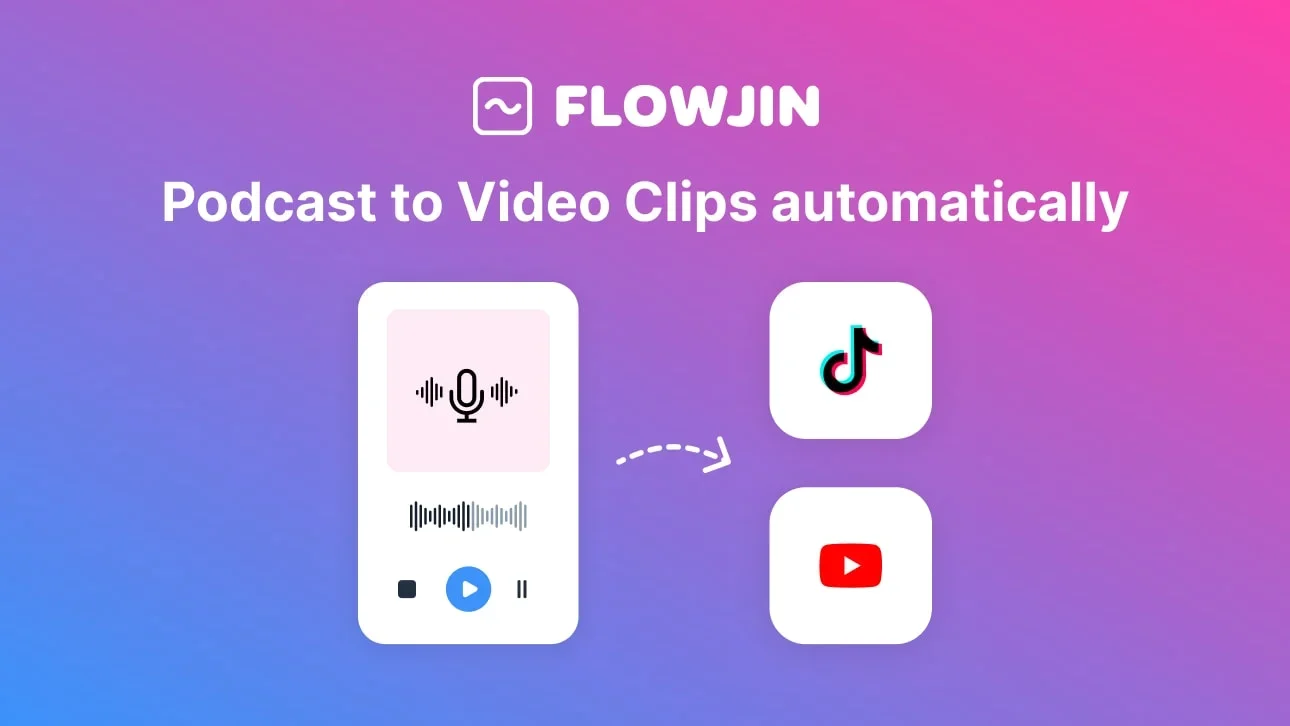
Description
️ 🖼Tool Name:
Flowjin AI
🔖 Categories:
- Content Management and Publishing
- Content and Copywriting
- Social Media Templates and Automation Editing
- Video, Editing, and Motion Graphics
- Video Summarization and Clips
- Motion Graphics, Titles, and Subtitles
- Audio, Voice-Over, and Music
- Text-to-Speech / Speech-to-Text
- Content Calendars and Scheduling
- Marketing and Sales
- Cross-Publishing and Collaboration
- Design and Image Creation
️ ✏What does this tool offer?
Flowjin AI is an integrated, AI-powered platform designed for brands that converts long videos and audio files into short, brand-aligned clips, automatically generating content tailored to each social media platform.
The platform allows users to upload a video or audio file directly or add a link to the content. The AI then analyzes the media, identifies the most valuable moments, and generates 6–12 short clips with automatic subtitles.
After the clips are generated, Flowjin writes posts tailored to each social media platform, including:
- Headlines.
- Descriptions.
- Hashtags.
- Calls to action (CTAs).
For the following platforms:
- LinkedIn.
- YouTube.
- X.
It also allows you to edit content before publishing it, then schedule and publish content across various channels through a unified calendar, enabling you to prepare a full week’s worth of content and publish it in minutes.
The platform targets several groups, including:
- Founders & CEOs who want to maintain a consistent presence on LinkedIn by breaking down long-form content into weeks of short clips.
- Marketing leads who turn webinars into multi-week, multi-channel campaigns.
- Social Media Managers who need to manage all social media platforms from a single location.
- Marketing Agencies that want to offer more content services without having to hire more editors.
Flowjin replaces the following in a single platform:
- A video editor.
- AI-powered content writer.
- A social media publishing and scheduling tool.
The platform supports video processing through:
- Smart Crop & Speaker Tracking.
- Auto Captions.
- Titles.
- B-rolls.
- Creating content tailored for social media platforms.
- Review and schedule content.
It also supports audio files via:
- Converting podcasts to Audiograms.
- Creating Quote Clips.
- Automatically generating social media captions.
- Adding content to the calendar and publishing with a single click.
Flowjin also offers additional tools, including:
- Twitter Space Archiver.
- Podcast Clip Maker.
- Audio Waveform Generator.
- Sound Wave Generator.
- YouTube Shorts Generator.
- Instagram Reels Generator.
- TikTok Video Generator.
- Facebook Video Generator.
⭐ What does it actually offer based on user experience?
- Converting long-form content into short clips ready for posting.
- Extracts the most important moments from videos and audio files using artificial intelligence.
- Create short clips that align with your brand identity.
- Automatically add subtitles, titles, and visual elements.
- Converting podcasts and Twitter Spaces into short, shareable content.
- Write posts tailored to each social media platform.
- Schedule and publish content through a unified calendar.
- Reduce content production time and repurpose long-form recordings.
- Help marketers and content creators produce a steady stream of content.
- Ability to edit clips before publishing.
The platform reports the following achievements:
- Over 147,000 pieces of uploaded content.
- Over 48,000 videos generated.
- Over 83,000 minutes of social-ready clips.
- More than 10,000 marketers have benefited from time savings.
🤖 Does it include automation?
Yes.
Flowjin relies on automation at several stages, including:
- Analyzing videos and audio files and automatically detecting key moments.
- Creating short clips from long content.
- Adding subtitles, titles, and auxiliary elements.
- Creating posts tailored to each social media platform.
- Scheduling and publishing content across different channels via a unified calendar.
- Reuse content from podcasts, webinars, and long-form recordings and repurpose it into multiple content assets.
💰 Pricing Model:
Flowjin operates on a Freemium model (free + paid plans with monthly or annual subscriptions).
The platform offers two payment options:
- Monthly subscription (MONTHLY).
- Annual subscription (YEARLY) with a 50% discount.
Prices start at $19/month.
🆓 Free plan details:
| Plan | Details |
|---|---|
| Free | Price: $0. Ideal for trying out Flowjin at no cost. Provides users with a one-time credit to process 60 minutes of video/audio, non-refillable. Includes access to AI-powered content repurposing tools such as Clips, Quote Graphics, and Social Copy Generator. Provides watermarked videos, 720p output quality, Auto Reframe, support for 9:16, 1:1 (audio-only), and 16:9 aspect ratios, support for short and long clips, up to 5 clip exports, as well as a Powerful Editor and Social Media Scheduler. |
💳 Paid Plan Details:
| Plan | Price | Features |
| Starter | $19.00 or $9.50/mo with an annual subscription, billed annually at $114.00 | Designed for individual content creators. Includes 150 minutes of video/audio processing per month, monthly credit reset based on subscription date, rollover of unused credits for one additional month only, 720p output quality, Auto Reframe, support for 9:16, 1:1 (audio-only), and 16:9 aspect ratios, support for short and long clips, Unlimited Clip Export, Powerful Editor, Save Custom Templates, and Social Media Scheduler. |
| Creator (Recommended) | $29.00 or $14.50/mo with an annual subscription | Designed for marketers and business owners. This plan is recommended (RECOMMENDED). The price and value 1x are mentioned in the plan details, while the rest of the features are not listed in the provided information. |
🧭 How to access the tool:
| Method | Availability |
| Web | ✔ |
| App | Not specified |
| API | Not specified |
| Extension | Not specified |
🔗 Link to the demo or official website: