Tweet Assist App
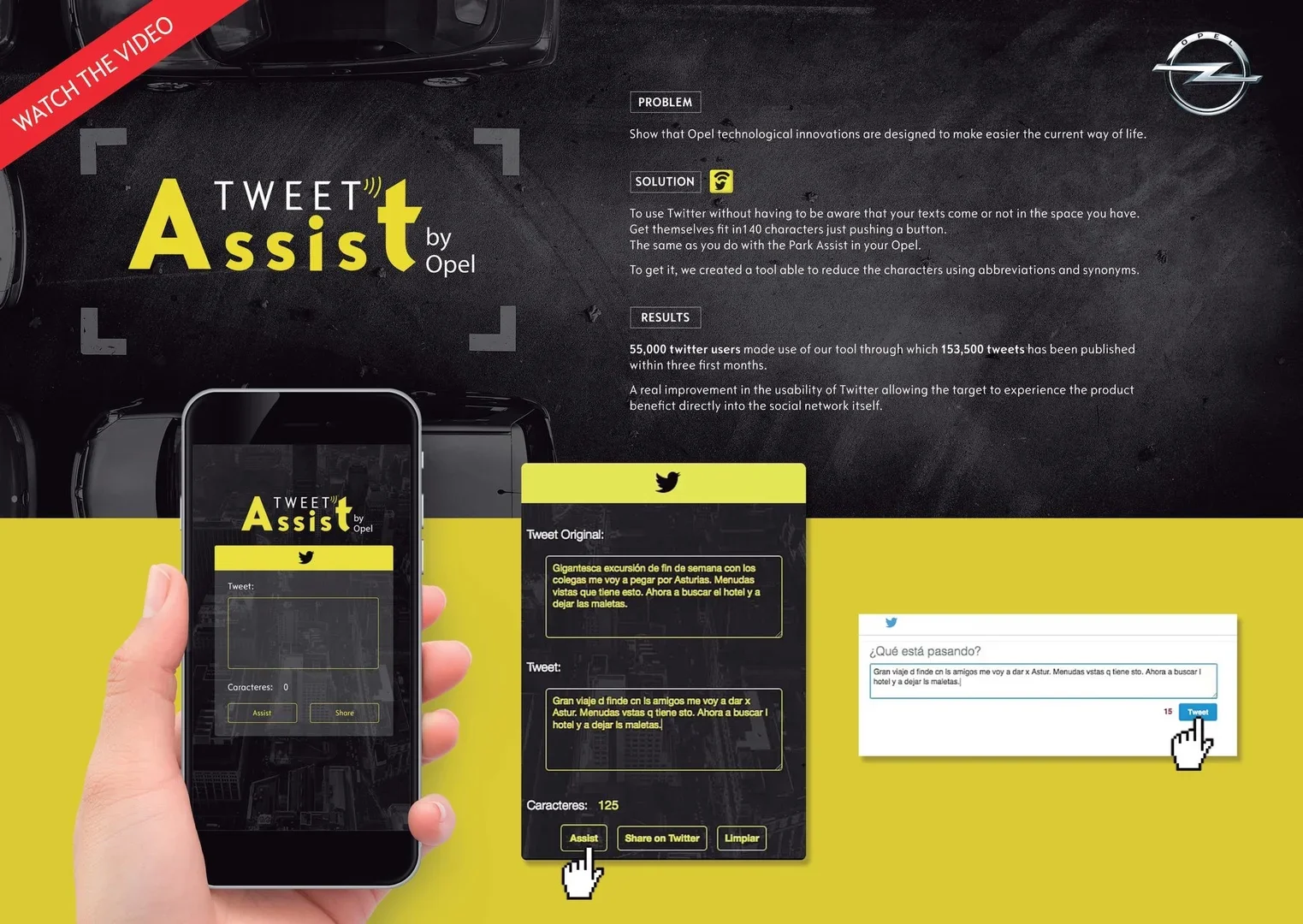
Description
Pricing Details
TweetAssist.AI uses a Freemium + Lifetime Deal pricing model, offering limited free access to let users try the service, as well as a paid Lifetime Deal subscription that provides ongoing access to the tool. The paid plan requires users to provide their own OpenAI API key to access the AI features. The free plan offers limited access to the tool, including 10 requests to generate tweets or replies, with 3 tweet suggestions per request. The tool is used by installing the Chrome extension, which works directly within the Twitter/X platform. The Lifetime Deal plan is available for a one-time fee of $99 and grants users unlimited lifetime access to the tool; users must provide their own OpenAI API key. You can also use the discount code LIFETIME50 to get a 50% discount. 🧭 How to access the tool: You can access TweetAssist.AI by installing the tool’s Chrome extension, then creating an account and using the free version or subscribing to the Lifetime Deal to take advantage of the available features.