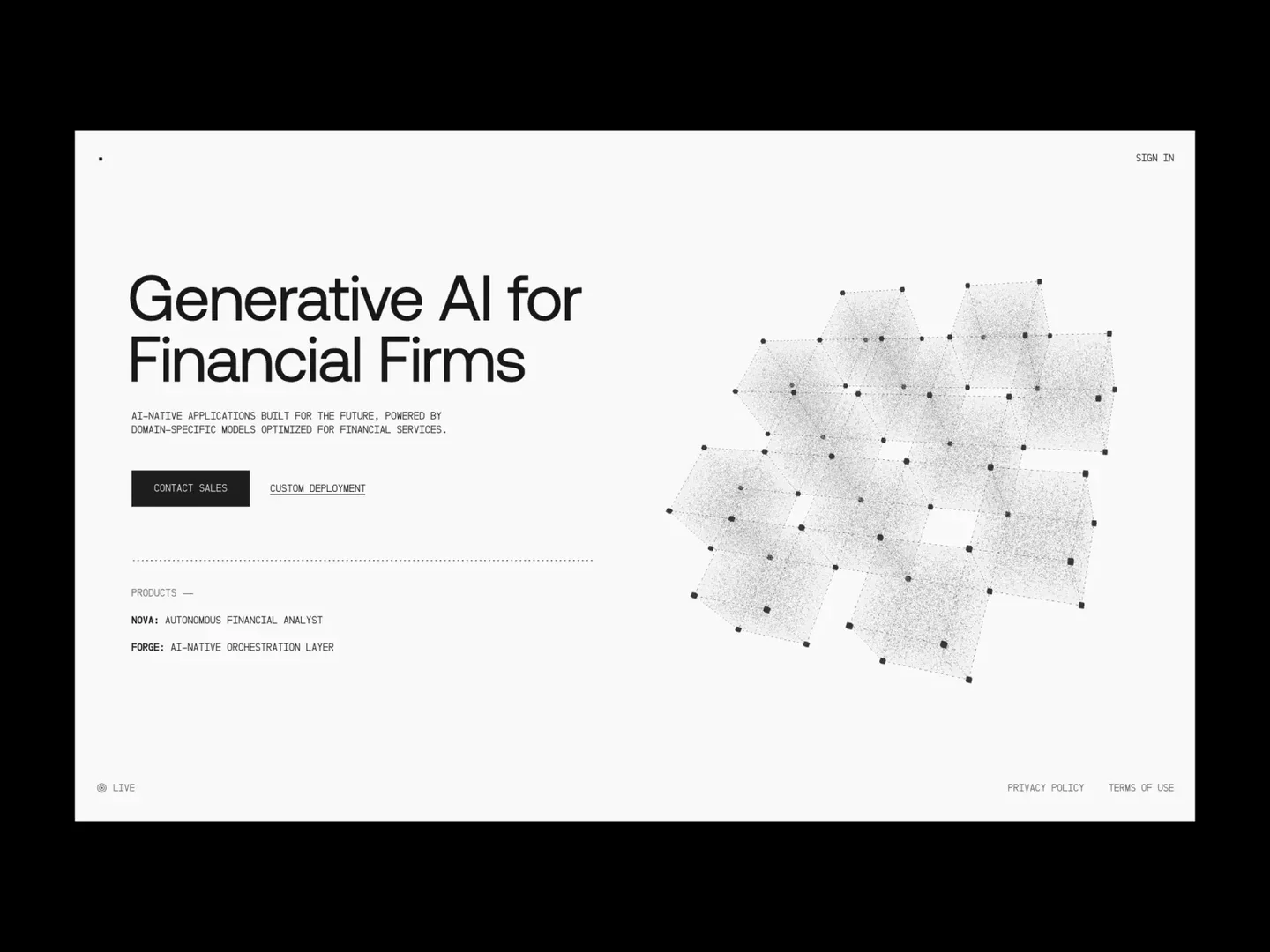
Description
️ 🖼Tool Name:
Endex
🔖 Categories:
- Data and Analytics
- Education and Research
- Automation and Smart Agents
- Integrations and APIs
- Programming and Development
️ ✏What does this tool offer?
Endex is an AI-powered platform designed to accelerate financial analysis and financial modeling, providing a unified environment that brings together internal and external data and trusted sources within a single search space, giving users and AI agents a comprehensive view of all financial information.
The platform relies on large language models specifically designed for the financial sector to understand the complexities of financial documents, including detailed accounting methods, reconciling conflicting sources, and the analysis of complex financial statements, while producing auditable results from start to finish by including citations and linking all outputs to their original sources.
Endex integrates directly with Microsoft Excel and offers a suite of intelligent tools, including AI-powered “Trace References,” navigation within complex worksheets via embedded references, creating reusable organizational templates that are automatically populated when new data is entered, and applying consistent formatting using customizable keyboard shortcuts.
The platform also natively integrates with OpenAI Deep Research to understand the workbook’s content and link it to verified sources, and offers a “Memories” feature to save user preferences and recurring workflows, as well as integration with major language model providers under Zero Data Retention agreements.
The platform allows users to undo unwanted edits with a single click and convert PDF files into spreadsheets within Excel, eliminating the need for manual data entry from financial statements, investor presentations, and research reports.
It also supports integration with internal and external data sources to build financial models and enrich them with verifiable data and references, and offers the ability to deploy an AI agent to work directly within Excel.
The company has announced a $14 million funding round led by the OpenAI Startup Fund. The platform is used for institutional reporting by publicly traded real estate development companies, investment banks, and private equity firms managing assets exceeding $100 billion,as well as finance teams at Fortune 500companies and global multi-strategy hedge funds.
⭐ What does it actually offer based on user experience?
- It significantly speeds up the creation of financial models.
- Create a three-statement financial model and a DCF model in about 10 minutes, according to one user’s experience.
- Provides outputs supported by verifiable citations and references.
- Automates large portions of the work within Excel.
- Reduces the need for manual data entry from PDF files.
- Makes it easier to navigate complex financial Excel files.
- Saves user preferences and workflows for reuse.
- One investment banking analyst described using Endex as a major leap forward compared to traditional AI tools.
- One user noted that the platform automatically completed the financial model after they started working on it.
- Another user described the experience as similar to using ChatGPT for the first time.
🤖 Does it include automation?
Yes.
Endex provides advanced automation within Excel, allowing you to create financial models, track relationships between cells, convert PDFs into spreadsheets, automatically populate corporate templates, and link results to their sources, as well as running an AI agent that helps users perform financial tasks and analyze data within workbooks, while saving recurring work preferences for automatic reuse.
💰 Pricing Model:
Paid (pricing is determined by contacting the company)
🆓 Free Plan Details:
| Feature | Details |
|---|---|
| Free Plan | Not available (confirmed) |
| Free Trial | Not specified (unconfirmed) |
💳 Paid plan details:
| Plan | Price | Features |
|---|---|---|
| Enterprise | Price determined after contacting the company | Enterprise use, Excel integration, AI agents, auditable outputs, security features, and enterprise integrations |
🧭 How to access the tool:
| Method | Available |
|---|---|
| Web | ✅ |
| Excel Add-in | ✅ |
🔗 Trial link or official website: