Bigjpg
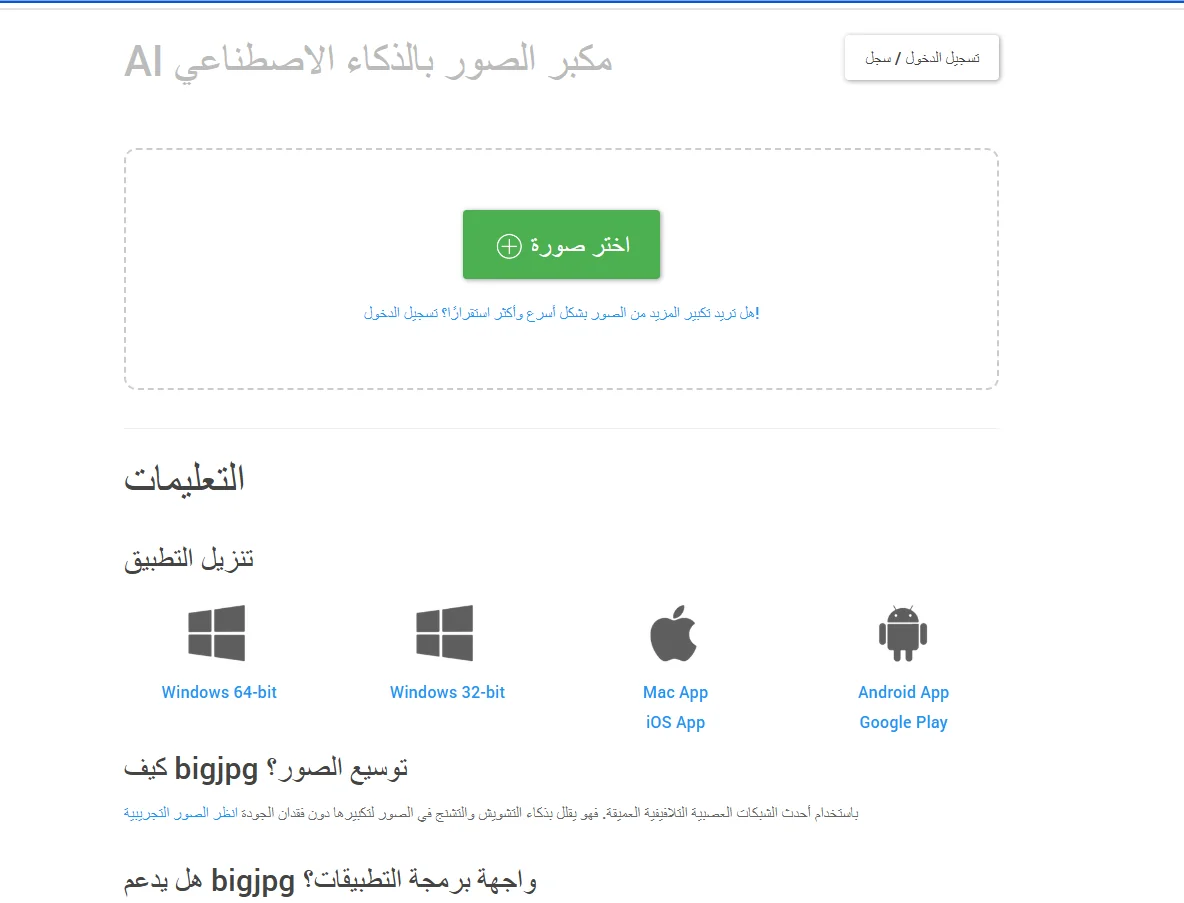
Description
️ 🖼Tool Name:
Bigjpg
🔖 Tool Category:
AI Image Upscaler/Super-Resolution
️ ✏What does this tool offer?
Magnify images (2×, 4×, 8×, 16×) using artificial intelligence algorithms.
Optimize details and reduce noise and noise.
Special support for photographs and illustrations (Illustrations & Anime).
Batch Processing in paid plans.
Easy interface via browser + mobile apps.
⭐ What does the tool actually deliver based on user experience?
Very clear results especially for cartoon and anime images.
Enlarged images preserve edges and lines without obvious pixelation.
The quality of the original images affects the final result (very poor images may show defects).
The free version is sometimes slower than the paid version.
🤖 Does it include automation?
Yes: The process is fully automated (image upload → size/position selection → tool executes).
There is also an API to integrate the zoom into other systems.
💰 Pricing Model:
Freemium + paid plans.
🆓 Free Plan Details:
Upload photos up to 3000×3000 pixels or 5MB.
Limited number of free zooms per month.
Lower processing speed + waiting.
Paid Plan Details: 💳
Plans start at around $15-$30/month.
Advantages: Larger image uploads (up to 50MB), up to 16× zoom, higher speed, support for batch processing.
Priority processing + technical support.
🧭 Access Method:
Web bigjpg.com.
iOS and Android apps available.
🔗 Experience Link:
Bigjpg - Official Website