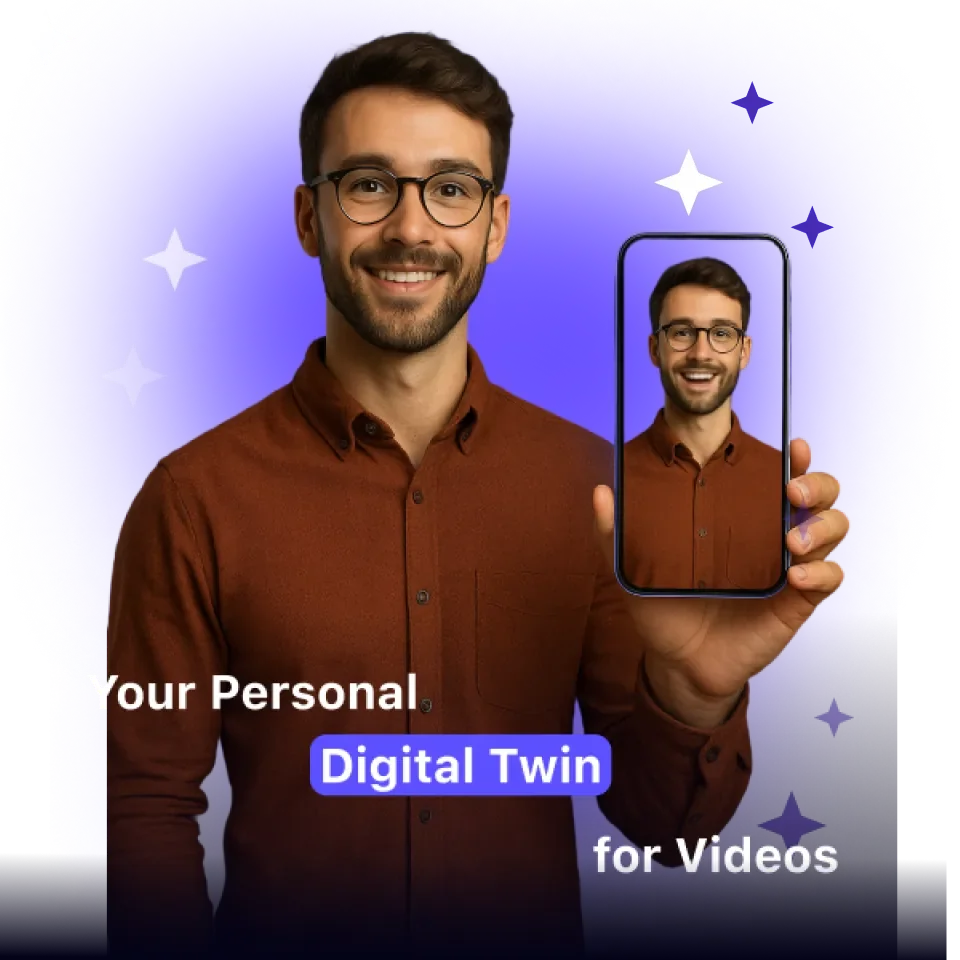
Twin
Automate repetitive tasks effortlessly with intelligent, action-driven AI.
Last updated
Features
- Converts still images or text prompts into animated video
- Lip-syncs generated voice to mouth movements
- Voice cloning
- Animates portraits
- Combines image editing, transformation and video rendering in one tool
Pricing Details
💰 Pricing Model:
Likely a credit- or subscription-based model (common for media generation tools).
(Some “100 free credits” offers are mentioned in Twin’s product marketing)
🆓 Free Plan Details:
• Twin offers some free credits to try generating content (e.g. “Get 100 Free Credits”)
• Basic features may be available (image-to-video, simple animations) under the free tier
💳 Paid Plan Details:
• Unlock more credits, higher resolution outputs, advanced features (voice cloning, longer videos)
• Access to full creative suite and priority rendering resources
Tips for Twin
Related Tips
- How to Use the Pokecut Tool to Easily Extract Images · Image Design and Creation, Editing, Enhancement & Upscaling…
- A professional prompt for turning a meal name into a full recipe infographic · Image Design and Creation, Text to Image Generation…
- Bosala Brand Studio Explains: How to Create a Complete Visual Identity from a Logo in Minutes? · Image Design and Creation, Text to Image Generation…
- How to Create a Series of Educational Videos Using ChatGPT, PixVerse, and Nabat? · Audio & Voice, Text-to-Speech / Speech-to-Text…
- An Explanation of GeminiGen AI for Creating Videos and Images for Children · Video Generation & Editing, Text and Images to Video…