Zapier
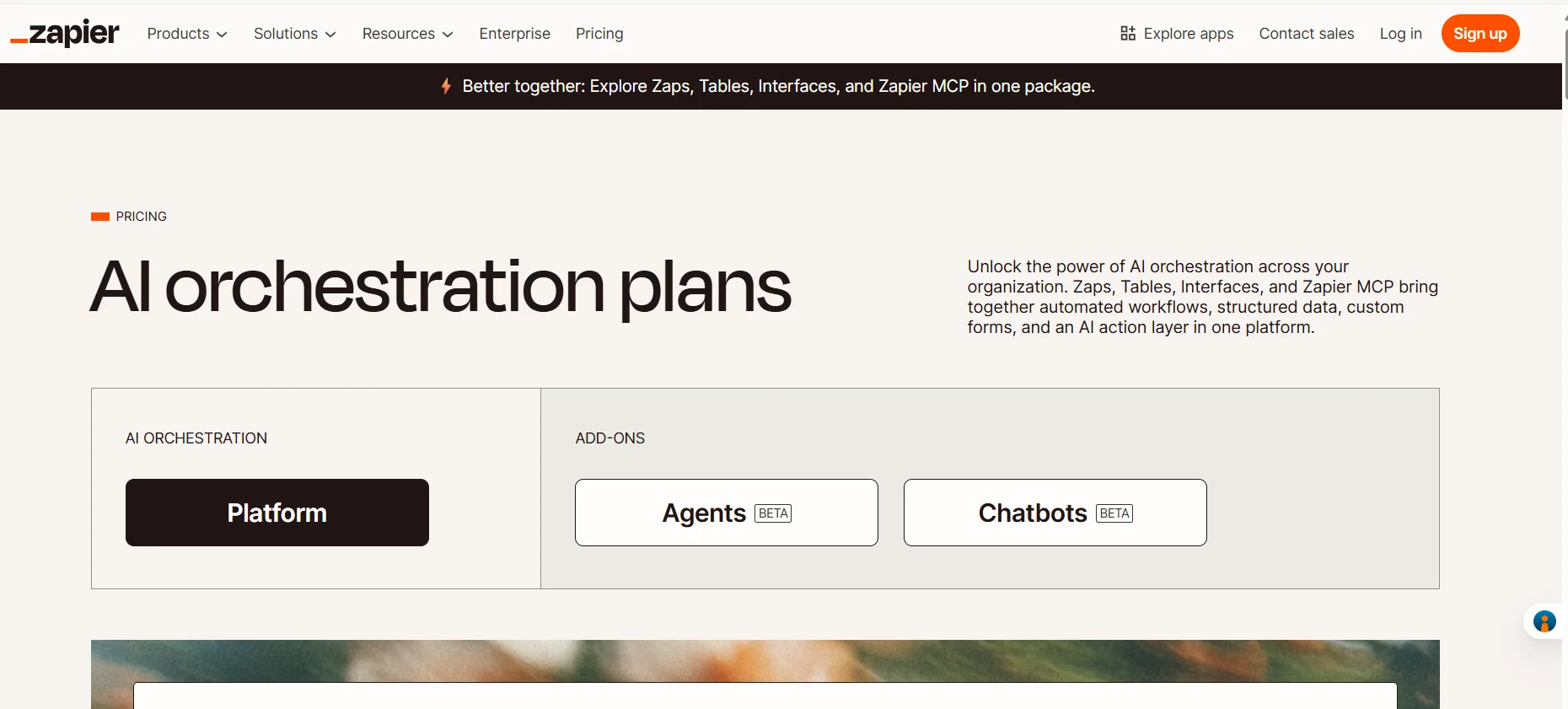
Description
️ 🖼Name of the tool:
Zapier
🔖 Tool Category:
AI Orchestration & Automation Platform.
️ ✏What does it do?
Zapier is a platform that enables you to connect your different applications together without any coding, to create intelligent automated workflows.
In the latest version, the platform includes a full ecosystem of AI tools such as Zaps, Tables, Interfaces, and ZapierMCP, allowing you to manage data, models, and Chatbots & Agents in one integrated environment.
Zapier aims to be the infrastructure by which organizations manage their AI operations with flexibility and intelligence.
⭐ What does it actually offer based on user experience?
According to user reviews and the developer community, Zapier is highly stable and reliable, and is the first choice for most SMBs to automate repetitive tasks.
The interface is intuitive, supports drag-and-drop to build complex processes without code, and allows for the integration of hundreds of apps such as Gmail, Slack, Notion, and OpenAI.
Users also praised the Zapier Copilot feature that automatically generates Zaps via AI and analyzes and debugs them.
🤖 Does it include automation?
Yes, Zapier is all about automation, with tools like:
Zapier Copilot to create AI Zaps.
AI Fields to directly connect an OpenAI account and automatically analyze data within tables.
Support for Agents and Chatbots components in Beta, making it a comprehensive AI orchestration platform.
💰 Pricing model:
🆓 F ree plan details:
Price: $0 per month (free forever).
Includes:
Basic use of Zaps, Tables, and Interfaces.
Up to 100 tasks per month.
Support for creating an unlimited number of Zaps (limited only by the number of monthly tasks).
Ability to create Zaps in two steps (Trigger + Action).
Access to the Zapier Copilot tool for creating AI Zaps.
💳 Paid plans details:
1. Professional plan - starts at $19.99 per month (billed annually):
Includes all the features of the free plan, plus:
Create multi-step Zaps.
Access to all Premium Apps.
Webhooks support for building custom integrations.
Technical support via mail or live chat (for 2000+ task users).
AI fields and direct connectivity to OpenAI.
Conditional Form Logic.
2. Team Plan - starts at $69 per month (billed annually):
Includes all Professional features, plus:
Up to 25 users within a team.
Sharing Zaps and folders between team members.
Shared app connections without sharing passwords or API keys.
SAML SSO single sign-on for security.
Premier Support with faster response times.
3. Enterprise Plan - Price is customized based on connectivity:
Designed for larger organizations, it includes all the features of the previous plans, plus:
Unlimited users.
Advanced administrative permissions and granular permission management.
Advanced deployment options with VPC Peering for secure access to internal data.
Comprehensive Observability system to track the performance of operations.
Dedicated Technical Account Manager.
Annual rather than monthly task limit to manage resources more flexibly.
🧭 How to access the tool:
You can use Zapier via the official website or web app, without the need for any complicated setup.
The platform works directly in the browser and supports all popular systems and applications.
It starts with a free trial by creating an account and choosing a plan according to the number of monthly tasks required.
🔗 Experience Link or official website:
[Experience Link] https://zapier.com/pricing