QuickSearchPlus
Description
🖼️ Tool Name:
QuickSearchPlus
🔖 Tool Category:
AI-powered browsing assistant; it falls under Integrations & APIs (44) and Analytics & Dashboards (97) in your taxonomy.
✏️ What does this tool offer?
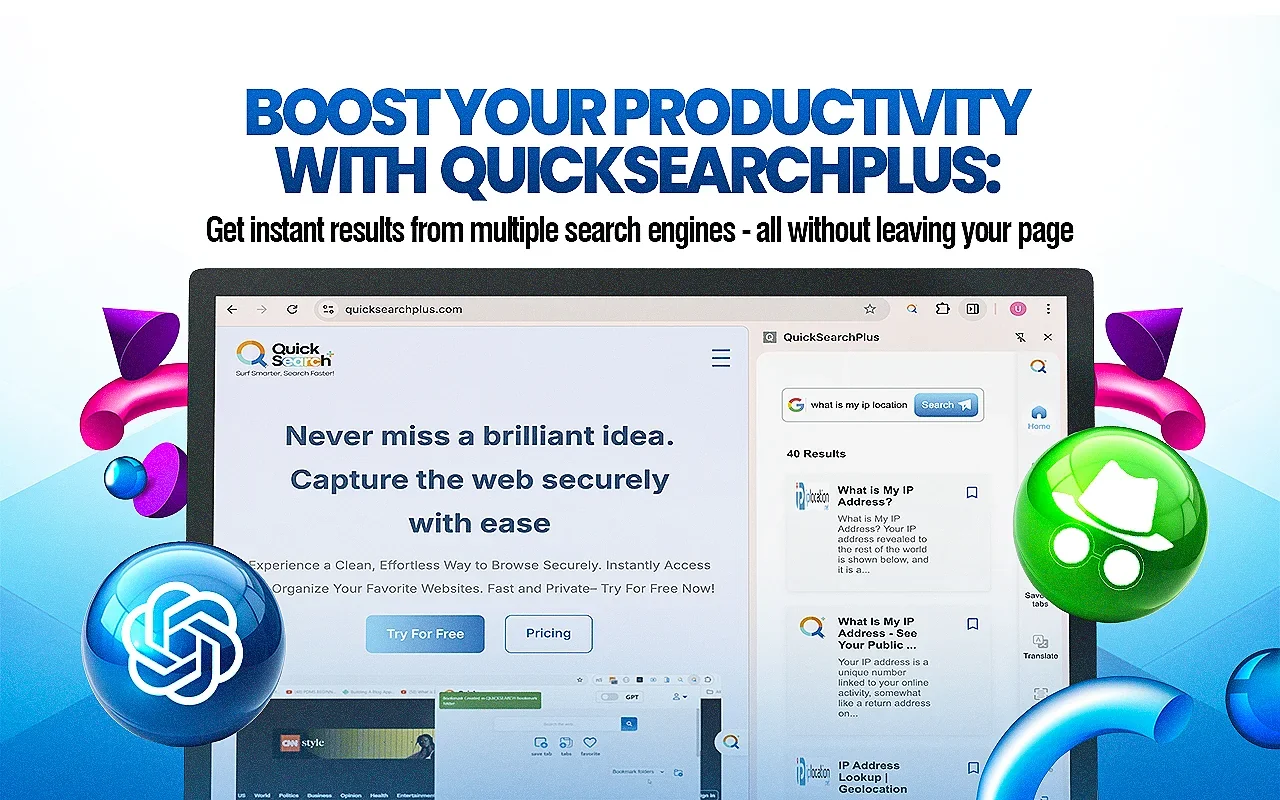
QuickSearchPlus is a browser extension and web-platform designed to enhance your online browsing, searching, summarising and organising capabilities. Key features:
AI-powered search and chat sidebar within the browser, allowing natural language queries and quick answers.
Intelligent bookmarking and organisation: save web links, categorise/tag bookmarks, sync across devices.
Web summarisation, text extraction (OCR from screenshots, images, PDFs), translation, private/secure browsing modes (including built-in VPN/incognito) for enhanced privacy.
⭐ What does the tool actually deliver based on user experience?
Users report that it speeds up research: for example, summarising pages, switching between search engines, extracting info quickly.
Bookmark and content-management is simplified: “All my bookmarks finally organised!” as per user quotes.
The built-in privacy features (incognito mode, VPN) are highlighted by users as helpful for secure browsing.
🤖 Does it include automation?
Yes — QuickSearchPlus includes automation features such as:
Automatically summarising web pages or meetings via AI.
Automatically integrating search results, OCR extraction and translations based on context.
Cloud sync of bookmarks across devices, making management seamless.
💰 Pricing Model:
Freemium model with paid subscription tiers.
🆓 Free Plan Details:
A base free version is available providing core functions (bookmark saving, basic search) under the “Basic” free tier.
💳 Paid Plan Details:Paid tiers unlock advanced features such as unlimited bookmarks, priority support, advanced filtering, multi-device sync, incognito/VPN mode, higher usage limits. For example: one external listing shows Pro Plan starting around US$5/month.
🧭 Access Method:
Browser extension (Chrome Web Store listing) for Chrome/Edge etc.
Web portal for account management and bookmarking features.
🔗 Experience Link: