️ 🖼Name of the tool:
Google Opal
🔖 Tool categorization:
No-Code AI App Builder.
️ ✏What does it do?
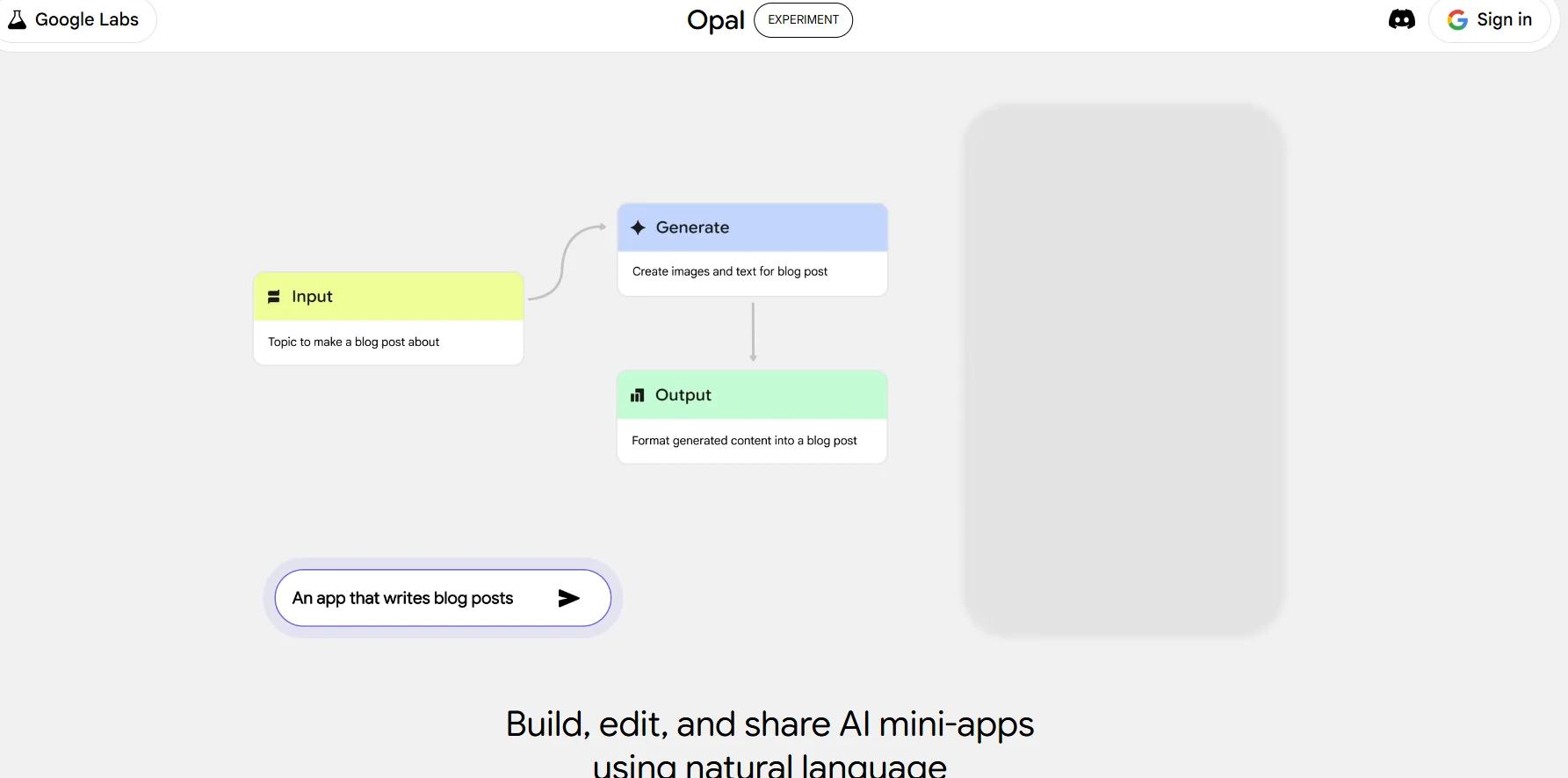
Google Opal enables users to create, edit, and share AI applets using natural text instructions and a visual workflow editor, with no coding knowledge required. Features include:
Creating AI applications as natural language text.
Node-Based visual editor for designing application logic.
Ready-made templates to speed up the process of starting projects.
Integrate AI models and tools to enhance application functionality.
Quickly turn ideas into practical applications for rapid experimentation and iteration.
⭐ What do you actually offer based on user experience?
Users praise the ease of use and speed of prototyping, especially for people who don't know how to code. They also appreciate the ability to share apps directly via a link without the need for installation, making it easy for teams or individuals to interact and experiment.
🤖 Does it include automation?
Yes, the tool includes automation in the application logic, where processes can be executed automatically within applications built with textual instructions or visual nodes.
💰 Pricing model:
🆓 F ree plan details:
Currently available in public beta in the United States.
Access is free for personal and trial use.
Ability to try out all app building features and ready-made templates.
💳 Paid plans details:
Google has not yet announced official paid plans; the platform is expected to expand in the future to include additional features and commercial scalability for users.
🧭 How to access the tool:
Google Opal can be accessed by signing in with a Google account, using the ready-made templates or starting a new app using the visual editor.
🔗 Experience Link or official website:
Experience Link: https://opal.google/landing/