Description
️ 🖼Tool Name:
Pismo
🔖 Categories:
Rewriting and Style Improvement
Content and Copywriting
Voice, Speech, and Music
Education and Research
Productivity and Scheduling
Integrations and APIs
️ ✏What does this tool offer?
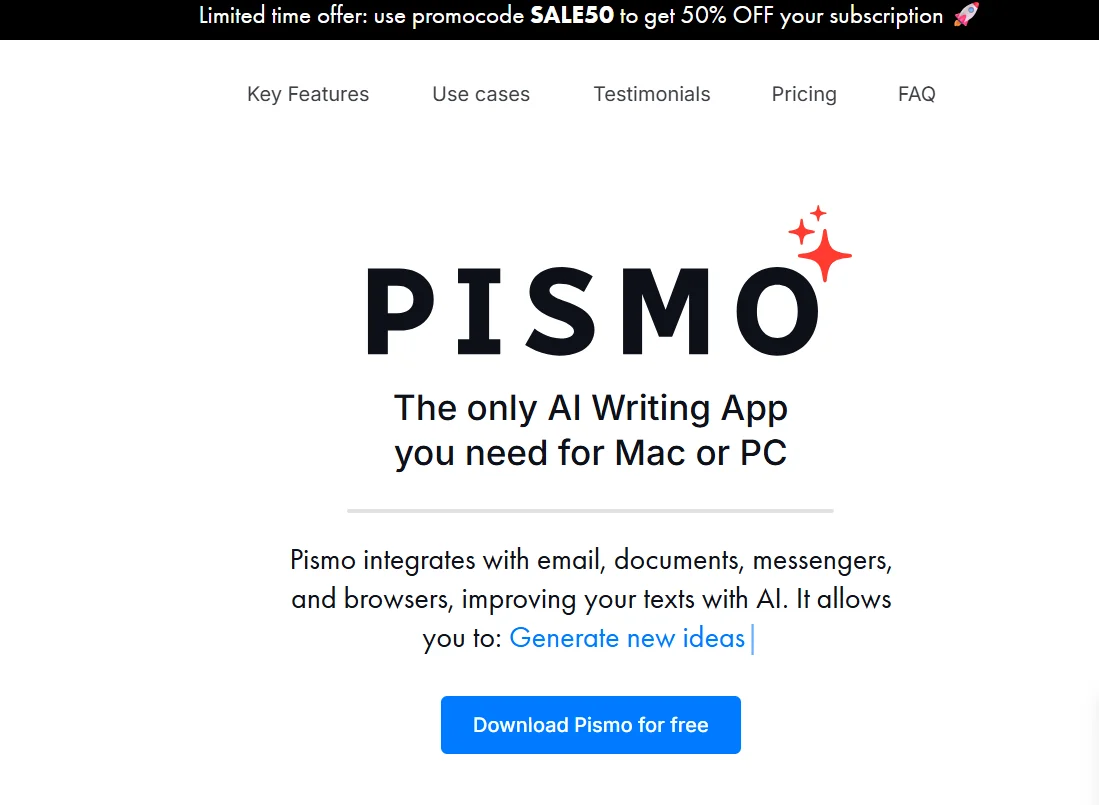
Pismo is an AI-powered writing app that works on Mac and Windows,and is also available on iOS. It integrates with email, documents, messaging apps, browsers, and design tools, allowing users to enhance their text directly within the app they’re working in—without having to copy and paste content into an external tool.
Pismo offers a range of writing and editing tools, including spelling and grammar correction, text rewriting and optimization, translating it into multiple languages, shortening or expanding it, and adjusting its tone and style based on context and the target audience. It can also summarize long texts and convert them into bullet points, as well as simplify technical or complex texts.
It also allows you to create custom prompts and link them to keyboard shortcuts, so that AI actions can be quickly executed from almost any application. It can be used to write emails, product descriptions, resumes and cover letters, marketing and academic content, as well as for translation and multilingual communication.
Pismo also prioritizes privacy; the platform states that it neither stores nor processes the text users work on, and that personal data is transferred and stored in accordance with high security standards. According to the information provided ,the platform has more than 2,000 customers.
⭐ What does it actually offer based on user experience?
- Improves writing and corrects spelling and grammar errors.
- Rewriting texts and adjusting their style and tone.
- Translating texts into multiple languages.
- Summarizing texts and converting them into concise bullet points.
- Simplifying technical or complex texts.
- Access the tool using keyboard shortcuts.
- Work directly within various applications without having to switch to an external tool.
- Create custom prompts for writing, research, programming, and customer service tasks.
- Use the tool in email, documents, browsers, messaging apps, and design tools.
- Users have noted its ease of use, quick access to features, and improvements in writing and translation.
🤖 Does it include automation?
Yes. Pismo allows you to perform AI actions directly on selected text within the app you’re using, either through the floating interface or using keyboard shortcuts. You can also create custom commands and assign them to shortcuts for quick access, reducing the need to switch between apps or perform repetitive manual steps.
💰 Pricing model:
Freemium / Paid subscription
🆓 Free Plan Details:
| Plan | Price | Details |
|---|---|---|
| Free download and use | 0 euros | You can download Pismo and start using it on your desktop before subscribing to a paid plan. |
💳 Paid Plan Details:
| Plan | Price | Features and Differences |
| Monthly | 8 euros/month | Full access to all platform features, unlimited devices and AI requests, and the ability to use the tool in multiple languages and in almost any application. Includes rewriting, correcting, optimizing, and translating text; performing AI actions with a single click or via keyboard shortcuts; and creating custom commands. 30-day money-back guarantee and the ability to cancel your subscription at any time. |
| Annual | 75 euros/year | All features available, equivalent to 6.25 euros per month and a 22% savings compared to monthly billing. Includes rewriting, correcting, optimizing, and translating text; performing AI actions with a single click or using keyboard shortcuts; and creating custom commands for writing, research, programming, and customer service tasks. |
🧭 How to access the tool:
| How to Access | Details |
| Windows | A desktop application that runs on Windows. |
| macOS | A desktop app that runs on macOS. |
| iOS | Pismo is available on iOS. |
| In-app | Integrates with apps, browsers, email clients, document editors, and design tools, and can be launched via a floating interface or keyboard shortcuts. |
🔗 Try it out or visit the official website:
Pismo’s official website and pricing page