Snapdeck
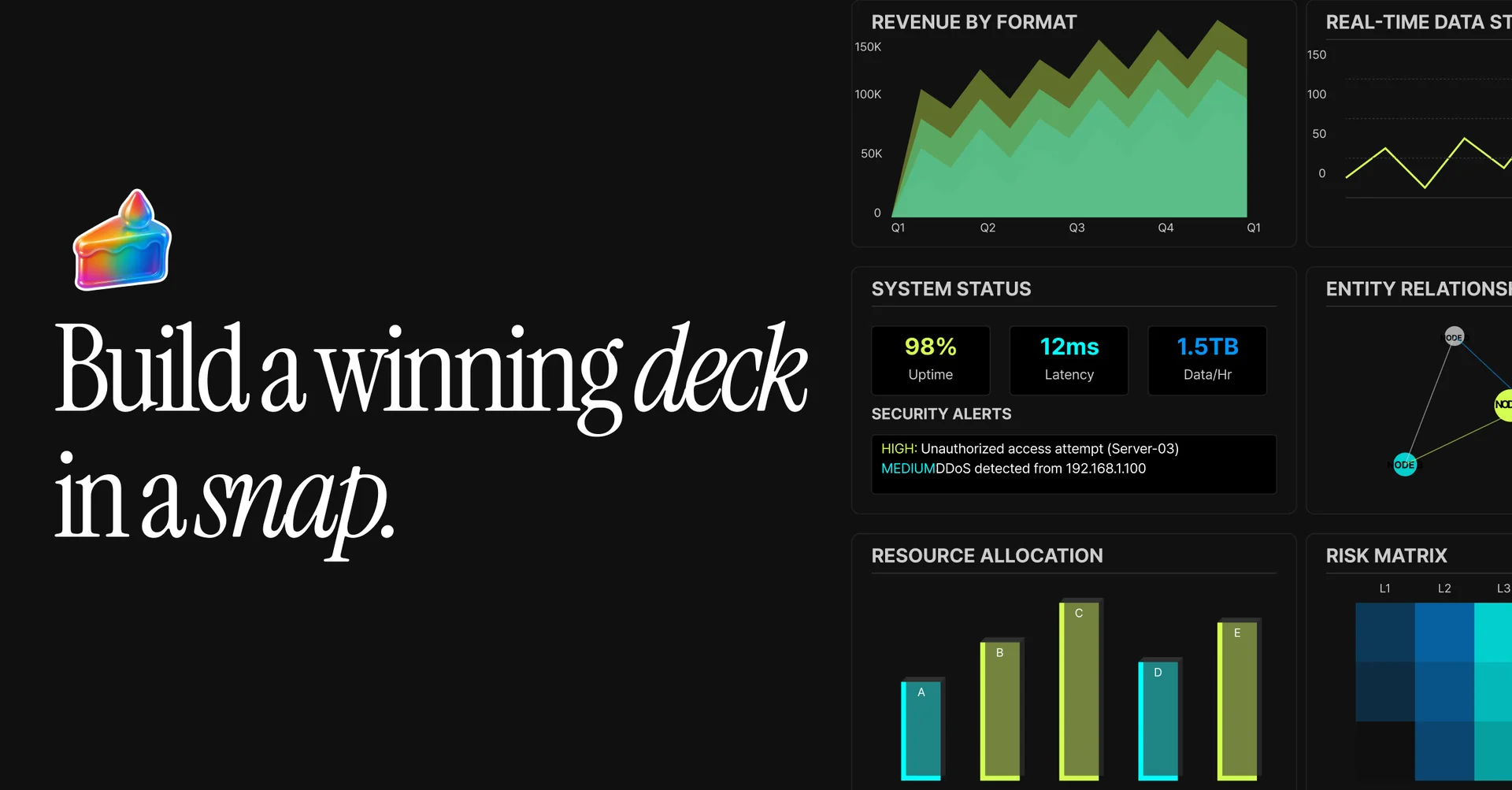
Description
️ Tool Name: 🖼
Snapdeck
Categories: 🔖
- Business Document Creation
- Education and Research
- Automation and Smart Agents
- Education and Research
- Marketing and Sales
️ What does this tool offer? ✏
Snapdeck is an AI-powered platform for quickly creating presentations. Users can enter the presentation topic and key points, and the platform organizes the content to generate a well-structured, professional presentation.
The platform provides ready-made templates for various fields, such as business reports, company reviews, product reports, market trends, and research presentations,allowing users to start with a pre-built structure rather than creating a presentation from scratch.
Snapdeck features an AI agent that handles the various stages of presentation preparation, starting with organizing and structuring the content, then creating, editing, and optimizing the slides. It also provides tools for web search and extracting information from websites, as well as the ability to import PowerPoint files in PPTX format and use their content as a starting point for the presentation.
The platform offers an advanced editor for controlling text, visual elements, and slide layout, with an editing experience similar to working with documents. It also includes a collection of ready-made 16:9templates, as well as sample presentations in fields such as market analysis, business, technology, and space.
Snapdeck is aimed at individuals, researchers, founders, and teams, and offers a free trial before upgrading to paid plans.
What does it actually offer based on user experience? ⭐
- Create presentations based on the presentation topic and key points.
- Organize and structure content before creating slides.
- Use an AI agent to assist with the presentation preparation stages.
- Create, edit, and optimize slides.
- Searching the web and extracting information from websites.
- Import PowerPoint files in PPTX format.
- Use existing content instead of creating the presentation from scratch.
- Edit text, visual elements, and slide layouts.
- Provide an editing experience similar to working with documents.
- Providing ready-made templates with a 16:9 aspect ratio.
- Provide templates and sample presentations for business, markets, technology, space, and research.
- The ability to get started with the platform for free.
- According to the information provided, the platform ranked first weekly on Product Hunt in the AI presentations category. (Confirmed according to the information provided; not independently verified here)
Does it include automation? 🤖
Yes, Snapdeck includes automation powered by an AI agent.
The agent handles various stages of presentation preparation, starting with organizing and structuring the content,then moving on to creating, editing, and optimizing the slides. The platform can also search the web and extract information from websites to help prepare presentation content.
Thus, automation isn’t limited to just creating slides; it extends to certain stages of research, organization, and editing.
Pricing Model: 💰
Paid subscription with a basic free plan.
Snapdeck offers a free plan priced at $0 that allows users to try creating presentations and using a set of basic tools without a paid subscription. It also offers paid plans that provide users with larger quotas and additional features, including plans tailored for teams and organizations.
According to the information provided, you can get started with the free plan without needing a credit card.
🆓 Free Plan Details:
| Item | Details |
|---|---|
| Price | $0 |
| Credits | 30 credits to get started |
| Templates | All Basic Templates |
| Processing | Standard processing |
| AI Model | Piece of Cake 1.1 |
| User Support | Community Support |
| Maximum Slides | Create presentations with up to 5 slides |
| Images | Generate and edit images using Nano Banana 2 and Lite |
| Watermark | Watermark present |
| PPTX Export | Not available |
| Figma Export | Not available |
| Credit Card | According to the information provided, the free plan does not require a credit card |
Paid plan details: 💳
| Plan | Price | Features and Differences |
| Pro | $10/month | 300 credits per month, access to all AI models, priority processing, export to PPTX and Figma,watermark removal, and support via Messenger. |
| Team | $40/user/month | 1,500 credits per seat, all Pro features, plus centralized billing and team management, and team-specific benefits. The plan is listed on the pricing page as " Coming Soon." |
| Enterprise | Custom pricing | All Pro features, plus shared credits within the organization, billing via invoices or purchase orders, SAML and OIDC support for single sign-on, seat management via SCIM,access control for forms and data, audit logs, and dedicated support. |
How to access the tool: 🧭
| Availability | Availability |
| Web | Yes, Snapdeck is available via its website. (Confirmed) |
| Desktop app | Not mentioned in the information provided. (Unconfirmed) |
| Mobile App | Not mentioned in the information provided. (Unconfirmed) |
| API | Not mentioned in the information provided. (Unconfirmed) |
| Add-on | Not mentioned in the provided information. (Unconfirmed) |