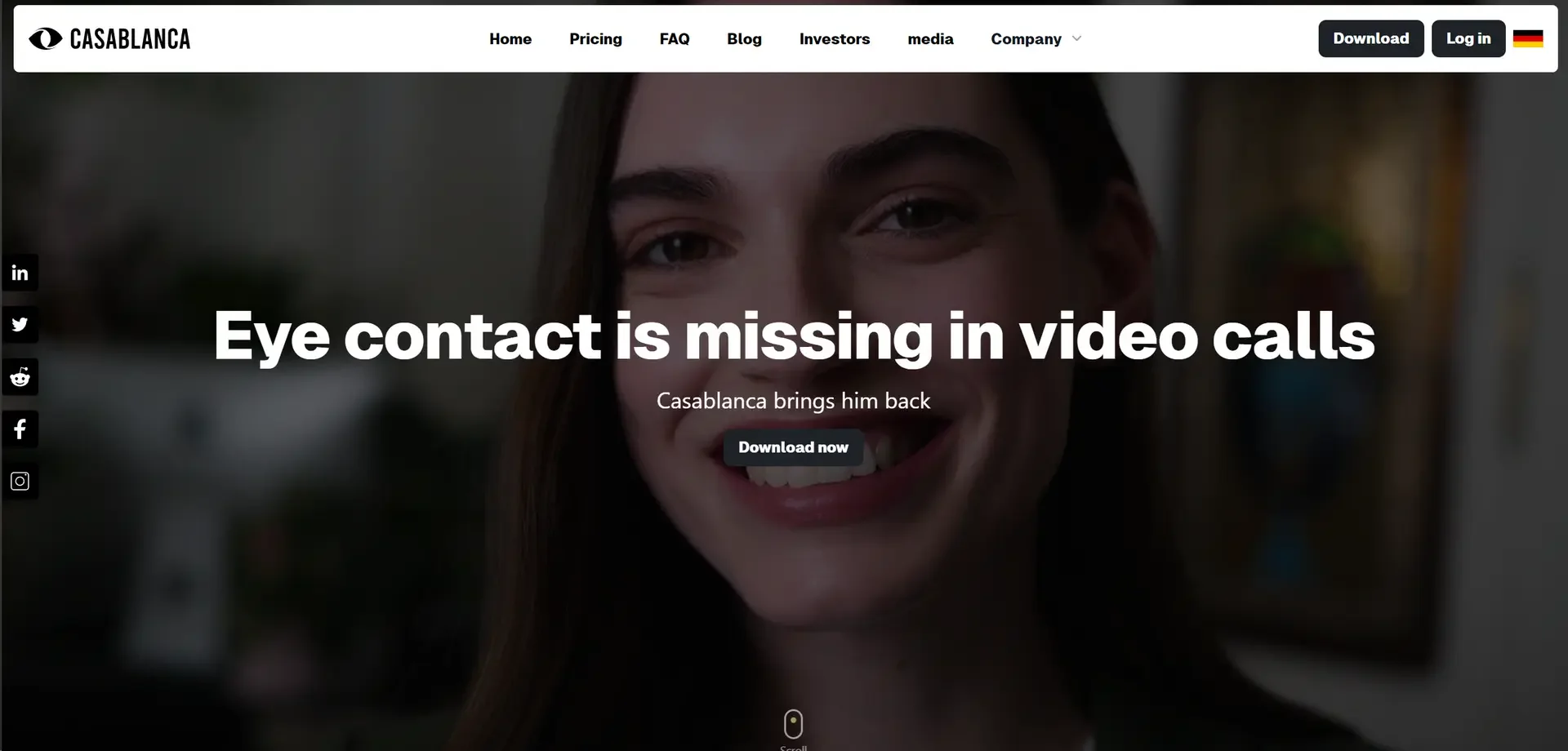
Casablanca.AI

Description
🖼️ Tool Name:
Casablanca.AI
🔖 Tool Category:
AI‐powered virtual camera / eye-contact correction tool; it falls under the category of Video Editing/Enhancement (for live video calls) or a more specialized niche of “Enhancement & Upscaling” (in broader sense applied to video communication).
✏️ What does this tool offer?
Casablanca.AI is designed to bring natural eye contact back into video calls by using AI to adjust your gaze and camera position virtually — so you appear to be looking directly at the other person, even if you’re looking at another part of the screen.
It works with common video conferencing platforms like Zoom, Microsoft Teams, Google Meet, and also with streaming/OBS setups.
It also emphasises privacy: processing is done locally (on-device) so your video data is not sent to the cloud.
⭐ What does the tool actually deliver based on user experience?
• Real‐time gaze correction so you appear to maintain eye contact with participants.
• Works as a virtual camera: you select “Casablanca Virtual Camera” in your conferencing application.
• Compatible with Windows and Mac.
• Users report higher engagement/trust in video calls because of improved perceived eye contact.
• Privacy emphasis: “100% Data Privacy – all image data is processed on your computer.”
🤖 Does it include automation?
Yes — Casablanca uses AI automation to dynamically adjust your video feed:
• It detects your face/gaze and modifies the video output so it appears you’re looking directly into the camera.
• Works in real time during video calls with minimal delay.
• Integrates seamlessly into existing video call pipelines without heavy setup (once installed).
💰 Pricing Model:
Subscription (Freemium/Trial + Paid) model.
🆓 Free Plan Details:
• The tool offers a free trial (e.g., 30 days).
💳 Paid Plan Details:
• Example pricing: €7/month (approx) for Pro version.
• Yearly plan: ~€70/year.
• Lifetime/Enterprise options (~€200+) available.
🧭 Access Method:
• Desktop application: Windows and Mac. Install from and set the virtual camera.
• Workflow: download → install → choose “Casablanca Virtual Camera” in your meeting app.
🔗 Experience Link: