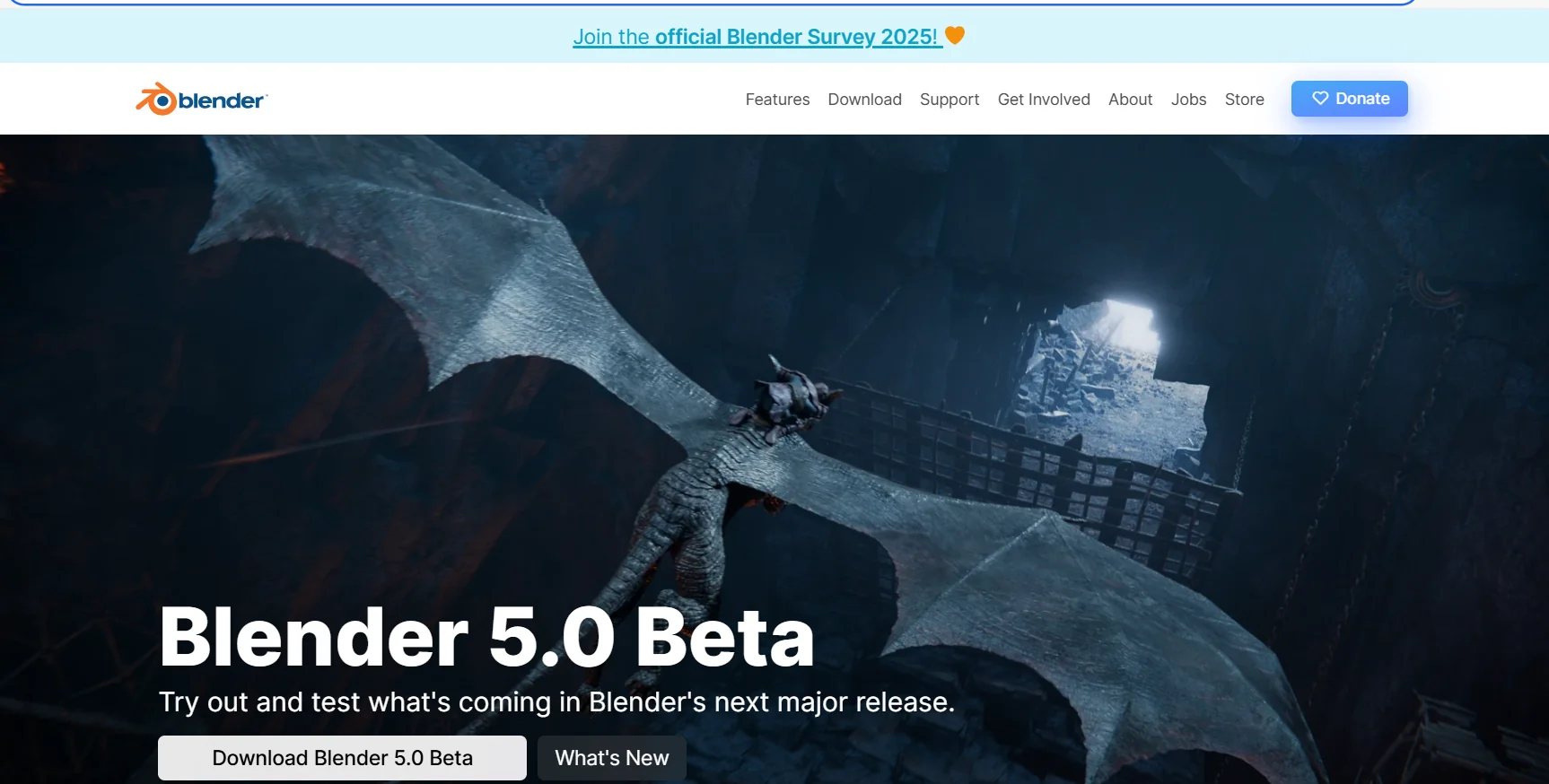
Description
️ Tool Name: 🖼
Blender
Categories: 🔖
3D Design and Architecture/Interior Design
3D Modeling and Rendering
Smart Interior Design
Graphic Design and Production
Video, Editing, and Motion Graphics
️ What does this tool offer? ✏
Blender is free and open-source software for creating 3D content; no monthly or annual subscription is required to use the core program. The software is licensed under the GNU GPL,allowing users to download, use, and develop it without paying license fees.
Blender offers a wide range of content creation tools, including 3D modeling, animation, sculpting, visual effects, and rendering,as well as other tools related to 3D content creation. It also gives users access to add-ons and resources provided by the Blender community to expand the software’s capabilities.
In addition to the free, open-source core software, there are separately paid commercial products and resources within the Blender ecosystem, including some Blender Studio products and commercial add-ons or resources. These paid products do not affect the free and open-source nature of the core software.
What does it actually offer based on user experience? ⭐
- Use the core Blender software for free without a monthly or annual subscription.
- Create 3D models and content using modeling tools.
- Create animations and animate characters.
- Use 3D sculpting tools.
- Create visual effects.
- Render 3D scenes and content.
- Develop and modify the software thanks to its open-source nature and the GNU GPL license.
- Take advantage of add-ons and resources provided by the Blender community.
- Access certain commercial products and resources sold separately.
Does it include automation? 🤖
The information provided does not mention a standalone automation system or AI agents within Blender’s pricing model or core functionality. The software focuses on providing 3D content creation tools, including modeling, animation, sculpting, visual effects, and rendering.
Pricing Model: 💰
Free and open-source.
The core Blender software is completely free and does not require a monthly or annual subscription or license fees to use. While some commercial products, add-ons, and resources are available for a separate fee, the core software remains free and open-source.
🆓 Free Plan Details
| Item | Details |
|---|---|
| Core Software | Blender is completely free |
| Price | $0 |
| License | GNU GPL |
| Usage | Free |
| Source | Open Source |
| 3D Modeling | Available |
| Animation | Available |
| Sculpting | Available |
| Visual Effects | Available |
| Rendering | Available |
| Development and Modification | Available under the GNU GPL license |
| Community Add-ons and Resources | Available within the Blender ecosystem |
Paid Plan Details 💳
| Item | Details |
|---|---|
| Paid Plan for the Core Software | None |
| Basic Plan Price | $0 |
| Blender Studio | Some products and content are available for purchase separately |
| Commercial add-ons | Some paid add-ons may be available separately |
| Commercial resources and content | May be available separately |
| Listed prices | Not available in the information provided |
How to access the tool: 🧭
Web: The Blender platform and its resources can be accessed via the official website.
Software: Blender is software that can be downloaded and used on your device.
Add-ons: Add-ons and resources are available from the Blender community.
Paid content: Some commercial products and resources are available separately within the Blender ecosystem.
Trial link or official website: 🔗