(Microsoft Power BI)
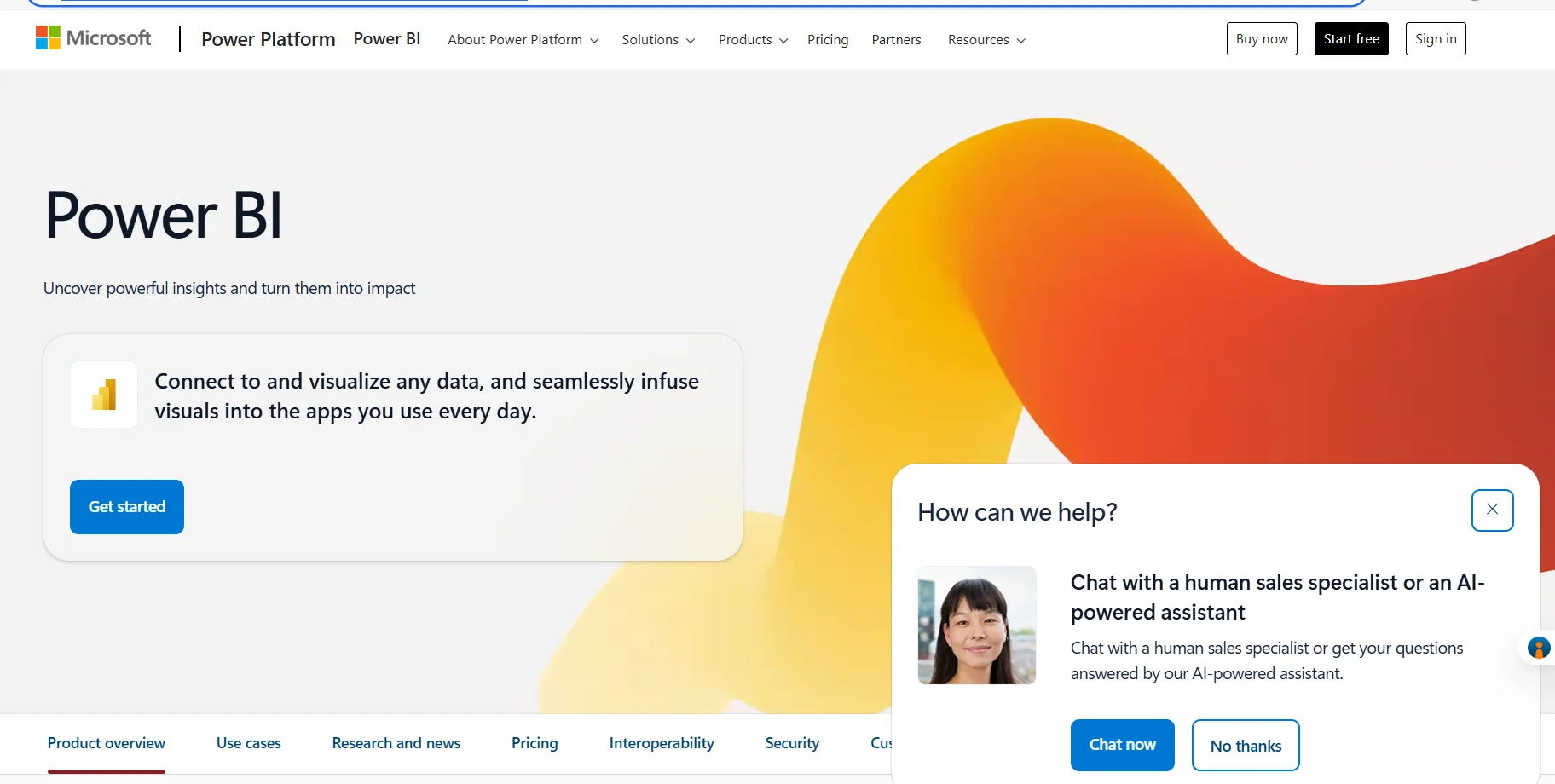
Description
️ Tool Name: 🖼
Power BI
Categories: 🔖
Analytics and Dashboards
Data and Analytics
Finance, Forecasting, and Dashboards
Integrations and APIs
Business and Operations Management
️ What does this tool offer? ✏
Power BI is a platform for data analysis and the creation of interactive reports and visual analytics, enabling users to transform data into reports and dashboards that help explore and display information interactively. Power BI Desktop is also available for free to create reports, explore data, and author content, with the option to use a free account to start creating interactive reports.
Microsoft offers several licensing tiers, starting with the free account, followed by Power BI Pro, which enables users to publish and share reports and access reports shared with them,and Power BI Premium Per User, which includes the features of Power BI Pro along with enterprise-level capabilities, such as handling larger model sizes and more frequent updates. Power BI in Microsoft Fabric is also available on a capacity-based pricing model, allowing you to share Power BI reports with users who do not have paid per-user licenses within eligible capacity scenarios, as well as access to Microsoft Fabric workloads.
What does it actually offer based on user experience? ⭐
Create rich, interactive reports using visual analytics.
Explore data and author reports using Power BI Desktop.
Publish Power BI reports and share them with others under the appropriate licenses.
Access reports that have been shared with the user.
Take advantage of enterprise-level features within Power BI Premium Per User.
Handle larger model sizes and more frequent updates with Premium Per User.
Use Power BI within Microsoft Fabric to access Fabric workloads.
Share Power BI reports with users who do not have paid per-user licenses within eligible quotas.
Does it include automation? 🤖
Yes, the Power BI platform includes automation capabilities, particularly within Power BI Embedded,where Microsoft highlights the ability to automate monitoring, management, and deployment when embedding analytics and reports into custom applications. Microsoft Fabric plans also include capabilities for data management and analysis within a unified environment.
Pricing model: 💰
Freemium / Paid subscription.
Power BI offers a free account for creating interactive reports, along with the free Power BI Desktop. Paid plans start at $14 per user per month when billed annually for Power BI Pro, while Power BI Premium Per User costs approximately $24 per user per month when billed annually. Capacity-based options such as Power BI Embedded and Microsoft Fabric are also available at variable pricing.
🆓 Free plan details:
| Item | Details |
|---|---|
| Price | $0 |
| Free account | Create rich, interactive reports and take advantage of visual analytics |
| Power BI Desktop | Available for free download to create reports, explore data, and author content |
| Credit Card | No credit card required to get started |
| Share reports | Requires an upgrade to Pro or Premium, according to Microsoft |
Paid plan details: 💳
| Plan | Price | Features and Differences |
|---|---|---|
| Power BI Pro | $14 per user per month when billed annually | Publish and share Power BI reports, and access reports shared with the user |
| Power BI Premium Per User | $24 per user per month when billed annually | Includes all Pro features, plus access to larger model sizes, more frequent updates, and enterprise-level features |
| Power BI Embedded | Variable | Embed reports, dashboards, and analytics into your own applications, with the ability to automate monitoring, management, and deployment |
| Microsoft Fabric / Power BI in Fabric | Variable | Use capacity to access Microsoft Fabric workloads and enable consumption of Power BI content without per-user paid licenses within eligible capacities |
How to access the tool: 🧭
| Access method | Details |
|---|---|
| Web | Available through the Microsoft Power BI web platform |
| Desktop app | Power BI Desktop is available for free download |
| Mobile app | Power BI is available within the Microsoft |
| Microsoft Fabric | Available within Microsoft Fabric and its associated capacity options |
| Embedding in applications | Power BI Embedded allows you to embed reports and analytics into your own applications |
Link to the demo or official website: 🔗