️ 🖼Tool name:
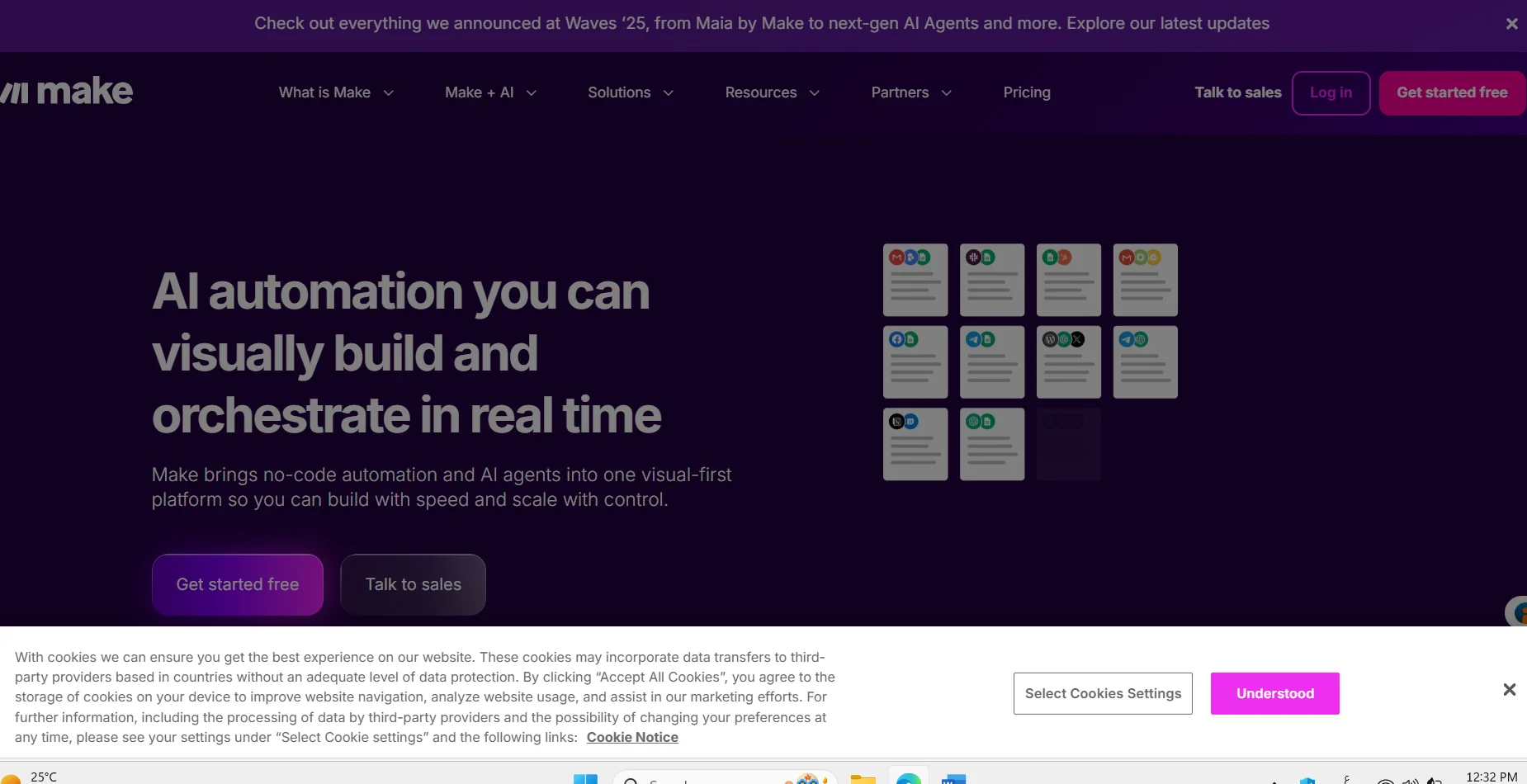
Make
🔖 Tool Category:
No-Code/Low-Code Automation & Integration Platform
️ ✏What does it do?
Make enables users to connect more than 3,000 applications and services and visually create scenarios to pull, manipulate, and move data between applications and services without the need to write code. It also includes advanced AI tools for intelligent automation and complex integrations.
⭐ What do you actually offer based on user experience?
A powerful tool to easily connect applications and create advanced automation.
Suitable for repetitive workflows and automatically updating data.
There may be a simple learning curve to understand the number of processes and consumption to avoid cost overruns.
🤖 Does it include automation?
Yes ✅
Execute automatic sequences of actions when a certain event occurs or according to a schedule.
Support for artificial intelligence such as Make AI Agents and Make AI Toolkit.
Fine-grained scheduling control and integration with multiple applications.
💰 Pricing model:
🆓 F ree plan details:
$0/month.
Up to 1,000 Operations per month.
Access to the scenario creation interface and integration with applications to try out the tool.
💳 Paid plan details:
Core: $9/month with annual payment, ~10,000 operations/month.
Pro: $16/month on annual billing, advanced features such as custom variables and execution priority.
Teams: $29/month per user, collaboration features for small teams.
Enterprise: Customized pricing based on business size, includes advanced support, high security, and custom integrations.
🧭 How to access the tool:
Via the official website, register an account, start using the free or paid plan.
Connect applications and create scenarios using a drag-and-drop interface.
Upgrade the plan according to the amount of automation and business need.
🔗 Experience Link:
https://www.make.com/en?utm_source=