VocalRemover.org
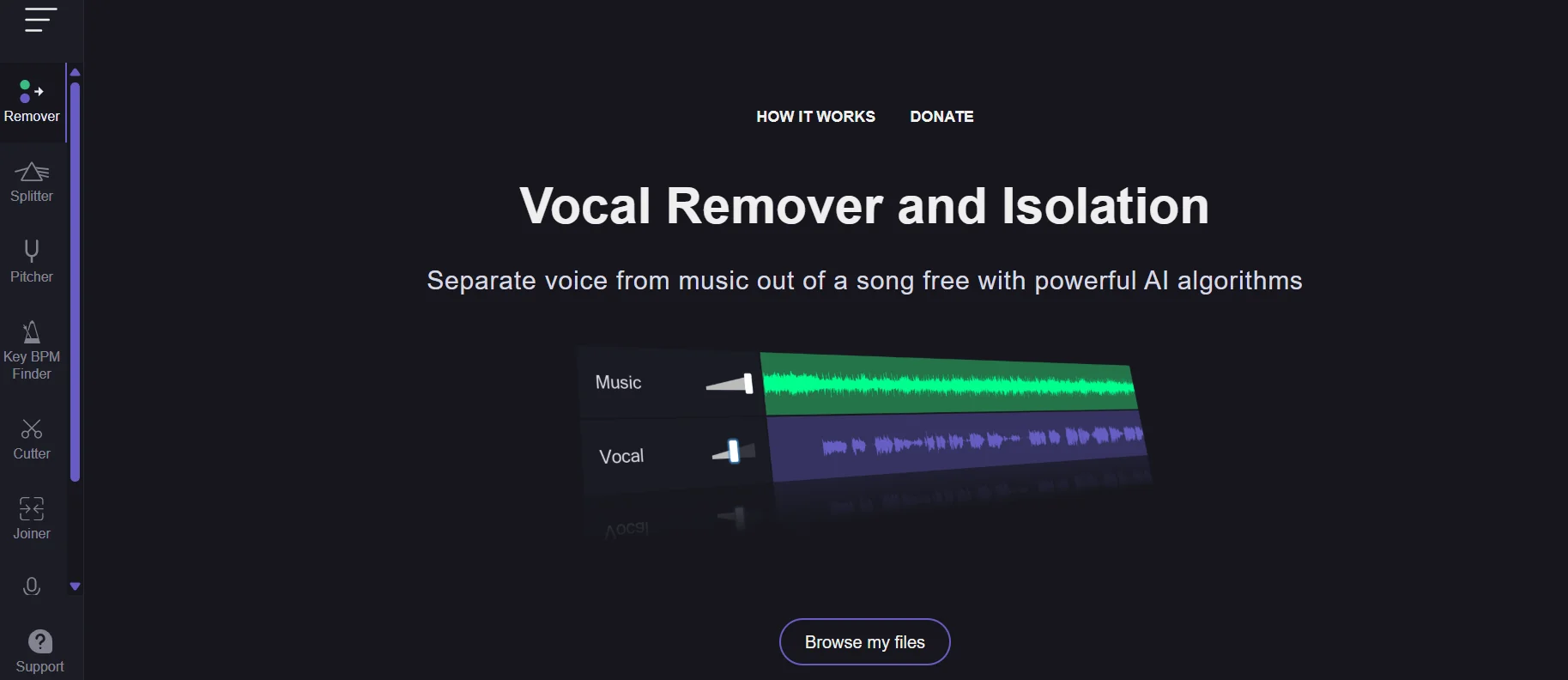
VocalRemover.org is a browser-based tool that uses artificial intelligence to separate vocals from the music in audio files. It can be used to create a vocal-free instrumental version for karaoke, or to extract an isolated vocal track from a song. The website offers this service as a free tool for separating vocals from music using AI algorithms.
Last updated
Features
- Separates vocals from music automatically using AI
- Creates instrumental tracks for karaoke and isolated vocal tracks
- Runs in the browser with no software installation
- Changes track speed and pitch
- Detects musical key and BPM
Pricing Details
The free plan costs $0 and offers free access with processing limits; some external sources note that only one file can be processed at a time under the free plan, in addition to the ability to process up to 10 minutes per day, according to external sources. The plan does not include fast-track processing. It should be noted that these details are based on external sources and are not all confirmed by the current official pricing page.
Related Tips
- How to Use the Pokecut Tool to Easily Extract Images · Image Design and Creation, Editing, Enhancement & Upscaling…
- How to Create a Series of Educational Videos Using ChatGPT, PixVerse, and Nabat? · Audio & Voice, Text-to-Speech / Speech-to-Text…
- AI Room Designer Explained: How to Redesign Rooms in Your Home Using a Single Photo? · Image Design and Creation, Editing, Enhancement & Upscaling…
- AI Room Designer Explained: How to Redesign Rooms in Your Home from a Single Photo? · Image Design and Creation, Editing, Enhancement & Upscaling…
- An explanation of the Kittl Vectorizer tool for converting images into editable vectors · Image Design and Creation, Editing, Enhancement & Upscaling…