️ 🖼Tool Name:
WPTurbo
🔖 Categories:
Programming and Development
Code Generation and Review
Automation and Smart Agents
Documentation and Software Development Toolkits
Education and Research
️ ✏What does this tool offer?
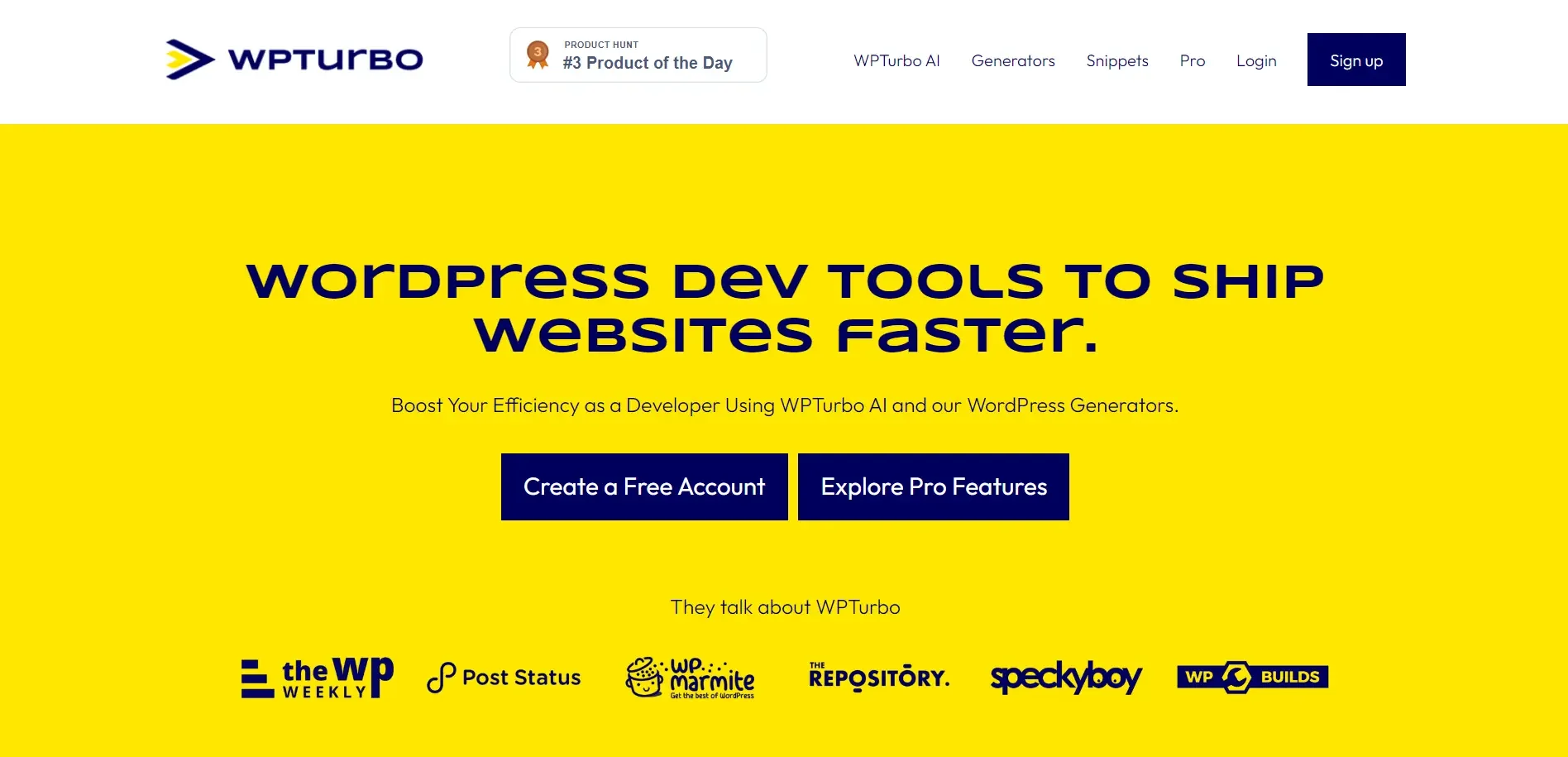
WPTurbo is a platform dedicated to WordPress development that helps developers quickly create WordPress code and features, with the goal of reducing reliance on a large number of plugins. The platform offers more than 40 free WordPress code generators, including generators for post types, taxonomies, menus, shortcodes, hooks, the wp-config.php file, and more.
WPTurbo also offers AI-powered WordPress code generation. Users can describe the functionality they need, then generate code that can be copied, saved, or downloaded, with the option to refine the code through additional requests.
The platform supports working on projects containing multiple files via File Explorer,creating and managing files and folders, saving projects that include a complete file structure, and then downloading projects as WordPress plugins or themes. It also includes a history of previous conversations and the ability to stream the AI’s responses as they are generated.
WPTurbo’s generators include tools for WordPress Admin, WordPress Query, WooCommerce, and Elementor, as well as generators for templates, plugins, child themes, Theme JSON, and more.
⭐ What does it actually offer based on user experience?
- Quickly generate WordPress code instead of writing it manually.
- Generate snippets using AI based on the user’s description.
- The ability to copy, save, or download code.
- Save and organize snippets in a central library, including code generated by generators, WPTurbo AI, or added by the user.
- Create projects containing multiple files and download them for use on WordPress sites.
- Provides specialized generators for WooCommerce, Elementor, and other WordPress components.
- WPTurbo AI allows you to optimize the generated code by sending additional requests.
- A review posted on the website notes that one user was able to describe the desired functionality and receive ready-to-use code instead of relying on multiple plugins.
🤖 Does it include automation?
Yes, WPTurbo includes automation for generating WordPress code through its pre-built generators and WPTurbo AI. Users can specify the desired settings in the generator and automatically receive the code, or describe the desired functionality to the AI so it can generate the code.
WPTurbo AI also allows you to work with multiple files within a project, create files and folders, manage projects, and save conversation history, which helps speed up the development of WordPress plugins and themes.
💰 Pricing Model:
Freemium; WPTurbo offers a free account and additional features for Pro users. The official WPTurbo AI page states that the free account provides 25 requests per day,while the Pro plan provides 500 requests per day.
🆓 Free Plan Details:
| Feature | Details |
|---|
| Account | Free |
| WPTurbo AI | 25 requests per day |
| WordPress Generators | Over 40 free generators |
| Save Snippets | Available to free users |
| Snippet Privacy | Snippets saved in a free account are public |
| Code Generation | Available via free generators |
💳 Paid Plan Details:
| Plan | Price | Features |
|---|
| Pro | The current price has not been specified in verified official sources | 500 WPTurbo AI requests per day, saving private snippets, general settings such as function prefixes, and access to exclusive WordPress tools |
| Lifetime | The plan was previously announced, but its availability and current price have not been verified | Currently unconfirmed |
Note: The current price for the Pro plan is not listed in verified official sources, so it cannot be determined without speculation.
🧭 How to access the tool:
| How to access | Details |
|---|
| Web | Available via the WPTurbo platform |
| WPTurbo AI | A web tool for generating WordPress code using artificial intelligence |
| WordPress Generators | Online code generators |
| Snippets Library | A library for saving and managing code |
| Projects | Create and manage multi-file projects |
| Download | Ability to download code and projects for use in WordPress |
🔗 Demo link or official website:
WPTurbo – Official Website
WPTurbo AI