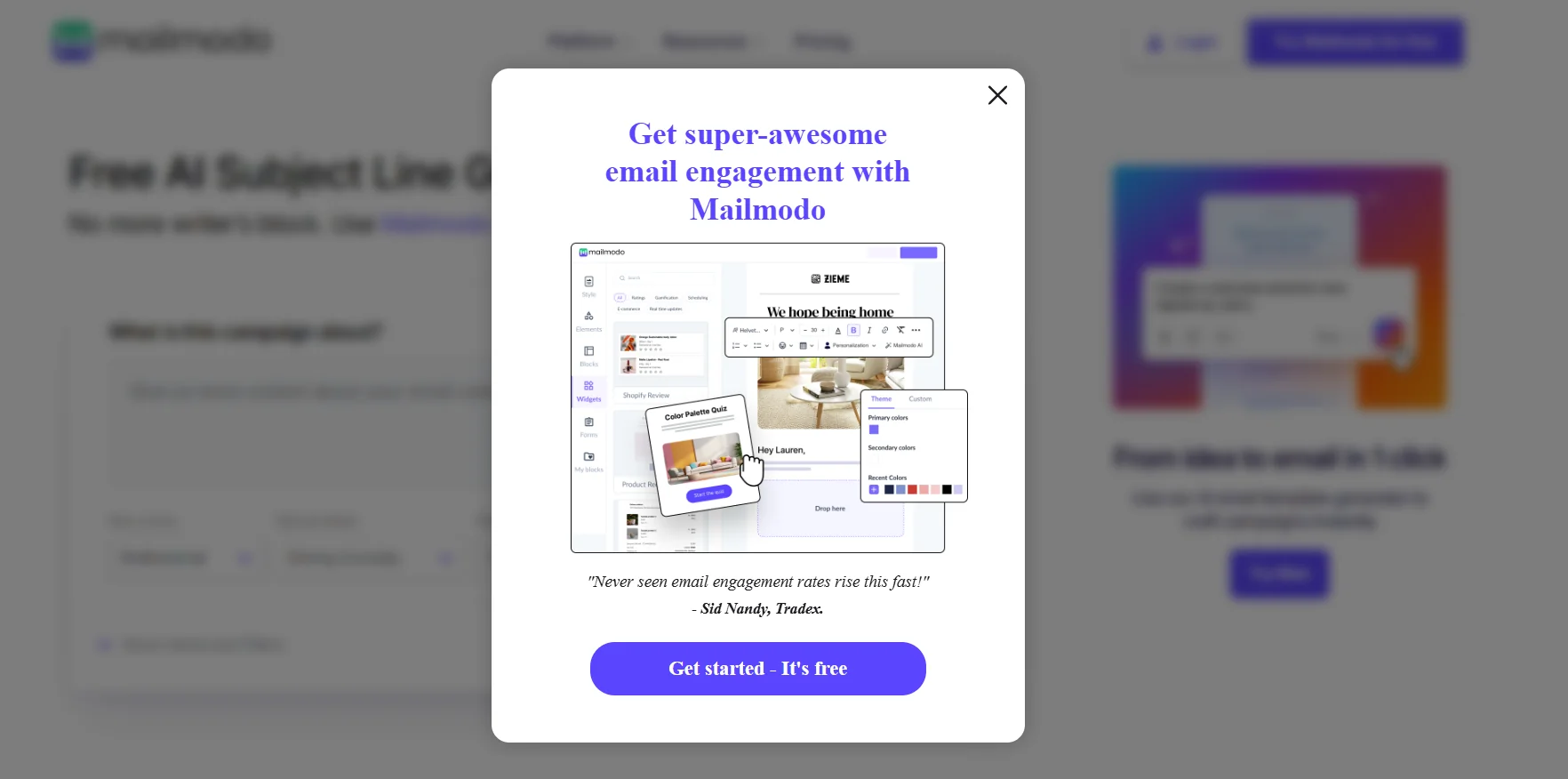
️ 🖼Tool Name:
Mailmodo
🔖 Categories:
Cold Email and Sequences, Automation and Smart Agents, Marketing and Sales, Content Management and Publishing, Conversion Optimization and A/B Testing, Analytics and Dashboards, Integrations and APIs, Customer Support and CRM, Product Descriptions and Marketing Copy
️ ✏What does this tool offer?
Mailmodo is an AI-powered email marketing platform that helps you plan, create, and automate campaigns, as well as analyze and optimize their performance. It stands out for its ability to create interactive AMP-basedemails ,allowing recipients to perform actions such as filling out forms, responding to surveys, booking meetings, and making purchases directly from within the email without having to navigate to an external page.
The platform supports multiple use cases, including lead generation, event hosting, lead nurturing, product recommendations, surveys, lead retention, newsletters, interactive calculators, and data collection. It also offers interactive elements such as Forms, Calendly, Zoom, HubSpot, Carousel, Spin the Wheel, Shopify, NPS, Star Rating, Quizzes, Countdown Timers, Referrals, Abandoned Cart, Add to Cart, RSS Feeds, Calculators, and Polls.
Mailmodo offers a no-code visual editor, ready-made templates, contact segmentation, campaign analytics, automated email sequences, transactional emails, and integrations with services such as Zapier, Make, Shopify, HubSpot, Google Sheets, Zoom, Google Calendar, Intercom, Zendesk, and more.
Mailmodo also offers AI to help create email templates, plan campaigns, build automations, segment audiences, analyze campaign performance, and provide recommendations for improvement.
⭐ What does it actually offer based on user experience?
Testimonials published on the Mailmodo website indicate that users appreciate the interactivity within emails, the speed of support, and the power of integrations. One example highlighted by the platform is the Mailmodo + Zapier + Slackintegration, where feedback form responses are posted directly in Slack; the case study reports a 6% CTR and a 15% open rate. These results are testimonials published by Mailmodo and do not represent independent testing.
The platform presents itself as trusted by more than 10,000 brands, while one of its current pages also cites a different figure: 5,000 companies in 20 countries; so I do not treat either figure as a standardized, independent statistic.
🤖 Does it include automation?
Yes, and quite extensively. Mailmodo AI can create multi-step journeys and campaigns such as Onboarding, Lead Nurturing, and Re-engagement. It also provides ready-made automation templates and automated triggers, as well as the ability to set up A/B testing, schedule messages, and optimize send times.
Automation can also be used within the interactive messages themselves, such as for data collection, event tracking, surveys, recommendations, abandoned cart recovery, and linking actions to external services via integrations and APIs.
Note: Mailmodo does not support cold emailing;it is designed for communications based on subscriptions and consent from customers, users, or the public.
💰 Pricing Model:
Freemium / Paid subscription;you can start using it for free without a credit card,then upgrade to paid plans based on the number of contacts and usage. Monthly and annual billing are available, and the official website mentions a 20% discount when choosing annual plans.
🆓 Free Plan Details:
| Feature | Details |
|---|
| Price | Free |
| Contacts | Businesses with fewer than 500 contacts can get started for free |
| Credit Card | Not required to get started |
| Usage | Create and test email campaigns |
| Access | You can get started right away on the platform |
Mailmodo confirms that you can get started for free without a credit card, and an official guide states that the free plan is suitable for businesses with fewer than 500 contacts.
💳 Paid plan details:
| Plan | Price (Annual Billing) | Contacts | Email Send Credits | Team Members | Active Trips | API | Custom Domains | Support |
|---|
| Lite | $27/month based on the information you provided; the current official website displays a different dynamic price | 500 | 2,000 | 1 | 1 | 5 requests/second | 1 | Chat and email |
| Pro | $79/month based on the information you provided; the current official website displays a different dynamic price | 500 | 3,000 | 3 | 10 | 10 requests/second | 2 | Chat and email |
| Max | Custom Pricing | 500 | Unlimited | 5 | Unlimited | 50 requests/second | 4 | Chat, email, and dedicated phone support |
All three plans include features such as A/B testing, send time optimization, time zone-based scheduling, removal of the Mailmodo branding, template uploads, email click maps, and campaign data export via API. The number of active contacts per Journey is up to 500 for Lite and Pro, and up to 100,000 for Max.
Important pricing note: The information I provided lists $27 for Lite and $79 for Pro—figures confirmed by one of Mailmodo’s recently published official guidance pages. However, the current main pricing page that appeared during verification currently lists $149 for Lite and $199 for Pro on an annual billing basis. Therefore, there is currently conflicting pricing information on Mailmodo’s pages, and you should not assume that either price is the final price without checking your account’s payment screen.
🧭 How to access the tool:
| How to Access | Details |
|---|
| Web | Create an account and use the Mailmodo platform |
| Create a campaign | Choose a ready-made template or build from scratch |
| Contacts | Enter them manually or import them from CSV or other sources |
| Segment Your Audience | Set up custom fields and segmentation criteria, with the option to use AI segmentation |
| Email Editor | Drag-and-drop and WYSIWYG editors—no coding required |
| AMP Email | Create interactive emails |
| Automation | Set up triggers, journeys, and multi-step campaigns |
| A/B Testing | Test campaigns before sending |
| Integrations | Zapier, Make, Shopify, HubSpot, Google Sheets, Zoom, and more |
| API | Use Webhooks, APIs, and campaign data exports |
| AI | Create templates, plan campaigns, build automations, segment audiences, and analyze performance |
Mailmodo explains that getting started involves signing up, creating a campaign, adding a recipient list, then editing the campaign and setting up automated triggers or A/B tests before publishing.
🔗 Trial link or official website:
Mailmodo – Official Website
Mailmodo – Pricing Page