Description

️ 🖼Tool Name:
SaneBox

🔖 Categories:
Automation and Smart Agents
Productivity and Scheduling
Smart Calendars and Personal Assistants

️ ✏What does this tool offer?
SaneBox is a smart tool for managing email and organizing your inbox. It filters out unimportant messages and automatically moves them to designated folders, while keeping important messages in your inbox. It also provides a daily summary of less important emails through the Daily Digestand offers a range of email management tools such as snoozing, reminders, unsubscribing from unwanted emails, and organizing messages by importance. SaneBox works with various email clients, services, and devices, including Gmail, Outlook, Yahoo Mail, and others.

⭐ What does it actually offer, based on user experience?

  • It reduces inbox clutter and helps users focus on important emails.
  • Automatically filters out unimportant messages and moves them to separate folders.
  • Provides a Daily Digest summarizing messages classified as less important.
  • The ability to train the tool on user preferences by moving messages to the appropriate folders.
  • Support for managing multiple email accounts depending on the selected plan.
  • Features such as reminders, snoozing, and unsubscribing from unwanted emails.

🤖 Does it include automation?
Yes. SaneBox uses algorithms to analyze email data and identify the most important messages, then automatically categorizes messages and moves the less important ones to appropriate folders. It can also generate a daily summary of messages and provide automated tools for filtering, reminders, and snoozing. The company explains that SaneBox analyzes email address data and does not read the body of the email during the sorting process.

💰 Pricing Model:
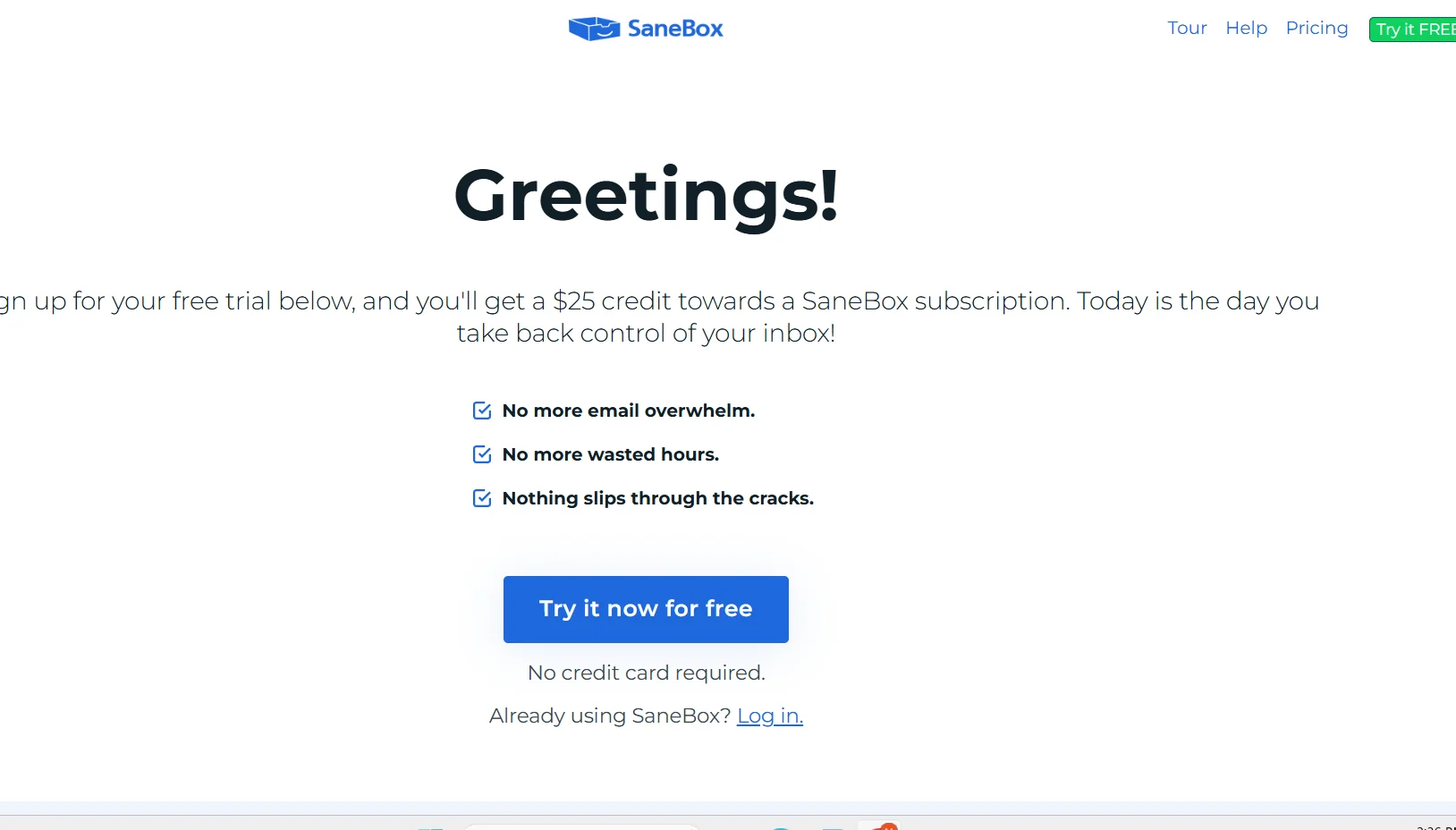
Paid subscription with a 7-day free trial;billing options are available every two years, annually, or monthly.

🆓 Free Plan Details:

FeatureDetails
Free Trial7 days
AccessAll SaneBox features during the trial
Number of AccountsUp to 4 email accounts during the trial
Credit CardNot required to start the trial

SaneBox confirms that the free trial provides access to all features for 7 days, with the ability to use up to 4 email accounts.

💳 Paid plan details:

PlanPrice when billed every two yearsEmail AccountsFeaturesSupport
Snack$4.54/monthOne accountTwo features of SaneBoxEmail and Chat
Lunch$7.46/monthTwo accounts6 Features of SaneBoxEmail and Chat
Dinner$22.04/month4 accountsAll SaneBox FeaturesEmail, Chat, and Phone

It also includes the core Email Productivity features: Email Deep Clean, Email Organize, and Daily Digest, as well as iOS and Android apps. The additional features available vary by plan: Snack lets you choose 2 features, Lunch lets you choose 6 features per account, and Dinner provides all features.

🧭 How to access the tool:

How to AccessDetails
BrowserThrough your SaneBox account
EmailWorks with all email clients
DevicesComputer and phone
iOSiOS app
AndroidAndroid App
AccountsFrom 1 to 4 accounts, depending on the plan

🔗 Trial link or official website:
SaneBox – Official Pricing Page

Pricing Details

SaneBox offers a 7-day free trial, with billing options every two years, annually, or monthly. The Snack plan, which is the most popular, costs $4.54 per month when billed every two years, and includes one email account, two SaneBox features, and support via email and chat. The Lunch plan, designed to provide a basic email management experience, $7.46 per month when billed every two years and includes two email accounts, six SaneBox features, and support via email and chat. The Dinner plan, designed for heavy email users, $22.04 per month when billed every two years, and includes 4 email accounts, all SaneBox features, and support via email, chat, and phone. The “What’s Included in Email Productivity” section also lists the Email Deep Clean, Email Organize, and Daily Digest features.