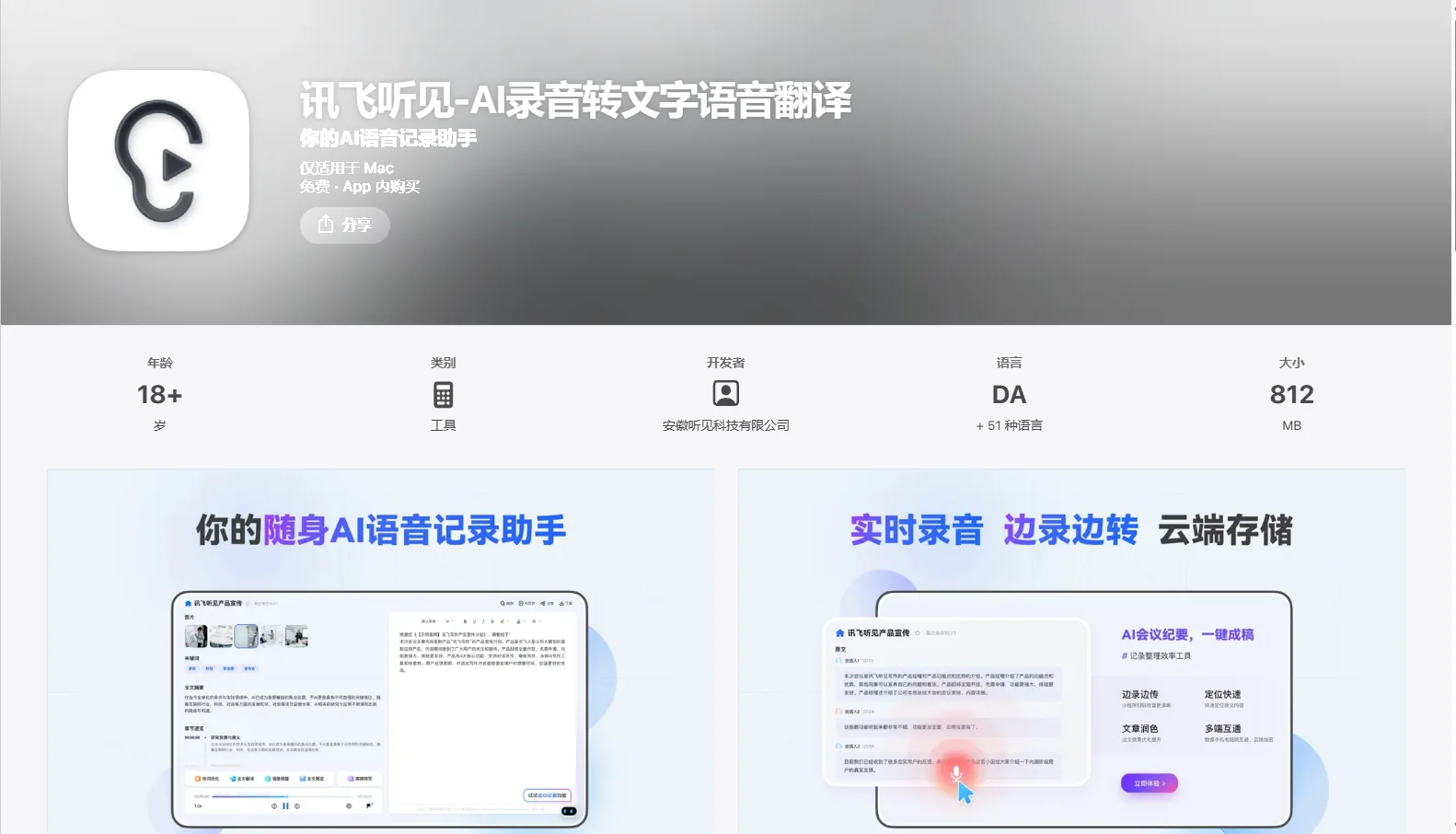
Flytek
Description
️ 🖼Name of the tool/application:
Flytek
🔖 Tool categorization:
Artificial intelligence tool for voice-to-text + voice translation
️ ✏What does this tool do?
Record audio (meetings, lectures, interviews) and convert it to text automatically.
Real-time multilingual translation.
Mark important points during the recording and attach images to illustrate points.
Automatically edit the resulting text: Separate speakers, organize paragraphs, and remove filler words.
Generate intelligent summaries of the extracted text using AI.
Support for sharing files with text after translation or conversion.
Picture-in-Picture feature to view the translation or recording while using other apps.
Offline recording.
⭐ What does it actually offer based on user experience?
Highly accurate voice-to-text conversion.
Suitable for business people, teachers, and journalists to document meetings and interviews.
Provides useful simultaneous translation for international communication.
Support for office applications with a good interface and a robust architecture to handle long recordings.
🤖 Does it include automation?
Automatic voice-to-text conversion using AI.
Automatic text editing (redaction, deletion of filler, paragraph organization).
Intelligent text summarization after recording.
Simultaneous translation during or after recording.
💰 Pricing model:
Free plan: Free basic download and use.
In-App Purchases:
"音音转写包 (Transcription Package)" monthly for a specified number of conversion hours.
"畅享包 (Enjoy Package)" monthly or yearly for more hours of conversion.
🧭 How to access the tool:
Available on the App Store for iPhone/iPad.
Download and activate the app directly from the store to start recording and translating.
🔗 Link to the trial or official website:
App Store - 讯飞听见