SketchBubble AI
Description
🖼️ Tool Name
SketchBubble AI
🔖 Tool Category
AI-powered presentation maker & slide deck automation; it falls under the category of tools that convert prompts into professional slide presentations (text + design) with minimal manual effort.
✏️ What does this tool offer?
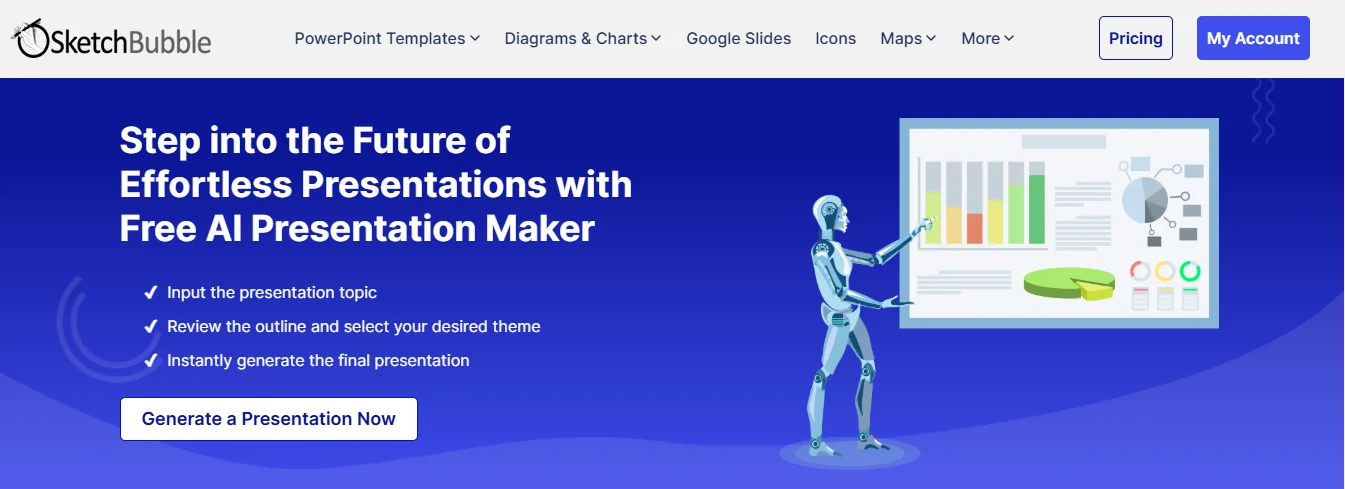
SketchBubble AI enables users to input a topic or prompt, and in seconds get a fully structured presentation complete with slide layouts, images/icons/charts, and exportable formats (PowerPoint, Google Slides).
It includes:
AI-driven content creation (outline, slide titles, bullet points)
Professionally designed templates that the AI populates and customises.
Export options that allow full editing in PowerPoint or Google Slides.
Multi-lingual support and versatile use-cases (business, education, students)
⭐ What does the tool actually deliver based on user experience?
• Users report being able to generate complete slide decks in minutes instead of hours.
• The output is editable and brand-friendly; companies can export and then apply their brand kit.
• The design quality is high because it builds on human-designed templates rather than purely algorithmic layouts.
• Some limitations: advanced users may find fewer deep customisation options compared to specialised design tools.
🤖 Does it include automation?
Yes — SketchBubble AI is built around automation:
• Automated slide deck generation from prompt input.
• Automated choice of layouts, templates, visuals based on context and subject matter.
• Export workflows that automate conversion to PowerPoint/Google Slides formats.
💰 Pricing Model
Freemium model with paid tiers for advanced features. According to sources: free credits available, and paid plans from ~$15/month and up.
🆓 Free Plan Details
Includes free AI credits (e.g., 500 credits on signup) allowing users to create multiple presentations before payment.
💳 Paid Plan Details
Paid tiers unlock more templates, higher export/download limits, premium design assets, and perhaps team/collaboration features.
🧭 Access Method
• Web-based platform via official website (SketchBubble.com AI section)
• Users input prompt, choose slide count/language/theme, and download/edit slides in PowerPoint or Google Slides.
🔗 Experience Link
https://www.sketchbubble.com/en/presentation-artificial-intelligence.html