PixMaker AI
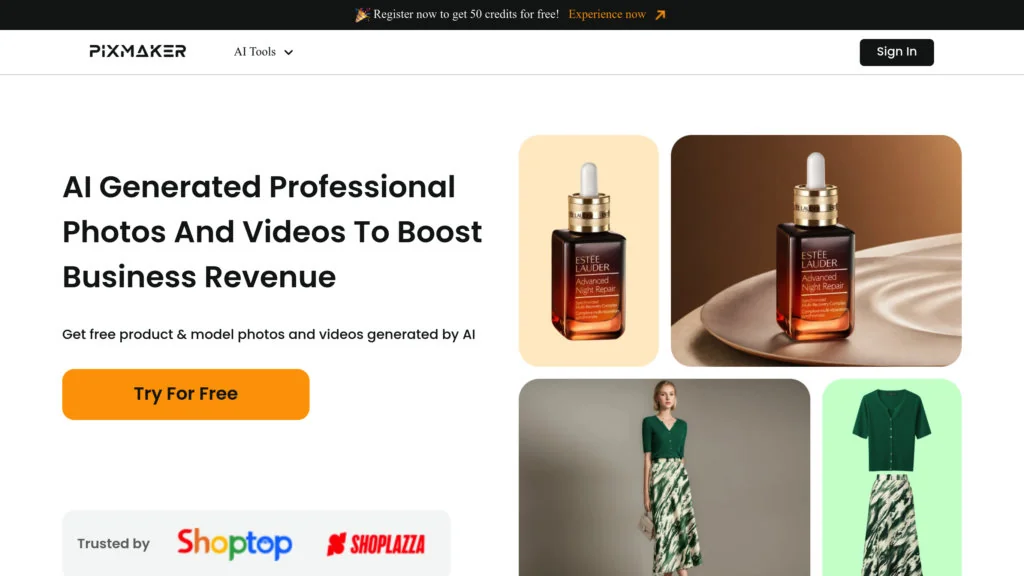
Description
🖼️ Tool Name
PixMaker AI
🔖 Tool Category
AI-powered image generation & editing platform;
it falls under the category of generative art, photo editing, and creative content automation.
✏️ What does this tool offer?
PixMaker AI allows users to generate high-quality images from text prompts, edit photos, remove backgrounds, upscale images, and create artistic variations.
It supports:
• Text-to-image generation
• Background removal
• Face enhancement
• Artistic filters & styles
• Upscaling & restoration
• Social-media-ready assets (portraits, product shots, thumbnails)
⭐ What does the tool actually deliver based on user experience?
• Fast and clean text-to-image generation
• High-quality photo enhancement results
• Easy background removal for product photos
• Flexible artistic styles (realistic, anime, 3D, digital art)
• Simple interface suitable for beginners
• Good export resolution for social media
• Some models may require premium credits for ultra-HD outputs
🤖 Does it include automation?
Yes — PixMaker AI includes several automation features:
• Automatic background removal
• One-click photo enhancement
• Auto-upscaling and restoration
• Automated style transfer
• Batch generation for multiple images
💰 Pricing Model
Freemium — paid plans unlock higher resolution, faster generation, and more styles.
🆓 Free Plan Details
• Limited daily generations
• Access to basic styles
• Standard resolution exports
💳 Paid Plan Details
Paid tiers include:
• HD/4K generation
• Unlimited or higher credits
• Premium styles & filters
• Faster image generation
• Commercial usage rights
• Background removal + upscaling without limits
🧭 Access Method
• Web dashboard (no installation)
• Upload → edit → generate → export
• Exports in PNG/JPEG for design tools (Canva, Figma, Photoshop)
🔗 Experience Link
https://pixmaker.ai/