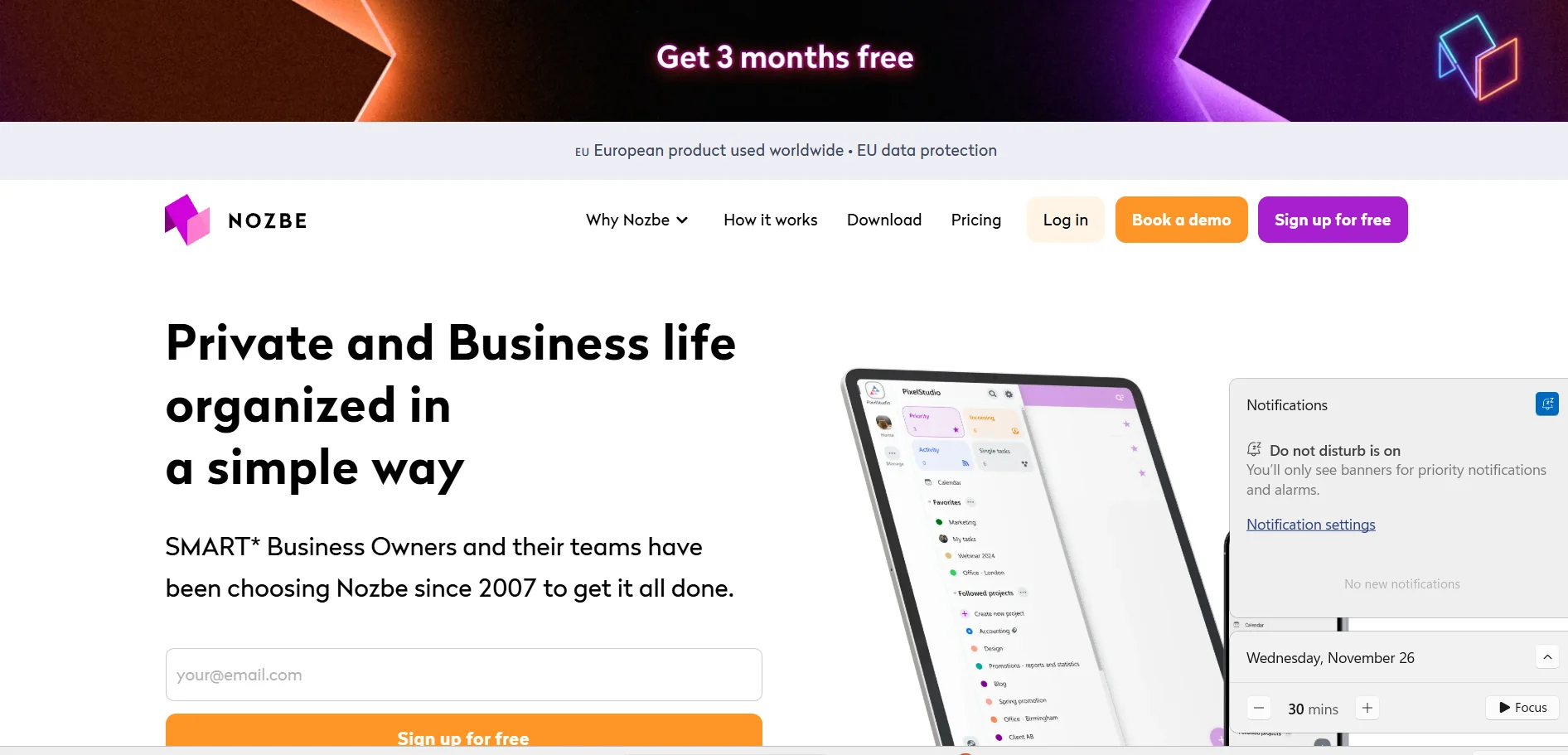
️ 🖼Tool name: Nozbe
🔖 Tool Category:
Productivity - Project & Task Management
️ ✏What does this tool offer?
It provides a platform to organize tasks and projects, both for individual and group work, with the ability to collaborate, prioritize, add attachments, comments, and deadlines-all in one place.
⭐ What does it actually offer based on user experience?
Simple and intuitive interface.
Quickly organize projects and track daily tasks.
Instant synchronization between different devices.
Very suitable for individuals and small and medium-sized teams.
Provides a comment system within each task to facilitate teamwork.
🤖 Does it include automation?
It doesn't have advanced AI or automation, but it does support some automated organization and integration with other tools that allow for some basic automation.
💰 Pricing model:
Offers a free plan, as well as paid plans for individuals and teams.
🆓 F ree plan details:
Completely free with no credit card.
Up to 3 users.
Up to 3 active projects.
Only one workspace.
500 MB total storage space, up to 10 MB per file.
Up to 3 sections within a project.
Up to 3 Tags.
Task completion history saved for 7 days only.
Unlimited tasks and comments within available projects.
💳 Details of paid plans:
Premium plan:
Unlimited projects.
More users per plan.
Larger storage up to 20 GB per user.
Larger file size up to 200 MB.
Unlimited sections and tags.
Unlimited choice of project templates.
Full task history with no time limit.
Share projects between different workspaces.
Additional collaborative and administrative features.
Business plan:
All Premium features.
Unlimited workspaces.
Unlimited storage.
Advanced organization settings for large teams and businesses.
🧭 How to access the tool:
Available as a web platform, Android app, iOS app, and a desktop version. Can be used on any device.
🔗 Experience Link or official website - Experience Link:
https://nozbe.com