TattoosAI
الوصف
🖼 ️اسم الأداة:
TattoosAI
🔖 فئة الأداة:
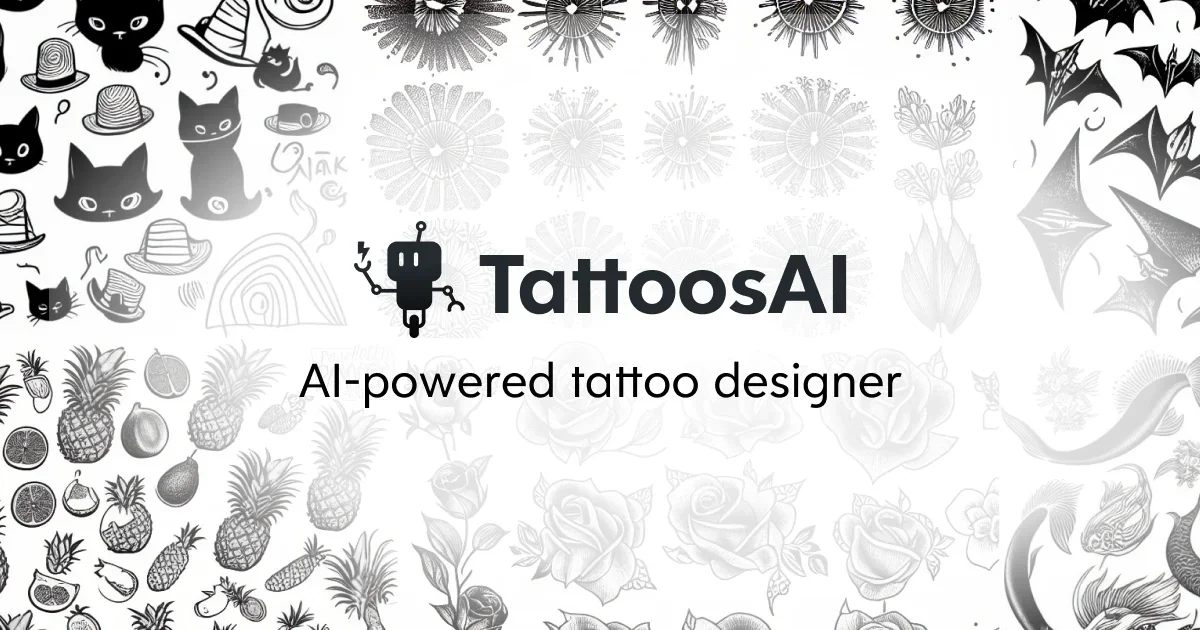
منشئ تصميم الوشم المدعوم بالذكاء الاصطناعي؛ وهي تندرج تحت فئة توليد الإبداع من النص إلى الصورة وأدوات تصور المفهوم.
✏ ️ماذا تقدم هذه الأداة؟
تتيح TattoosAI للمستخدمين إنشاء تصميمات وشم مخصصة باستخدام الذكاء الاصطناعي. من خلال إدخال مطالبة نصية أو الاختيار من بين الإعدادات المسبقة للنمط، تقوم الأداة بإنشاء أعمال فنية فريدة للوشم يمكن استخدامها للإلهام أو التشاور مع فناني الوشم أو معاينة الوضع المباشر. وهي تدعم مجموعة واسعة من الأنماط، بدءًا من الواقعية والخطوط إلى الأشكال الهندسية والقبلية والأنيمي والألوان المائية.
⭐ ما الذي تقدمه الأداة بالفعل بناءً على تجربة المستخدم؟
- إنشاء تصميمات وشم مخصصة من مطالبات نصية
- تقدم أنماط وشم معدة مسبقًا (البساطة والواقعية والقبلية والهندسية والقبلية وغيرها)
- تحميل صورة للجسم لمعاينة كيف يبدو الوشم في مكانه
- أشكال تصميم متعددة لنفس الفكرة
- صور عالية الجودة وجاهزة للطباعة للفنانين
- يوفر وقت المستخدمين في وضع الأفكار والرسم
- يساعد فناني الوشم على تصور أفكار العملاء بسرعة
- واجهة سهلة لغير الفنانين
🤖 هل يتضمن الأتمتة؟
نعم - يستخدم TattoosAI العديد من الميزات الآلية:
- العرض التلقائي للأسلوب من المطالبات النصية
- توليد التباين التلقائي
- معاينات تلقائية للموضع على صور الجسم
- التظليل الذكي وتحسين الخطوط والتفاصيل
- التحسين التلقائي للصور للحصول على إخراج عالي الدقة
💰 نموذج التسعير:
مجاني (قائم على الائتمان مع مستويات مدفوعة)
🆓 تفاصيل الخطة المجانية:
- عدد محدود من أجيال الوشم بالذكاء الاصطناعي
- نتائج ذات دقة قياسية
- الأنماط الأساسية
💳 تفاصيل الخطة المدفوعة:
- تصميمات عالية الدقة
- حدود توليد غير محدودة أو أعلى
- أنماط وشم مميزة ومستويات تفصيلية
- بدون علامة مائية
- سرعة عرض أسرع
- اشتراك شهري أو حزم رصيد لمرة واحدة
🧭 طريقة الوصول
- تطبيق ويب - قائم على المتصفح
- واجهة متوافقة مع الهاتف المحمول
- تحميل الصور مباشرةً لمعاينة الوشم
🔗 رابط التجربة