Sigma Computing
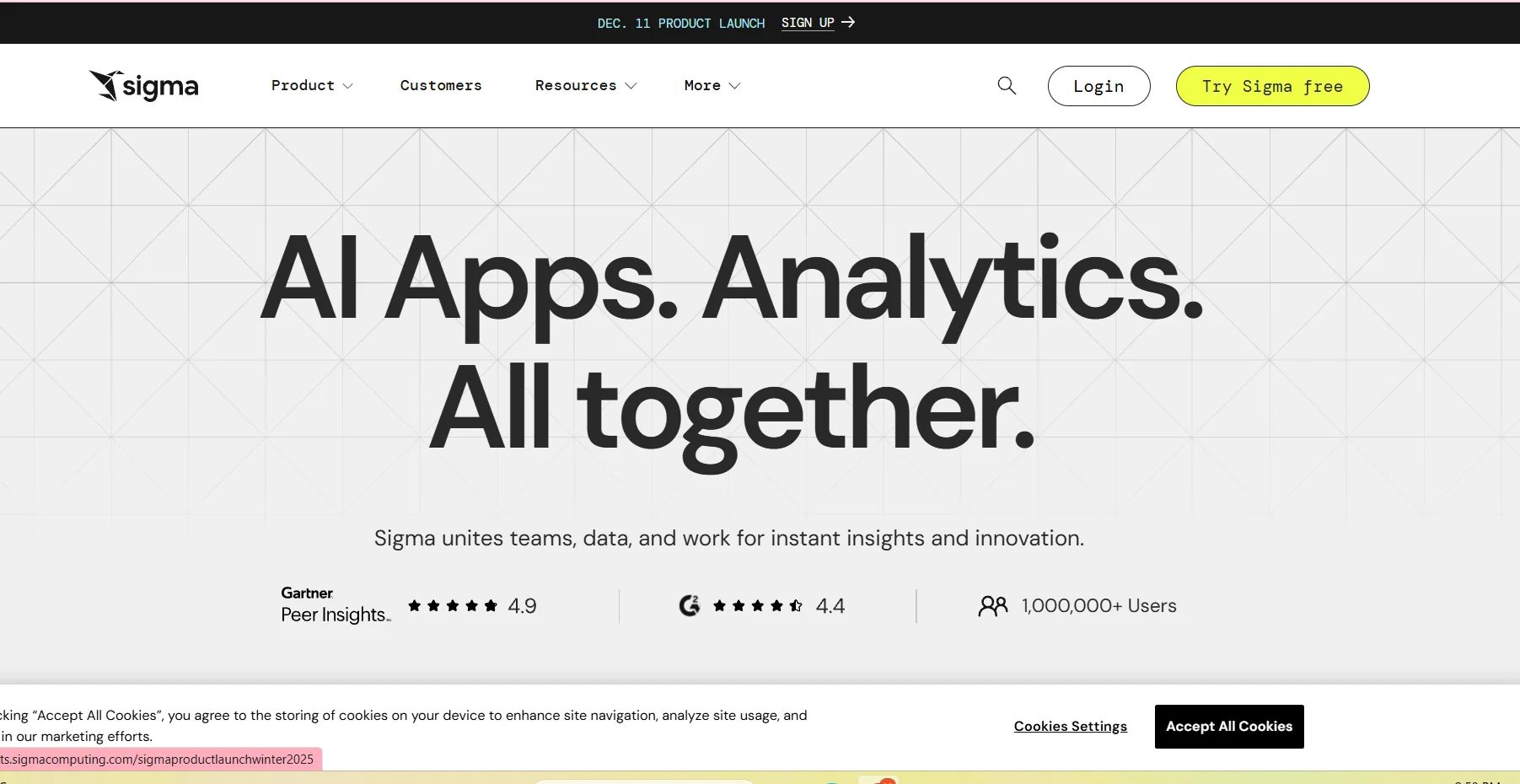
Description
️ 🖼Tool name:
Sigma Computing
🔖 Tool classification:
A cloud-based business intelligence and data analytics tool, with capabilities to build low-code data applications.
️ ✏What does it offer?
Sigma offers an integrated data analytics platform that allows the user to directly access data stored in cloud data warehouses without the need for any additional export or processing. It works like an Excel spreadsheet but with the power of big data processing, enabling the creation of interactive dashboards, accurate reports, and customized data applications, all in a single environment that relies on speed, simplicity, and instant connectivity.
⭐ What does it actually offer based on user experience?
Users report that Sigma's interface is easy and clear even for non-data specialists, and that the platform offers a high capacity to analyze big data without slowing down in most cases. Many also praise the speed of technical support and the efficiency of connecting to cloud stores. However, some users find that the advanced analytics features are not on par with larger competitor tools, and dealing with very large datasets can be slow at times.
🤖 Does it include automation?
Yes, Sigma supports automation with the ability to create low-code data applications, add automated actions and automated input processing, support replying and writing to data within the same environment, as well as AI capabilities such as intelligent search and automated query generation.
💰 Pricing model:
The tool adopts a pricing model based on user categories, where there are fees for each user creator, fees for the platform itself, as well as cheaper offer categories.
🆓 F ree plan details:
Sigma offers a free trial plan for individuals or small groups, but its limits are not detailed and are mostly centered around a limited number of users and basic features for data analysis and dashboards.
💳 Details of paid plans:
Paid plans include licenses for created users at relatively high annual rates, up to about $1,000 per user per year, as well as set-up or platform fees that may be fixed for medium and large companies. These plans offer broader features such as advanced applications, full analytics capabilities, extended support, and data writing capabilities. Additional viewer plans are also available at a lower cost, providing flexibility in the distribution of powers within teams.
🧭 How to access the tool:
Access the tool by creating an account, connecting the platform directly to the user's cloud data warehouse such as Snowflake or BigQuery, and then start creating tables, reports, dashboards or data applications as needed.
🔗 Experience Link or the official website:
Experience Link: https://www.sigmacomputing.com