Mixpanel
Description
️ 🖼Tool name:
Mixpanel
🔖 Tool Category:
Product & User Analytics (Product & User Analytics) focuses on tracking user interaction within apps and websites and understanding their movements and behavior within the product.
️ ✏What does it do?
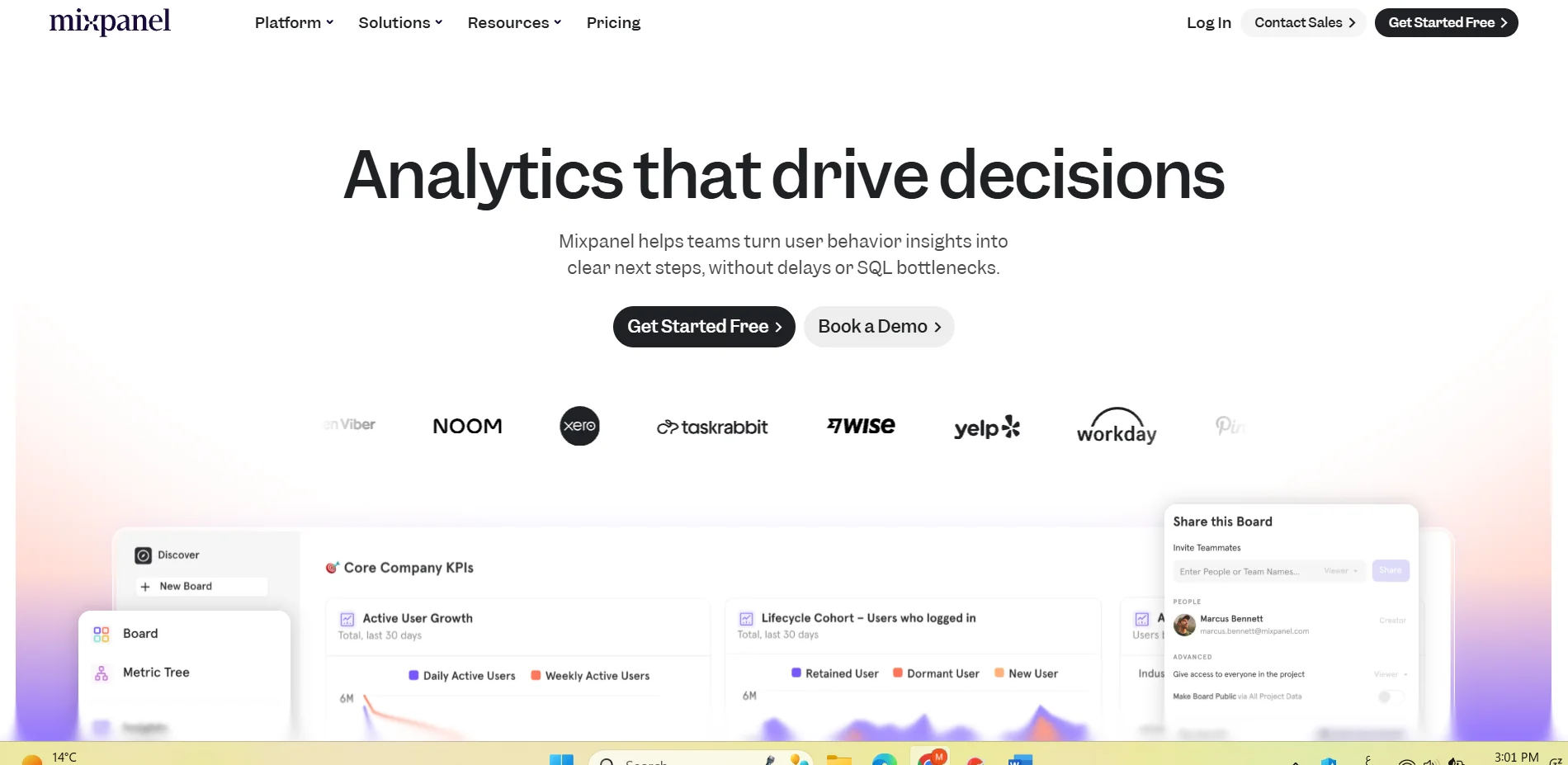
Mixpanel enables you to track every interaction a user has within your app or website - clicks, registration, purchase, page navigation, usage, etc. - and analyze this data to understand user funnels, conversion rates, retention, feature usage, in-app experiences, as well as capabilities such asSession Replay" to review how a user used the app or website, group users into cohorts based on their behavior, and send alerts or campaigns based on their activity.
⭐ What do you actually offer based on user experience?
Mixpanel is seen as a powerful tool for analyzing user behavior, showing data clearly and helping marketing or product management teams make decisions based on real usage and conversion data. Users indicate that the tool returns useful insights about where the product loses users (drop-off points), which features are most used, and how the user journey can be optimized. Some note that setting up accurate event tracking takes some effort and technical expertise, especially if you want advanced analysis or complex funnels, and the first experience can be a bit tricky before you get used to the labels and implementation.
🤖 Does it include automation?
Yes, Mixpanel supports automation of data collection through SDKs or scripts that automatically connect the app or site to the tool, so that events are recorded as they happen. You can also set up automatic "cohorts" based on user behavior, send alerts or campaigns based on certain activity, and automate session tracking (Session Replay), reducing the need for manual intervention to collect and analyze data. This automation speeds up data collection and analysis and helps make quick decisions based on actual behavior.
💰 Pricing model:
Mixpanel adopts a pricing model based on "number of events" tracked per month + volume of usage + required features, with multiple plans for small, medium, or large enterprises, with the cost scaled according to usage.
🆓 F ree plan details:
The free plan (Free/Free forever) allows tracking up to 1 million events per month, and includes analytics basics such as limited reports (up to 5 saved reports), Session Replay up to 10,000 sessions per month, integration with other tools as well as the ability to collaborate with a team (collaborators) at no cost. This plan is suitable for small projects or initial experimentation before scaling up.
💳 Paid plans details:
The "Growth" plan starts when you exceed the free limit (after 1 million events) and is paid for additional events (based on usage), and offers unlimited reporting, broader analysis capabilities, more Session Replay sessions, support for advanced user segmentation (cohorts), and integration with add-ons like Group Analytics or Data Pipelines if you need it. The Enterprise plan is for large organizations and includes unlimited event tracking, advanced data management and security tools, extended technical support, advanced collaboration and control features, and customization based on company needs (e.g. SSO, permission management, data export/storage...).
🧭 How to access the tool:
You start by visiting the Mixpanel website, creating an account and then connecting your app or website via Mixpanel's SDK or tracking code so that user events are automatically sent to the tool. Then you can set up reports, funnels, cohorts, replay sessions, conversion and retention analytics, and track product or app usage directly.
🔗 Experience Link or official website:
Experience Link: http://mixpanel.com/home/