Relight AI
Description
️ 🖼Tool name:
Relight AI
🔖 Tool Category:
An AI photo editing tool that focuses on changing backgrounds, adjusting lighting, and improving the look of photos to make them look more professional.
️ ✏What does it do?
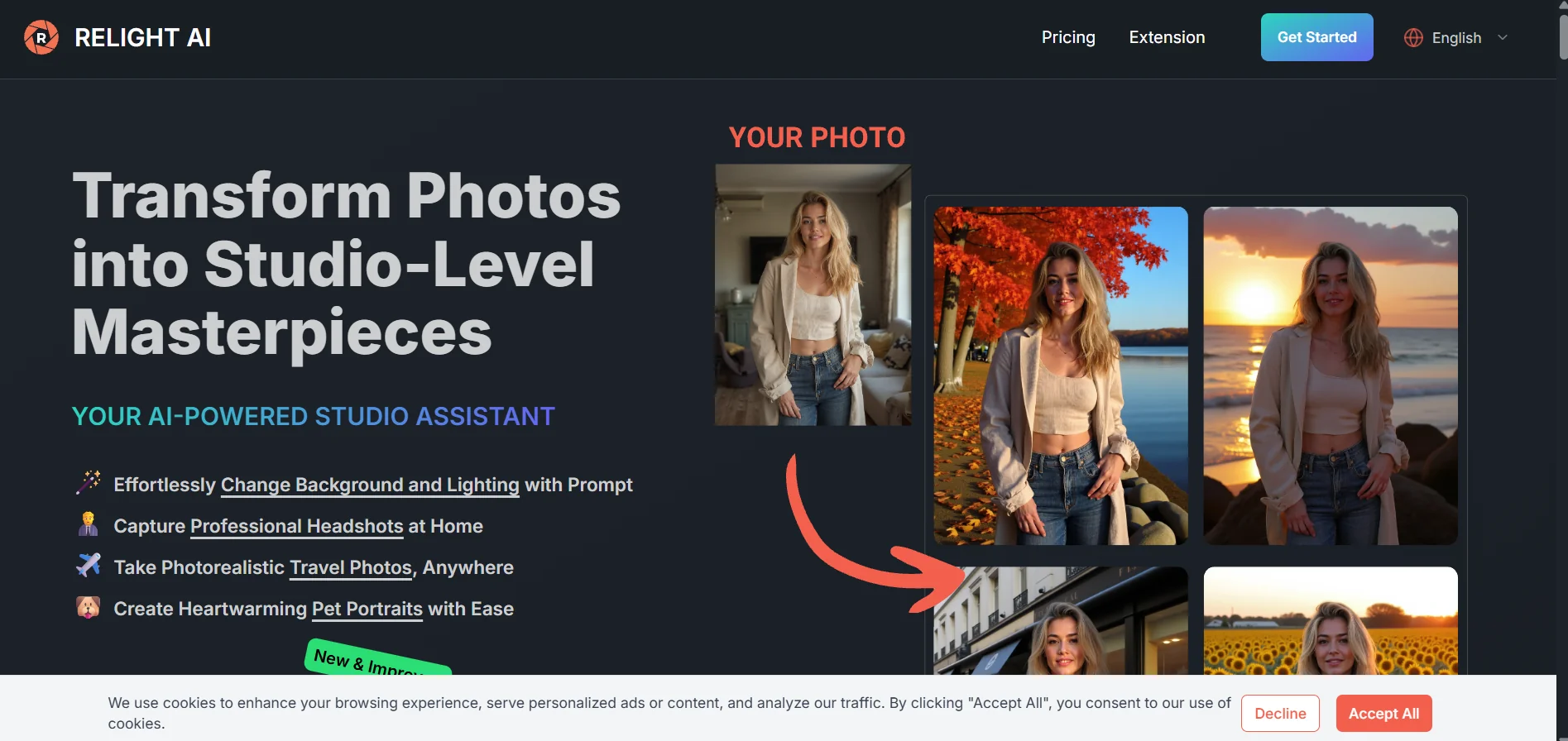
Relight AI allows you to turn ordinary photos into photos that look like they were taken in a professional studio by changing the background and lighting using text instructions. You can upload a photo, enter a description of the desired background or lighting type, and then the AI recomposes the photo with a new background and lighting. It supports photos of people, products, animals, travel scenes, and is suitable for marketing, social media, online stores, and personal use.
⭐ What does it actually do based on user experience?
Users explain that Relight AI delivers good results on clear images, where switching to a different background or lighting gives a professional look. The tool is useful for enhancing product photos, portraits, or travel photos without photo editing experience. The quality of the results depends on the clarity of the original image; low-quality images may not be ideal.
🤖 Does it include automation?
Yes, all edits are done automatically after uploading the image and writing the description, the AI analyzes the image, separates the background, regenerates the background and lighting, and outputs the new image within a few seconds. No photo editing experience is required, and multiple images can be processed at once via API when needed.
💰 Pricing model:
Relight AI adopts a Freemium model with paid plans or credits depending on the number of images to be optimized and processing quality, with customized plans for commercial or heavy use.
🆓 F ree plan details:
The free plan provides a limited number of "credits" per month for image processing, usually one image or a few depending on the offer. Allows for a trial or light use of the tool without the need for a credit card.
💳 Details of paid plans:
Plans include Starter (≈20 images/month), Standard (≈100 images/month) with features like Magic Upscaler and high-quality uploads, and Pro (≈200 images/month) with full features for professionals or heavy commercial use. The plans give monthly credits that can be used for image processing and quality optimization.
🧭 How to access the tool:
Relight AI can be accessed via browser, create an account or use the free plan, upload an image, enter the desired description, then click "Relight" to process the image and download the result. No software installation is required, and the tool supports batch image processing and API usage.
🔗 Experience Link or official website:
Experience Link: https://relightai.co