️ 🖼Tool name:
VanceAI
🔖 Tool classification:
AI image processing and enhancement tool, including image enlargement, noise removal, image filtering, background removal, image coloring, and art style conversion.
️ ✏What does it do?
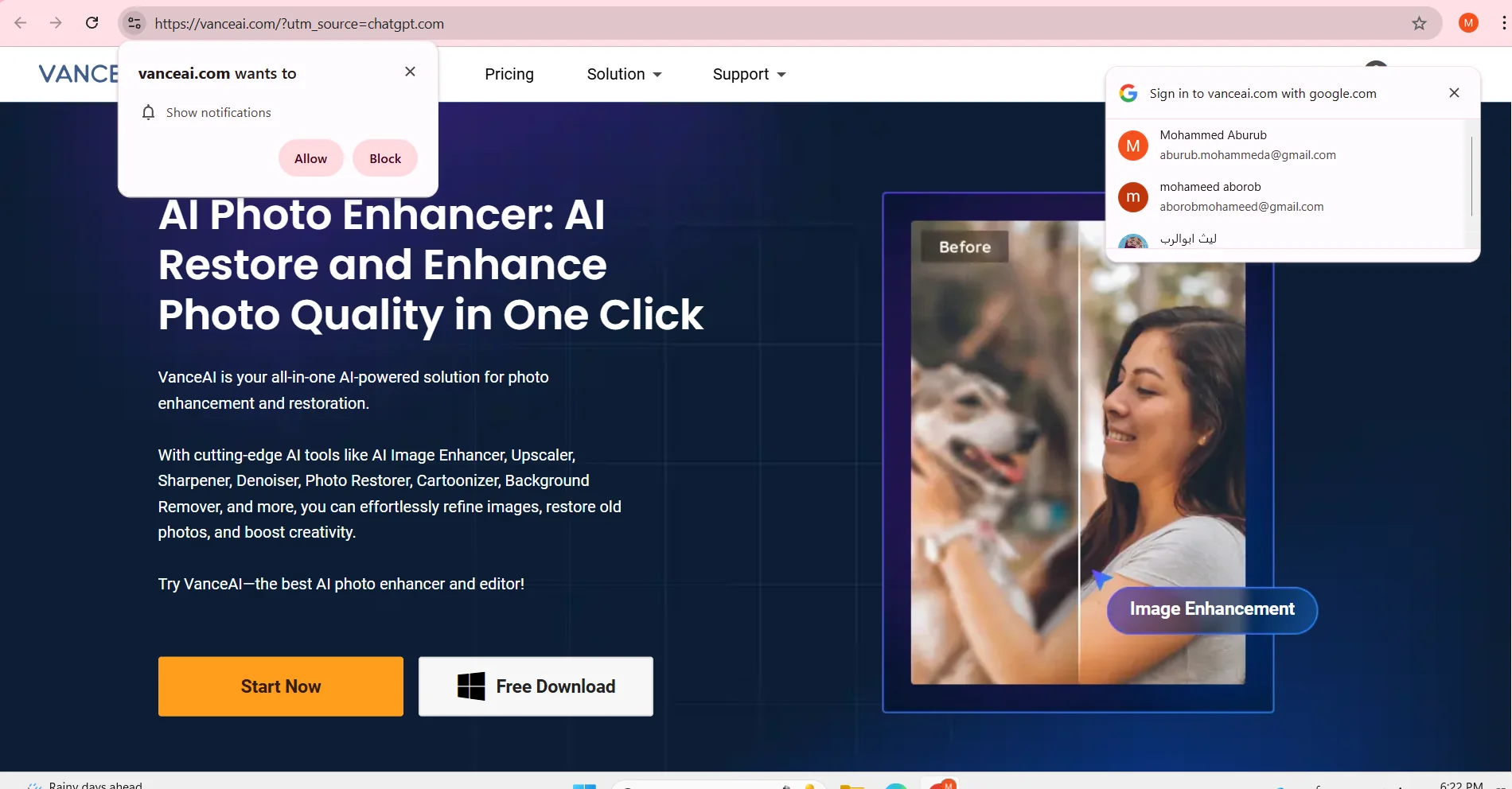
VanceAI can enhance images in several ways such as zooming in resolution, removing noise and distortion, fixing old images, removing backgrounds, colorizing black and white images, and converting images into artistic patterns. It also provides tools to adjust colors, sharpness, and details to make images ready for print, digital display, or commercial use.
⭐ What does it actually offer based on user experience?
VanceAI is considered by users to be easy to use and makes a noticeable improvement to low-quality or old photos. It can quickly upgrade personal photos, product photos, or old photos to better quality. Some results depend on the quality of the original image, and may not be ideal if the image is very noisy. The tool is useful for photographers, designers, and casual users who need quick results without technical expertise.
🤖 Does it include automation?
Yes, all processing is done automatically using AI, whether it's enlarging images, removing noise, removing backgrounds, or optimizing details. It also supports batch processing of images to save time when using intensively.
💰 Pricing model:
VanceAI relies on a system of credits and paid plans based on the number of images or services required, with options to subscribe monthly or purchase larger credit packs at lower prices per use.
🆓 F ree plan details:
Offers some free credits or a limited trial to try out the tool, usually after registering a new account.
💳 Paid plan details:
Includes credit packs starting at 100 credits for around $4.95, and larger packs such as 200, 500, and 1000 credits are available at a lower price per image. Some plans include professional use, high resolution, and additional features for heavy users or organizations.
🧭 How to access the tool:
VanceAI can be accessed via browser, register an account, upload the image to be optimized, select the desired tool, and after processing download the final image. No software installation is required to use the basic features.
🔗 Experience Link or official website:
Experience Link: https://vanceai.com