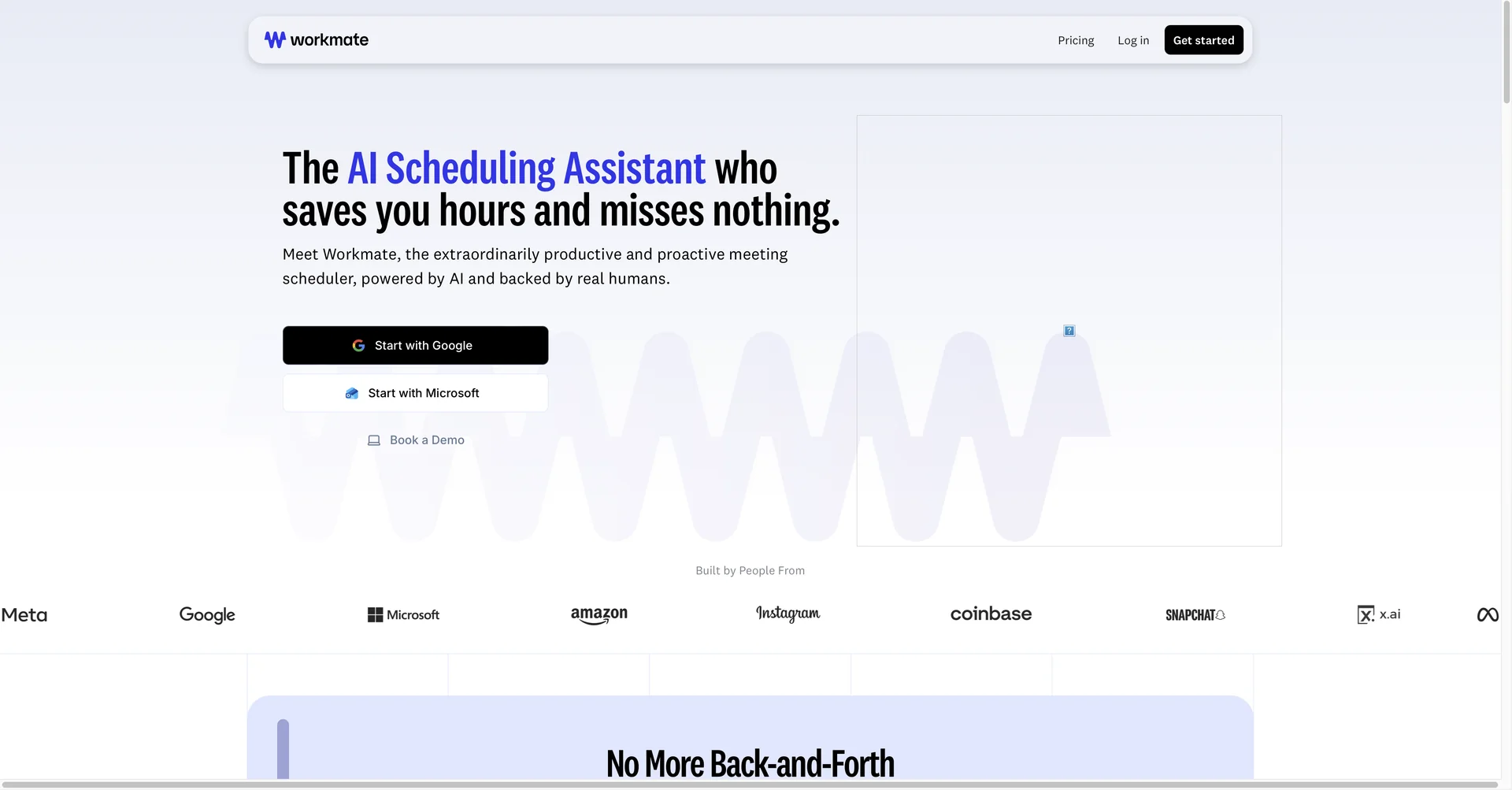
Features
- Schedules meetings by chatting with attendees when CC'd in email or Slack
- Detects scheduling conflicts and proactively alerts you
- Handles time zones and sends invites automatically
- Sends automated follow-up reminders to invitees
- Custom assistant name and email address on your own domain
- Workforce hub with onboarding, shift scheduling, and GPS and facial recognition attendance
- Forecasts staffing levels from sales data and seasonal trends
- Human verification of complex scheduling requests
Pricing Details
💵 Pricing (January 2026 Status) Workmate offers a variety of plans based on whether you are an individual professional or a large-scale employer. Plan Price (Monthly) Key Features Free / Basic $0 Up to 10 scheduling tasks/mo; Connects 2 calendars; Basic AI follow-ups. Pro Plan $45 / user Unlimited scheduling requests; Instant teammate booking; Faster AI response times. Premium Plan $95 / user Full white-labeling (Your domain); Dedicated Lead Assistant support; Early access to new features. Enterprise Contact Sales Security & legal reviews; Advanced SSO (SAML/Okta); Custom workforce management modules. 🎁 Is there a free version? Yes. Workmate has an "Always Free" tier for individuals with light scheduling needs (10 tasks per month). They also offer a 14-day free trial for the Pro and Premium plans, allowing teams to test the full workforce automation suite.