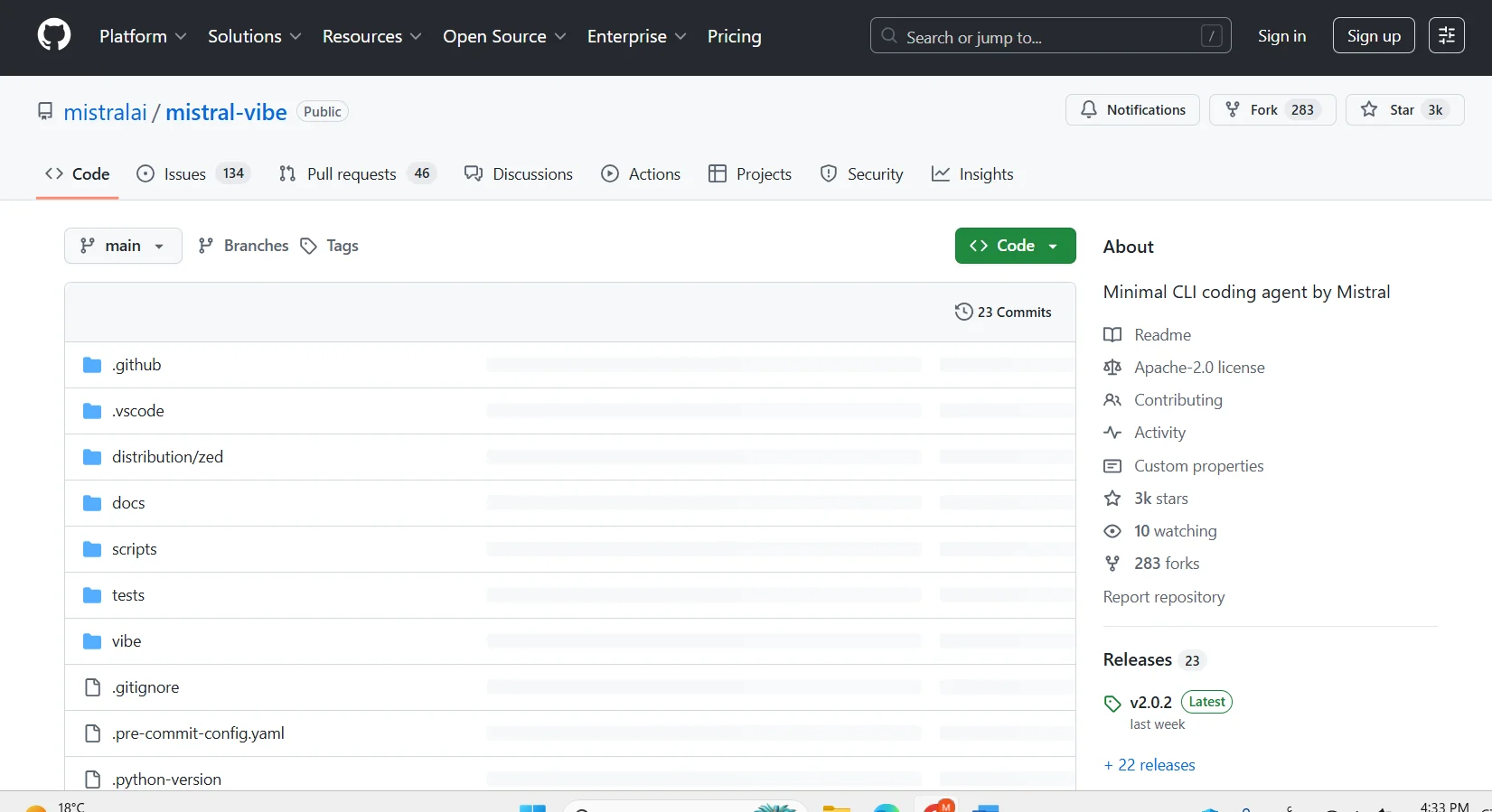
Mistral Vibe CLI
Features
- Interactive chat agent that breaks complex tasks into steps
- Reads, writes and edits project files
- Runs shell commands with optional approval
- Searches code with grep, with ripgrep support
- Delegates work to subagents
- Autocompletes slash commands and @ file paths
- Agent profiles: ask, plan, accept-edits and auto-approve
- Non-interactive scripting mode with --prompt
Pricing Details
The tool offers a tiered pricing model that includes a free plan for individual users and organizations at $0 per user per month, providing access to GitHub and Mistral VIBE, while the Team plan at $4 per user per month includes all the features of the free plan plus advanced collaboration. The Enterprise plan starts at $21 per user per month and includes all Team features plus security, compliance, and flexible deployment. The tool also offers premium add-ons such as GitHub Copilot, which is free with 2,000 completions and 50 chat requests per month; GitHub Models, which integrates AI models into workflows with full developer control; GitHub Advanced Security for security, privacy, and compliance with responsible AI policies, GitHub Codespaces at $0.18 per hour per account and $0.07 per GB of storage, and Git Large File Storage at $5 per month for 50 GB of storage and bandwidth.