Fast3D
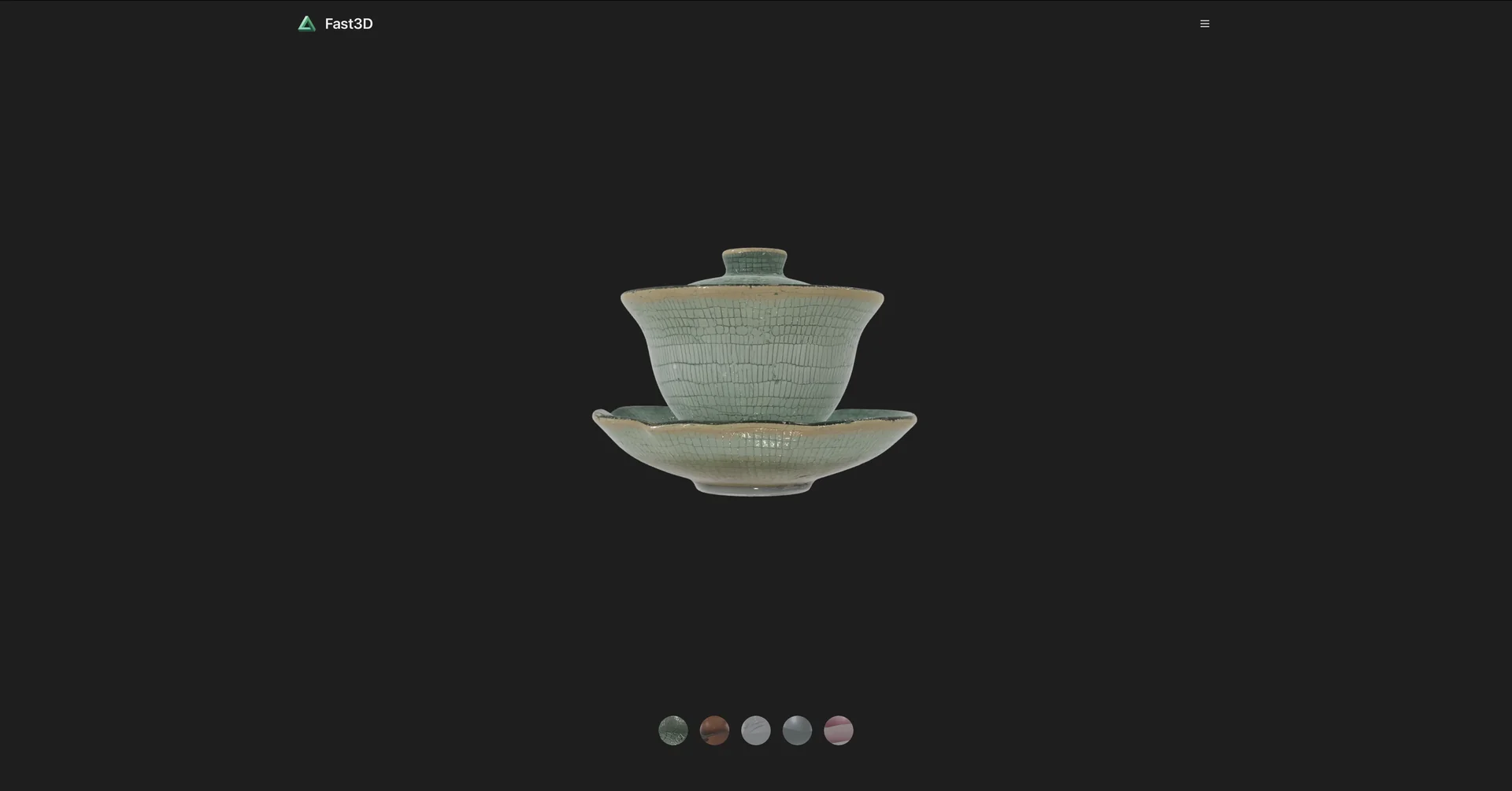
Features
- Turns a single image into a 3D asset in 0.5 to 10 seconds
- Generates 3D models from text descriptions
- Produces PBR textures, optimized UV maps and clean geometry
- Multi-view synthesis from several photos for 360° reconstruction
- Exports to GLB/GLTF, FBX, OBJ and STL
- No-login free access
Pricing Details
💵 Pricing & Plans (February 2026 Status) Fast3D uses a credit-based system suitable for various scales: Plan Price (Approx.) Key Features Free / Trial $0 10-20 free credits; No login required; Standard quality; Public assets. Starter ~$15.00 / mo 10,000 monthly credits; 2 concurrent tasks; Private assets; PBR texture support. Pro / Studio ~$45.00 / mo 30,000 monthly credits; 4 concurrent tasks; Ultra-high quality; Priority queue. Enterprise Custom Unlimited credits; API access; Dedicated support; Custom AI model fine-tuning. 🎁 How to Get Started: Visit fast3d.io. Upload a clear photo of any object (like a chair or a toy) and wait roughly 10 seconds to see the 3D result. You can then rotate the model in the 3D viewer and download it for use in Blender, Unity, or Unreal Engine.