Description

🖼️Tool Name: 

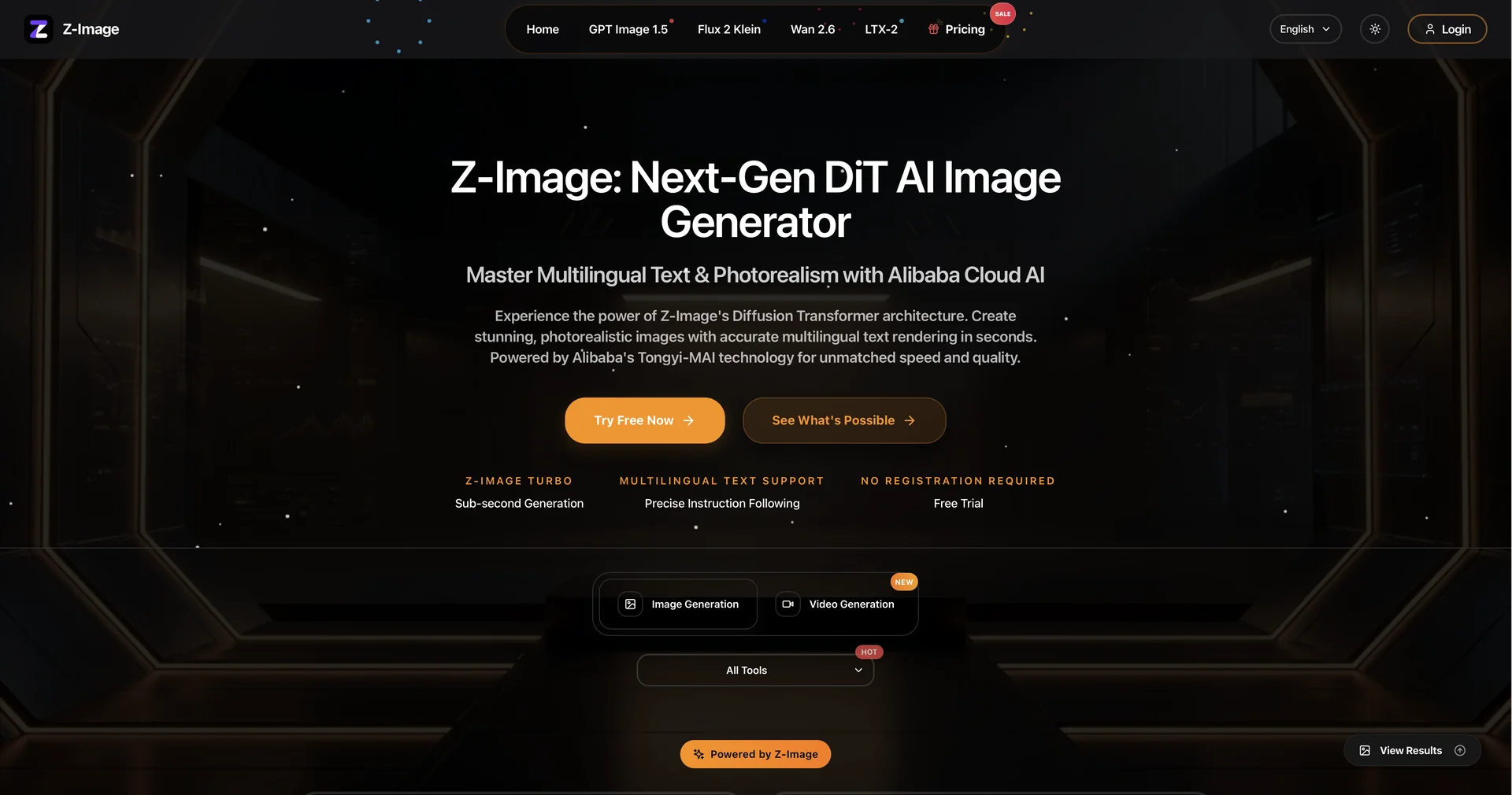
Z-Image

✏️ Overview & AI Features (2026 Edition):

  • Sub-Second Generation (Z-Image-Turbo): Utilizing a Scalable Single-Stream DiT (S3-DiT) architecture, it can generate 1024x1024 images in under 1 second on high-end GPUs and in roughly 2.3 seconds on an RTX 4090.

  • Flawless Bilingual Text Rendering: One of its strongest selling points is the ability to render accurate, beautiful text in both English and Chinese within the same image—perfect for posters and ad copy.

  • Ultra-Realistic Portraits: It excels at natural skin textures, cinematic lighting, and fabric details, consistently outperforming other open-source alternatives like SDXL.

  • Low VRAM Requirement: Engineered to run smoothly on consumer-grade GPUs (16GB VRAM recommended, but can run on as little as 6GB), making professional AI generation accessible to home users.

  • Character Consistency: Supports cross-image matching, allowing you to maintain the same character’s appearance across different scenes for storytelling or brand mascots.

  • Prompt Reasoning: Its built-in Prompt Enhancer taps into underlying world knowledge to "fill in the gaps" of a simple prompt, ensuring realistic shadows, logical scene composition, and high-frequency details.

⭐️ User Experience (2026):

  • "The Efficient Powerhouse": Ranked #1 Open-Source Model on the Artificial Analysis Leaderboard (Feb 2026). Users love it for its "rapid-fire" ideation—you can test 10 variations of a concept in the time it takes other models to generate one.

💵 Pricing & Plans (February 2026 Status)

Z-Image is unique because of its hybrid open-source/cloud availability:

PlanPriceKey Features
Open SourceFreeDownloadable via Hugging Face; Full commercial use; Local offline execution.
Web Demo / CloudFree / Credit-basedHosted on platforms like Dzine.ai or Hugging Face Spaces for instant web testing.
Pro / Studio (Cloud)~$15 - $29/moHigh-speed cloud rendering; 8K upscaling; Integrated AI editing tools; Cloud storage.

🎁 How to Get Started:

  1. Web Access: Try the instant demo on Hugging Face Spaces (search "Z-Image-Turbo").

  2. Creative Suite: Use it within Dzine.ai for professional editing workflows.

  3. Local Setup: For power users, download the weights from the Tongyi-MAI/Z-Image GitHub repository and run it via ComfyUI.

⚙️ Access or Source:

  • Official Repository

  • Model Weights

  • Category: Professional Image Generation, Open-Source AI, Visual Content Creation.

  • Primary Use Case: High-speed photorealistic generation, multilingual graphic design, and local AI workflows.

🔗 Experience Link:

https://z-image.io

Pricing Details

💵 Pricing & Plans (February 2026 Status) Z-Image is unique because of its hybrid open-source/cloud availability: Plan Price Key Features Open Source Free Downloadable via Hugging Face; Full commercial use; Local offline execution. Web Demo / Cloud Free / Credit-based Hosted on platforms like Dzine.ai or Hugging Face Spaces for instant web testing. Pro / Studio (Cloud) ~$15 - $29/mo High-speed cloud rendering; 8K upscaling; Integrated AI editing tools; Cloud storage. 🎁 How to Get Started: Web Access: Try the instant demo on Hugging Face Spaces (search "Z-Image-Turbo"). Creative Suite: Use it within Dzine.ai for professional editing workflows. Local Setup: For power users, download the weights from the Tongyi-MAI/Z-Image GitHub repository and run it via ComfyUI.