AIPex AI
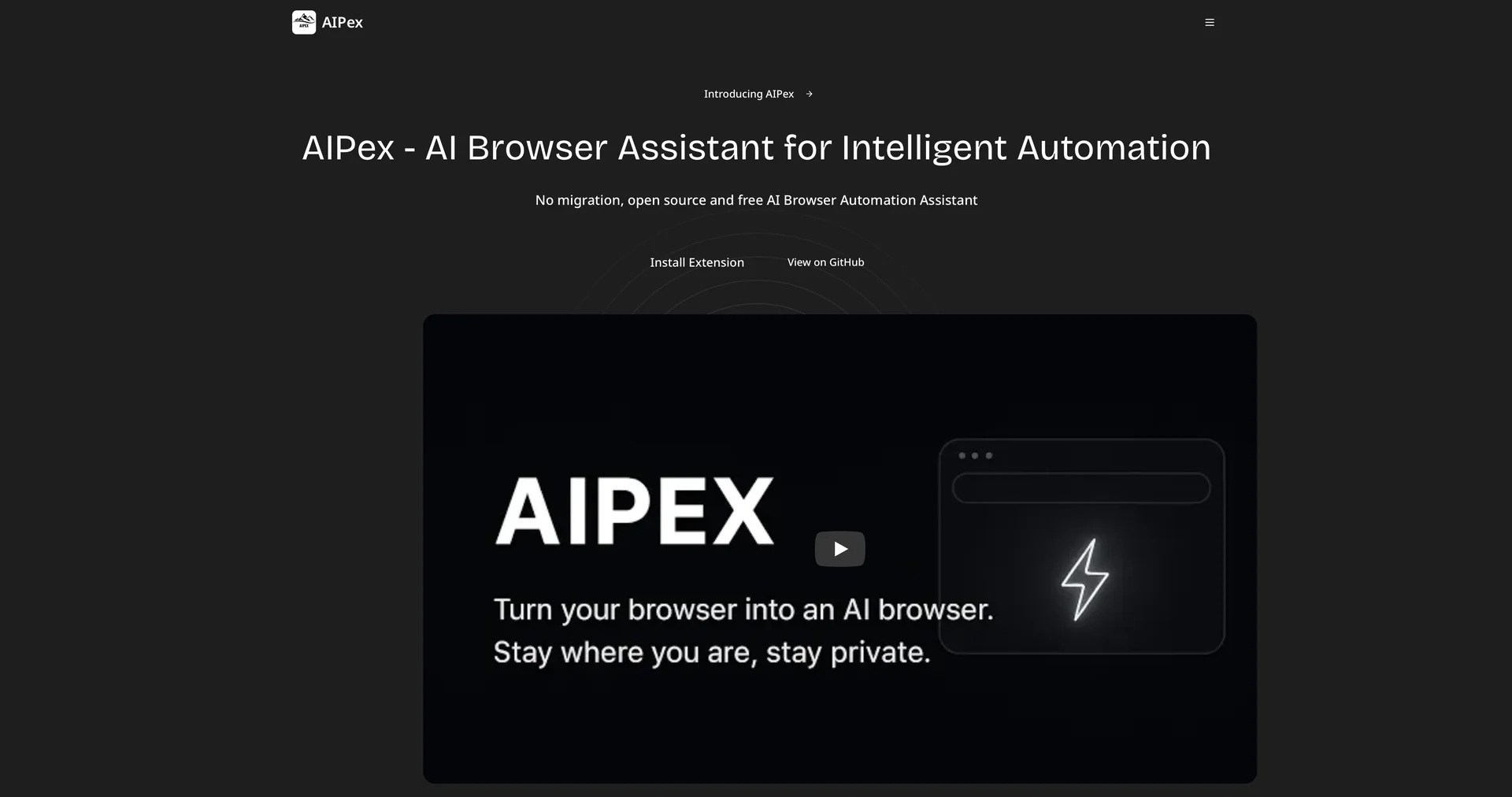
Features
- Runs as an extension in your current browser, keeping bookmarks, history and passwords
- Controls the browser with natural language commands
- Finds the right buttons even when a site changes layout, using visual detection
- Connects your own API keys from providers like Anthropic or OpenAI
- Handles multi-step workflows across multiple windows
- Reads every open tab at once with @tabs to synthesize information
- Open source under the MIT License
Pricing Details
💵 Pricing & Plans (February 2026 Status): AIPex uses a flexible credit-based model depending on the AI model (GPT-5, Claude 3.7, etc.) you choose to use: Plan Price Key Features Free / Open Source $0 Use your own API keys; Full access to all features; No usage limits. Basic (Credits) $20/mo Includes $20 in AI credits; Access to all models; Email support. Pro (Power User) $60/mo $60 in AI credits; Priority support; Advanced "Agent Loop" features. Business $100/mo $100 in credits; Team collaboration; Dedicated support. 🎁 How to Get Started: Visit the Chrome Web Store and search for AIPex. Once installed, press Ctrl+M(Windows) or Cmd+M (Mac) to open the assistant. Start with a simple command like "Summarize this page in 3 bullet points" to see the agent in action.