AVCLabs Video Blur AI
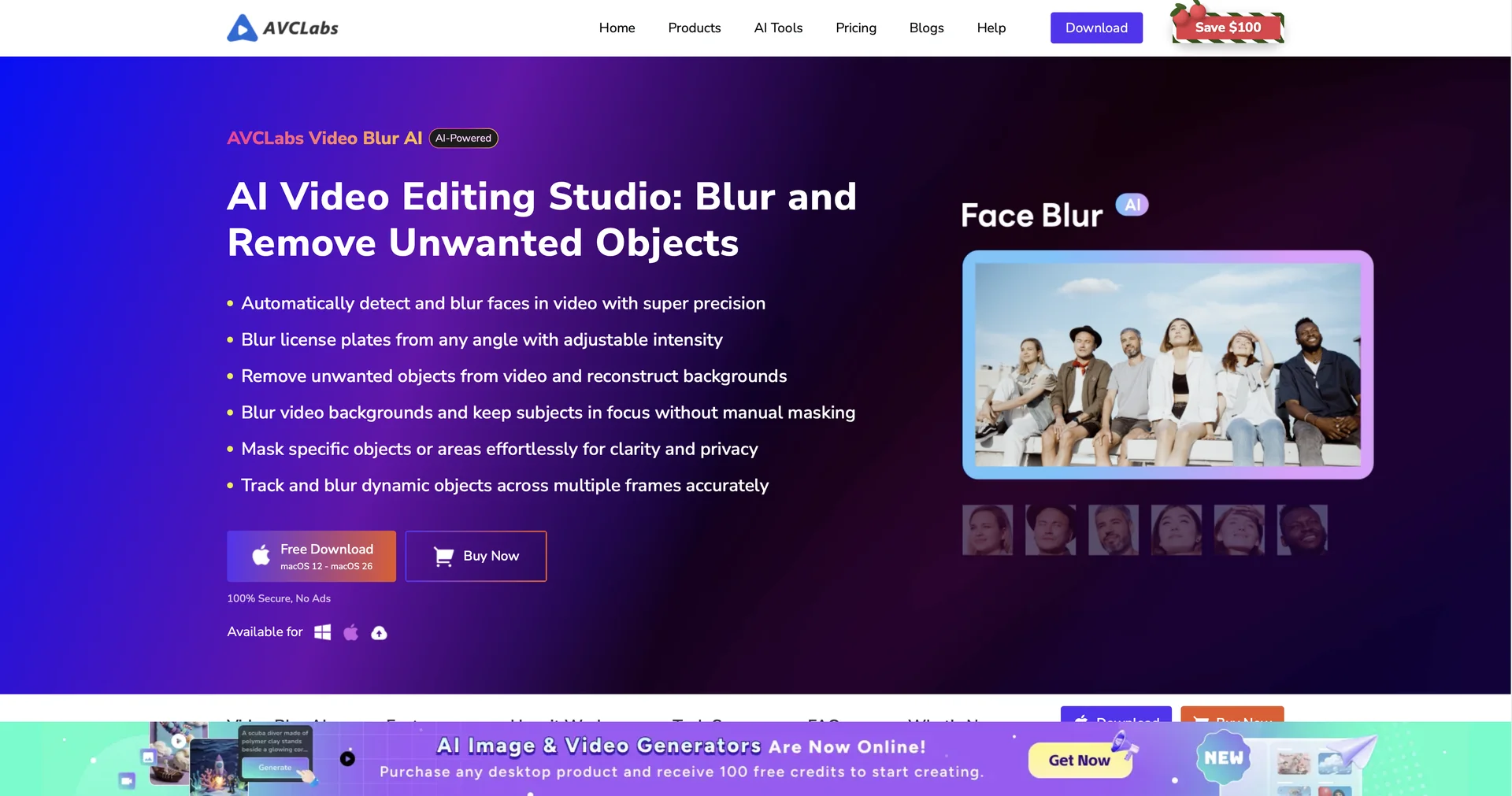
Features
- Automatic face detection with selective or one-click blurring
- License plate tracking and blurring
- Dynamic object tracking and blurring from a drawn box
- Background blur with portrait-mode effect, no green screen
- Object and person removal with background fill
- Local processing so footage is never uploaded
- Runs on Windows 10/11 and macOS 12+
Pricing Details
💵 Pricing & Plans (February 2026 Status): AVCLabs offers flexible licensing for both occasional and power users: Plan Price (Approx.) Key Features Free Trial $0 Full access to all AI features; output includes a watermark. Monthly Subscription ~$19.98/mo All features; no watermark; 1-PC license; 5-day money-back guarantee. Annual Subscription ~$64.98/yr Best value for regular users; includes all updates and support. Perpetual (Lifetime) ~$159.90 One-time payment; permanent access to the version and future minor updates. 🎁 How to Get Started: Download the installer from Once installed, drag your video into the workspace and click on the "Face Blur" or "Object Blur" tab. Preview the tracking in real-time before clicking Exportto save your anonymized video.